OnePlus 6 and 6T are amazingly powerful devices and the price tag they come with really makes them flagship-killers. However, there’re a few departments where these phones seem to lag behind and the audio output quality we get from the single speaker is one of them. Thankfully, we now have an audio mod that improves the audio quality significantly. All you need to do is to install Dolby Atmos audio mod on OnePlus 6 or OnePlus 6T
The prices of OnePlus phones have seen significant increases with each iteration of the device. The latest from the company are OnePlus 6 and OnePlus 6T. The OnePlus 6T McLaren edition costs $699/₹50,999. This is the same price flagships used to cost when the original OnePlus One was launched. Even though prices have been going up, OnePlus devices have still been missing out on some flagship features such as an IP rating or dual stereo speakers. The single bottom-facing speaker isn’t astounding either. To get the best of the single speaker, you can install the Dolby Atmos audio mod on OnePlus 6 or OnePlus 6T.
You can actually install quite a few audio mods, such as ARISE, Viper4Android, etc. Many users prefer the Dolby Atmos experience over something like Viper4Android which I prefer more. Installing the Dolby Atmos mod won’t magically bring about a drastic change in the audio quality of your device. Because you’ll still be stuck with the same hardware. It will, however, improve the audio experience somewhat, turning an okay experience to good.
Of course, you will need to have a rooted OnePlus 6 or OnePlus 6T if you’re thinking about installing the mod. Luckily, rooting or unlocking the bootloader on a OnePlus device does not void its warranty. However, that does not mean it isn’t a risky step. Unlocking bootloader will wipe all the data on your device, whereas installing a custom recovery and rooting might brick it if something goes wrong. To help you get through the process safely, we’ve already published a guide on how to install TWRP and root the OnePlus 6 and OnePlus 6T.
Warning
Considering that you’ve rooted your device, you probably already have read this before but it is only customary that we repeat them. Installing mods is a risky affair and there are chances, no matter how low, that you may end up with a bricked device. We don’t take any responsibility for it in any case and you must proceed at your own risk. We’ll be happy to assist nevertheless.
Dolby Atmos Features
- Output support for various media players.
- An Intelligent Equalizer constantly analyzes and dynamically adjusts the audio to match a preset frequency response, thus delivering rich and detailed audio that packs power into every note and beat.
- Volume Leveler delivers a consistent volume, regardless of the change in content or applications based on the device’s master volume.
- Bass Enhancer improves bass response via headphones and device speakers, boosting the ability of both to reproduce low-frequency sounds.
- Dynamic enhancer identifies the audio content and adjusts several parameters based on the audio content to give the best output quality.
- Surround Virtualizer creates realistic surround sound through any set of headphones or stereo speakers.
- Dialogue Enhancer improves the clarity of speech in any type of media.
Requirements
- A OnePlus 6 and/or OnePlus 6T running Oxygen OS 9.0 and above based on Android 9.0 Pie.
- The device should be rooted with Magisk.
Download
How to Install Dolby Atmos Audio Mod on OnePlus 6 / 6T
- Download the zip file linked above in the Download section.
- Open Magisk Manager and head over to the modules section using the side menu drawer.
- Here, tap on the floating + button at the bottom.
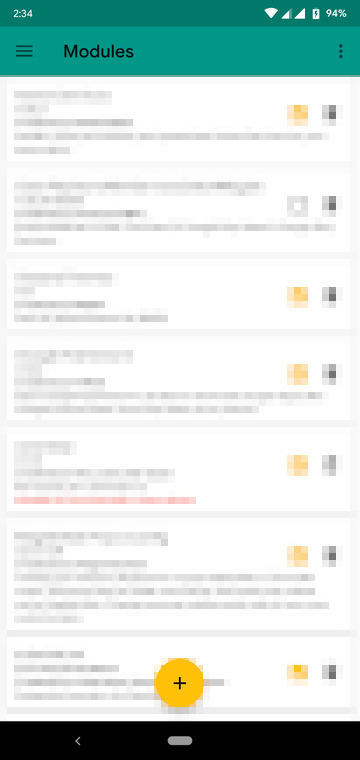
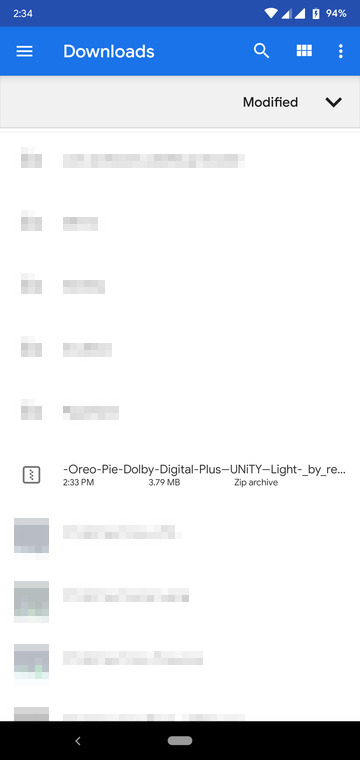
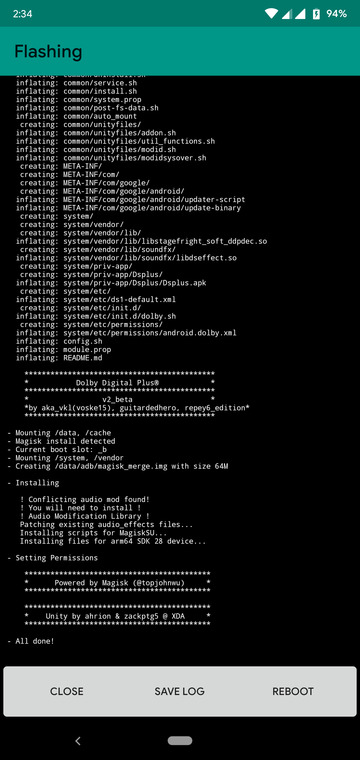
- Navigate to the downloaded zip file and select it to install it.
- Once installed, tap on the Reboot button to reboot your device.
Enjoy Dolby Atmos Audio Mod on OnePlus 6 / 6T
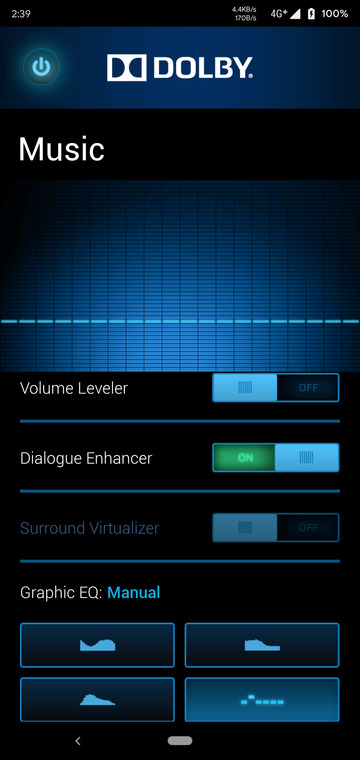
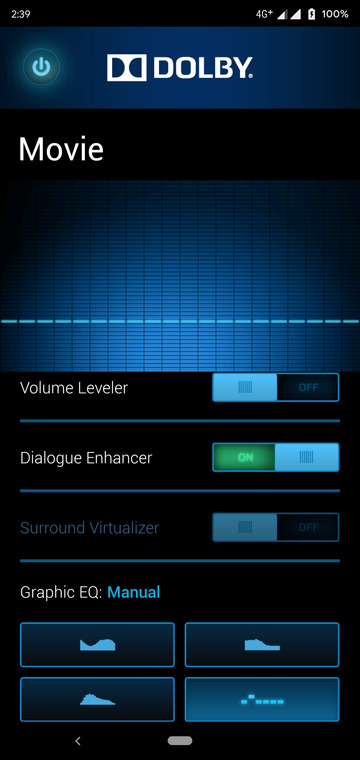
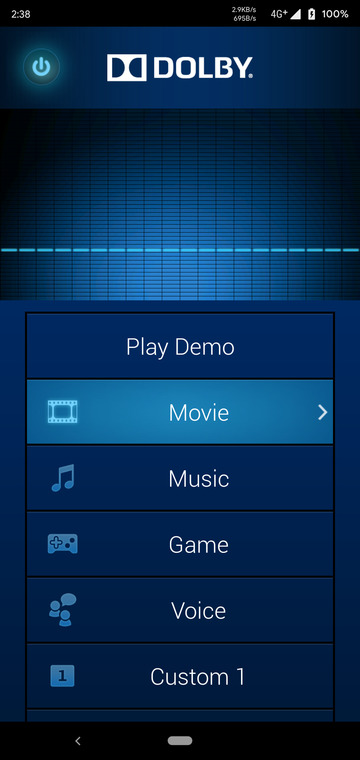
When your device reboots, you’ll find the Dolby app in your app drawer. If you have touch sounds on you may have noticed a difference in the sound output already. If you haven’t, you can play some music or any audio or video files. Default Dolby settings are applied automatically when your device reboots. You can fiddle with them in the Dolby app. It allows you to have different audio configurations for Movie, Music, Game, Voice, and two custom settings as well. This makes sense because movies require a different kind of sound setting than music for the best experience.



If, Atmos wanted a homerun, it should be available for Android 5.5 up, and non-rooted.