Leaked firmwares are common nowadays, and the most popular amongst these leaks are those of Samsung devices. Following the release of Android 5.0 Lollipop, several OEMs started to roll out the latest update for their flagships, while those which had their release planned were flowed too, with leaks. Most of these firmwares are previews or beta builds of the upcoming release that are about to follow. You can use these leaked ROMs to get a snippet of the features that are about to come over with the official release, but on the sake of stability or even bugs.
Lately we have attempted to install a surprise leak of Lollipop firmware on the Galaxy Note 3, which has gained popularity over time. And recently we’ve been glad to observe that the official Android 5.0 Lollipop has been released for Galaxy Note 3 (SM-N900). The official build is a direct release from Samsung with all the Lollipop features along with it and is already claimed to be stable.
Firmware Details
Model: SM-N900
Device name: GALAXY Note 3
Country: Russia
Version: Android 5.0
Changelist: 3779962
Build date: Tue, 13 Jan 2015 16:11:27 +0000
Product Code: SER
PDA: N900XXUEBOA6
CSC: N900SEREBOA6
MODEM: N900XXUEBNL6
So, if you have been awaiting for long, this is your time. Let us help you install official Android 5.0 Lollipop firmware on Galaxy Note 3 SM-N900.
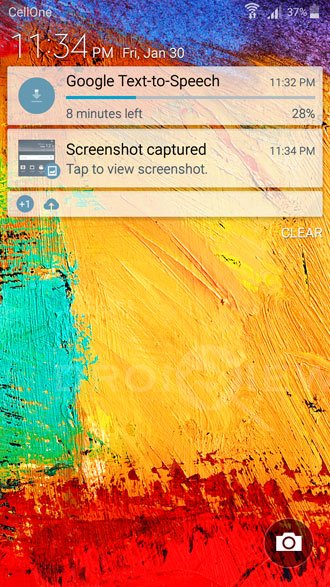
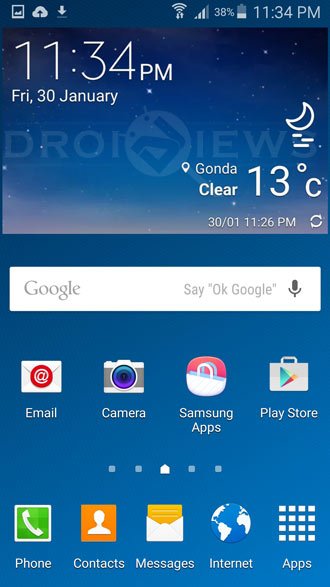
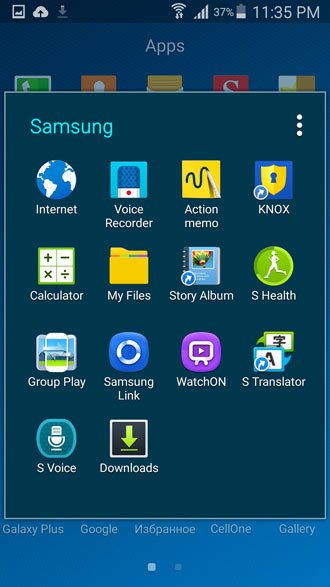
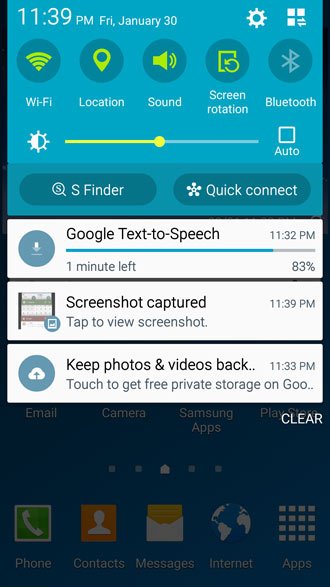
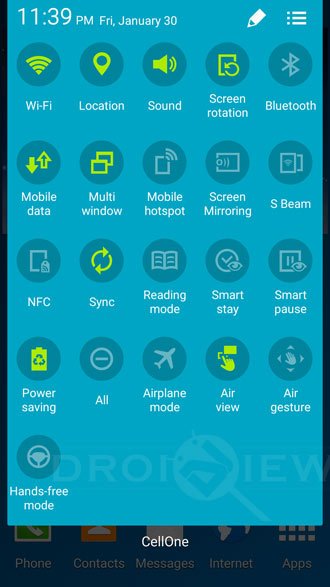
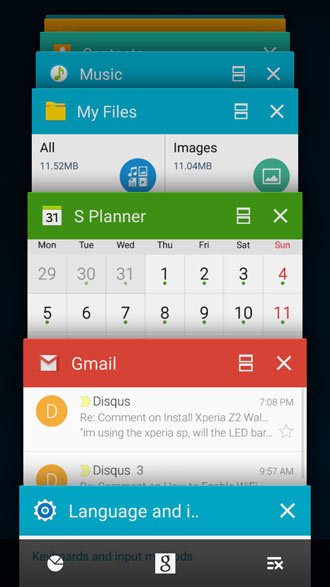
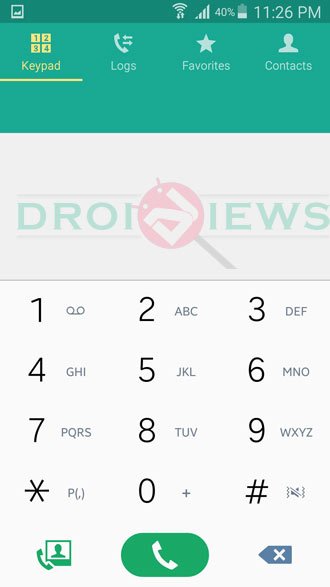
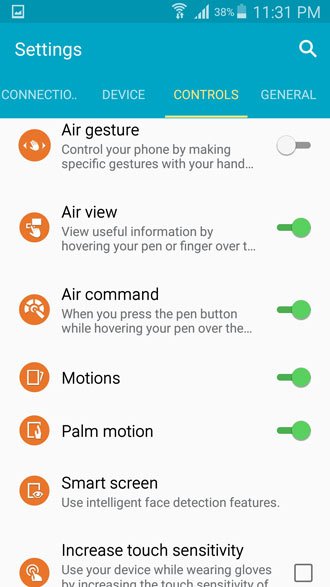
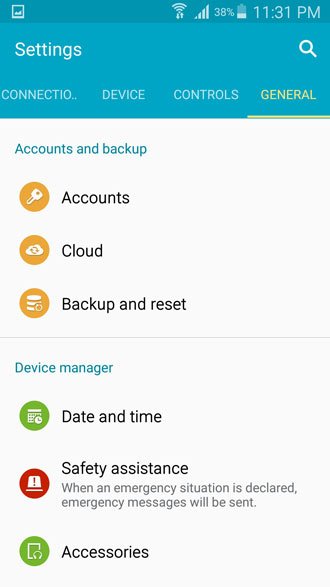
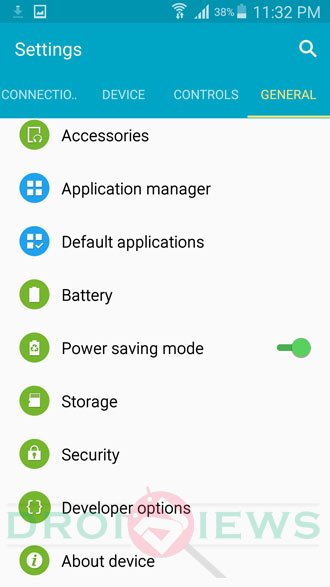
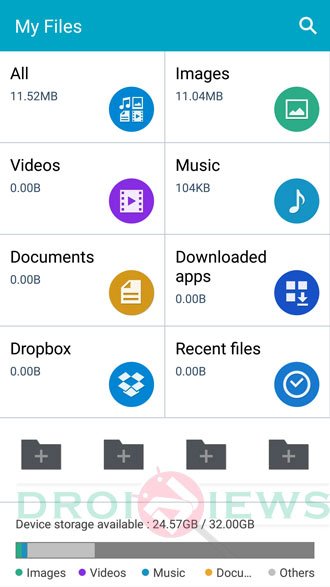
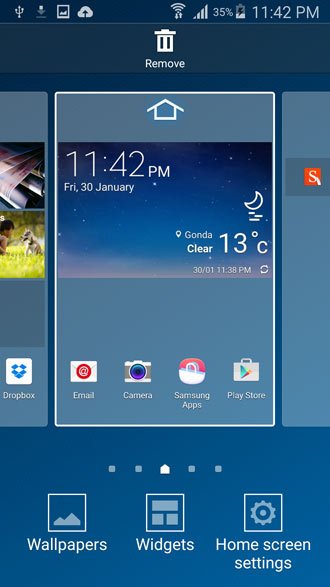
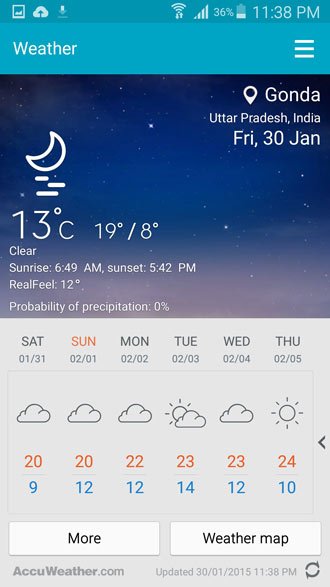
Screenshots:


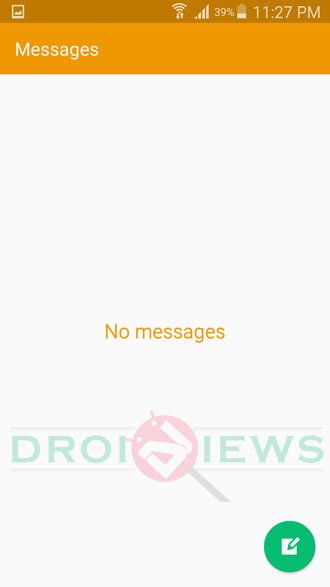

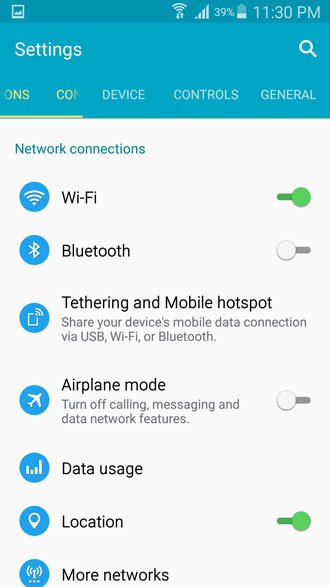
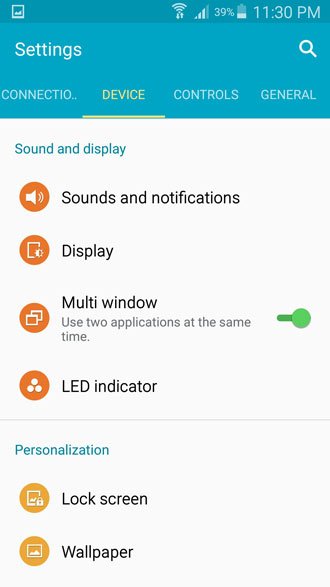

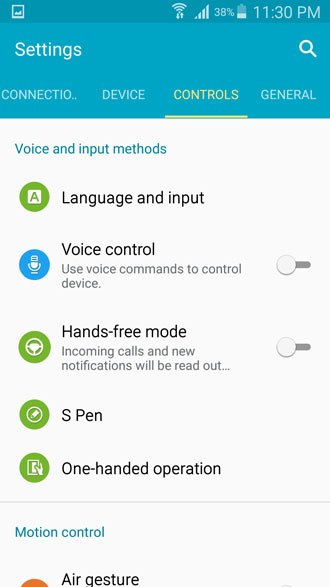



Warning!
Installing firmware with Odin flasher program could damage your device if done wrong. DroidViews or any of its community members shall not be held responsible for any damage to your Galaxy Note 3.
Prerequisites
- Install Samsung drivers on your PC: Link
- Do not forget to enable USB Debugging on your Note 3. See here to know how to do it.
- Download the Odin package from the link below and extract it to a suitable location: Odin3 v3.10.zip
- Backup all your device’s content, this includes storage, SMS, contacts etc.
- Charge your Note 3 to at least 60% battery life to avoid any uncertain shutdowns during the procedure.
Download Android 5.0 Lollipop Firmware:
Note: The firmware provided below is for Russia. However, since it’s unbranded, it can be installed on any Galaxy Note 3 with model number SM-N900 that is not locked to a network operator. More firmware will be added as they are available.
Russia: N900XXUEBOA6_N900SEREBOA6_SER.zip
India: N900XXUEBOB2_N900ODDEBOB1_INU.zip
For more firmware, go to Sammobile.
Install Lollipop Firmware on Galaxy Note 3
Below you’ll find quick steps to install the stock firmware on your Galaxy Note 3 but if you want a more detailed guide, please click here.
- Open the folder where the Odin package was extracted and double-click on Odin3 v3.09.exe to start the Odin program.
- Power off your Note 3. Press and hold, Home + Volume Down + Power buttons altogether until you see the download mode.
- Now when your device is in download mode, connect it to the PC via USB cable.
- The Odin program will detect the device and display the corresponding port ID, if it doesn’t, make sure to reinstall your smartphone drivers again.
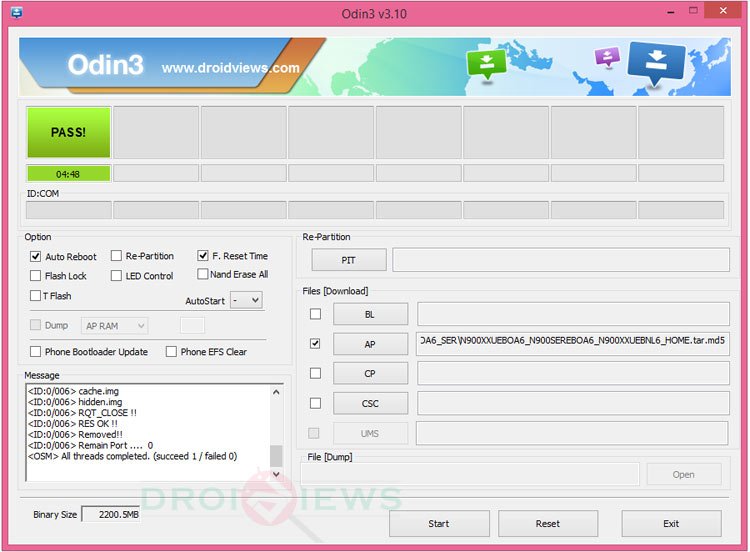
- Make sure F.Reset Time and Auto Reboot are ticked. And everything else is unticked.
- Click on the AP button, browse to the location where the firmware file was placed and select it.
- Click on Start to initiate the process, it will take a while to complete.
- When done, a PASS message will show up and,the Note 3 will reboot itself automatically.
- You can now disconnect the device and close the program.
Wait till you are greeted by the new Samsung bootanimation followed by “Android is upgrading…” message. So now you finally have Official Android 5.0 Lollipop on Galaxy Note 3 SM-N900. What difference have you noticed from the leaked firmware? Is it just better or way better. Tell us and share your views via comments below. Your feedback is valuable to us and will help us build a better community.
Fix Bootloop and Performance-Related Issues
If you encounter a bootloop or issues like battery drain, overheating and performance lag, try performing a data factory reset from stock recovery.
How to Perform Data Factory Reset on Samsung Galaxy Devices
Have you installed Lollipop on Galaxy Note 3 SM-N900 already and now want to root it too? Follow the link below.
Root Galaxy Note 3 (SM-N900) on Android 5.0 Lollipop and Install CWM

Hi, can i ask if Firmware can fixed freeze screen? sometimes it duplicate the screen like a mirror.. if yes, can you lead me to the link? it happens when I update my Note 3…
Please help me 🙁
Build number: LRX21V.N900LKLU0GPC4
Baseband version: N900LKU0GPB1
Thanks!
Hi Rakesh,
My model number is SM-N9005 and product name is SM-N900A and running on 4.4.2 can you please let me know which lollipop firmware i can install on my phone i live in India.
hi
my phone model is note 3(sm-n900l).
plz tell me the stock room link for my phone.
plz send me the link for sm-n900l
Here it is–> https://easy-firmware.com/index.php?a=browse&b=category&id=3603
i get a FAIL error right after NAND write start from odin and an error on my n900 saying unsupported dev_type. PLS HELP.
Is it possible to put lollipop on my note 3 N9005 from Hong Kong? I live in the UK and have an unlocked phone.
Hi, can u plzz gv me the original firmware for Note3 SM N-900.
BUILD NUMBER: KOT49H-N900XXUENH1
BASEBAND VERSION: N900XXUENG1
Plzzzz e-mail me at (mrmissing1@gmail.com)
Thx plzzz send me .
Firmware for lollipop 5.0
can i install Android L to my Note 3 900A (my mobile is in india)… want to update it soon.hope for your help.
Yes.
how did you update your phone into lollipop without a software??
Hi Rakesh,
my note 3 is rooted. I have been trying to flash it and i am pretty sure i am doing it correctly. but it fails. any help will be appreciated. Thanks.
Model Number: SM-N900
Android Version: 4.4.2
Baseband version: N900AUCNC2
Kernel Version: 3.4.0-722276
dpi@SWDD5508 #1
Build Number: DONGCHAO.V1
SE for Android Status
Enforcing
SEPF_SAMSUNG-SM-N900A_4.4.2_0007
Hello Friends : i have note 3 N900 lollipop 5.0 but doesn’t contain arabic language and it’s nessecary for me … what can i do ?
baseband version
N900XXUENG1
Build number
KOT49H.N900XXUENH1
plzzzzz gv me its official firmware of lollipop 5.0
i m still using kitKat 4.4.2
Install this: http://www.sammobile.com/firmwares/download/52428/N900ZSUEBOG2_N900OZSEBOG2_TGY/
Hi, Rakesh… i want to know that i have installed Samsung Kies on my laptop so now do I have need to install samsung drivers to update my note3 SM-N900 ???
No need. Kies contains USB Drivers.
thx bro
will samsung officially release lollipop on note 3 SM-N900?
It was released months ago.
Hi! Can I install this on my Note 3 SM-N900L?
No, you can’t!
Yes u can–> https://easy-firmware.com/index.php?a=browse&b=category&id=3603
also i would like to ask you a question : i live in lebanon where i bought my note 3 and the nearest country where the update is available online is UAE , do you think i should download this version? or something else? and will i still get updates OTA? please reply soon! and thank you in advance
If you want OTA updates in future, you must the install the firmware with the same CSC it has originally. However, if you have been using the device in Lebanon and have purchased it some other country, you won’t get OTA’s from Samsung. You can go with the UAE firmware.
hi rakesh i’ve been trying for 2 weeks to download a firmware for my sm-n900 to update it to lollipop and the firmware always stops at about 180MB and when i restart my pc it does not solve anything! please help
Use the Devhost or Sammobile mirror links.
can i install this on docomo variant? SM-n900D SC-01F?
No.
Can I do this with an unlocked note 3 n900a with android 4.4.2.
It’s not for the AT&T version. Browse this tag to find the correct firmware for your phone.
What exactly do I need to do?
Hy Rakesh plz help i have sm n900s and i m using custom kitkat rom i iwant to flash this rom on mobile can i do this ??? And what the method plz help bro
Download this firmware: http://www.sammobile.com/firmwares/download/48679/N900SKSU0GOF4_N900SSKT0GOF4_SKT/
And install it using the steps given above.
I updated my SM-N9005 with great ease, but I’m struggling to find a ROM that is AS stable (per review) as the N9005 version. Any ideas / links to the right place to download? It’s sounds like people are struggling with the SM-N900 a little bit. – South Africa
OK here is the lesson for people who buy stuff online, the Hong Kong firmware is the one which works for eBay phones( most of the time).
I tried almost every firmware and while doing that one of friend (who had similar experience) asked me if I had tried HK firmware. All sorted out well. on mine one even kies wasn’t responding.
Cheers
first, I tried Russian firmware it showed big Fail! and then I tried indian same results.
now it is stuck on screen “An error occurred while upgrading try Kies to recover ”
I tried to go into recovery mode but found no option available(displayed ) for recovery mode.
plz help if you can
thanks
https://www.droidviews.com/firmware-upgrade-encountered-an-issue-solution/
Thanks for the prompt reply but the problem is my phone is not going in recovery mode and while using KIES it say phone cannot doesn’t support initialization.
U r champion
my phone is made in Vietnam im in australia
both of th firmwares failed. Any idea what can I do further
What error do you get?
my note 3 is manufactured in Vietnam and I bought it i Dubai. Now I am living in Angola. can i update it to lollipop 5.0. which firmware is fine for it.
Try the Indian firmware,. It would work fine for you.
PHONE IS CONSTANTLY SHOWING Firmware encountered an issue. Please select recovery mode in KIES & try again .
IT is SM-N900 UD
What is “UD”?
doesn’t work for my SM-N900 from JB to lollypop
Hi Rakesh thnx for all , i have a question if i have SM-N900 N900UBUENG1 whats is the best firmware for me, And if you know when will be an official update for latin america (im from Bolivia) thnx a lot. i already download this vercion (SKZ.N900XXUEBOA6-20150210134439.zip) i dont know if this will work too
Download the Panama or Uruguay firmware instead: http://samsung-updates.com/details/44402/Galaxy_Note_3_Exynos/SM-N900/TPA/N900UBUEBOC3.html
I live in south africa witch is the best firmware i should download
You can install any unbranded firmware.
Thank You Very Quick Reply
Het jy reg gekom met Lolipop Firmware? Ek wil my SM-N900 ook ROOT na Lolipop. Ek het my Sm-n9005 maklik geroot, sukkel net met die SMn900. Is bang ek probeer die verkeerde een.
yes the firmware works perfectly just format your phone once done. It will even feel better then the note 4
hey. I installed the ROM normally but now I am unable to use mobile data
Can you make calls?
Hey.
Ive got a SM-N900. And im currently on KK. Ive got a stupid problem. I can barely get half a day battery life on this. the battery dies up fast. I did notice that if i disable the WiFi then my battery usage is pretty low.
Ive heard that Lollipop also has a high battery drainage rate. I was thinking. If i upgraded to Lollipop. Would i face a high battery usage?
I need to get thru atleast a day. I have a mega 6.3 and i can easily get 12hours+.
Can u plz advise If Lollipop is a better choice.
Thanks in advance.
You should try a data factory reset: https://www.droidviews.com/how-to-perform-data-factory-reset-and-wipe-cache-on-samsung-galaxy-devices/
If you still see no improvement, get a new battery.
Thanks for the reply.
Well the only thing left for me is a factory reset. I actually did a cache wipe yesterday and now my note boots up but only gives me FC non stop for all the apps I got installed. Trying to figure out a way.
I have a friend who also has a note and exchanged the battery to see if things were better . But unfortunately it’s the same. What do you think.?
Look, with all new softwares, battery drain and overheating are common issues. Don’t worry about that. Wait for a week and everything will be Okay.
Hi, i installed lollipop update N900 and it working very well but my facebook stopped working. Pl help urgent.
Hi, i installed lollipop update and is ok but my facebook is not working. pl i need an urgent assitance.
thanks sir i have sucessfully updated my galaxy note 3 n900 to russian update!thanks for your guide its very easy process!!
hello sir i have galaxy note 3 n900 in pakistan sir tell me will updating my phone via odin my phone will not recieve updates in future is it is right??
If you install a non-Pakistani firmware, you won’t get OTA updates.
thanks sir it’smean when I install indian or Russian firmware? Then my phone will not get any future update in pakistan through OTA?
That’s true!
Thanks I have updated my phone sucessfuly but there is error in playstore playstore is not opening!?tell me how to fix it??
See this: https://www.droidviews.com/how-to-fix-google-play-store-errors-on-android-devices/
Hello Rakesh. First of all, i’d like to thank you for uploading this guide. A few days back i updated my npte 3 n900 to lollipop by the above mentioned method. However, now i am facing an issue where I am unable to receive push notifications on mobile data. Is this becuase I’m using the russian firmware in Pakistan? I believe the phone keeps looking for the russian network signals and cannot keep yhethe connection with local cellular service when in idle mode.
Now i was thinking to change to the Indian firmware and see if it works. Should i follow the same procedure as above for changing my lollipop firmware to Indian? Please advise. Thanks
Yes, the Indian firmware would work better for you. Follow the same procedure and perform a wipe afte the update.
Thank you for the prompt reply Rakesh. Moreover, can i downgrade to kitkat with the same procedure?
Yes.
are you sure? no extra precautions to take when downgrading?
Yes, I am. I have tried that 2 times. If you get a bootloop, do this: https://www.droidviews.com/wp-admin/post.php?post=39824&action=edit
Thank you for your assistance Rakesh. Push notifications on the Indian firmware seem to be working fine. Thanks once again. Love from Pakistan!
Great!
Hello, I have an unlocked Samsung Galaxy Note 3 N900A that is with another carrier. Will this work?
No, it’ll not. You should try this guide instead: https://www.droidviews.com/update-att-note-3-with-lollipop-ota-and-root-it/
OK, just tried the process and failed to do it. I followed all the steps as it was written. However, all looked like it is working at the beginning and the Odine reacted as it does the job. After an hour there was nothing !!! so, I gave up the process. I think it is better to wait for the official release even if it will take a while.
Hi, I started the process of updating and it takes already 1 h. Looks like the system is in freez mode. Any estimation of how long this might take?
If you are still having the issue, disconnect the device, turn it off and start again.
Any idea of how long it should take before i give up?
It usually takes 5-10 minutes.
OK thanks
OK – now its not turning of
Did it and now starting all over again. It says : “NAND Write Start!! ” . from this point should it take around 10 m?
Yes.
I have an AT&T Note 3 SM-N900A that just got an OTA Lollipop 5.0 UPDATE last night. After doing lots of reading, and having always had my phone rooted prior I took the leap and have to say I am VERY pleased with how fluid this runs not to mention battery life on this official version, will see.
Great, try this guide to root: https://www.droidviews.com/update-att-note-3-with-lollipop-ota-and-root-it/
helllo
i have kitkat now but the thing is KNOX doesn’t work because i root the device before then i remove it
if i install this new software can i use KNOX? if no there is anyway to do it ?
Yes, KNOX will work on the new software.
thank you it worked on my n900
will this work on sprint version? and will i need Google apps after i flash this?
No, it will not.
Do u know any way i can get lollipop on my note 3 sprint?
If you got root and a custom recovery, you can install a custom Lollipop ROM.
Its rooted and custom recovery and where can i find custom lollipop rom?
Install CyanogenMod ROM: http://download.cyanogenmod.org/get/jenkins/105866/cm-12-20150405-NIGHTLY-hltespr.zip
Google apps: http://d-h.st/BX7Q
Install both files in recovery.
Follow the recovery steps given here: https://www.droidviews.com/how-to-install-custom-rom-on-nexus-5/
Thanks alot
Hi, Rakesh.
My Note 3:
Baseband version is N900XXUENG1
Build number KOT48H.N900XXUENH1.
I dont know which number is PDA and which is CSC but on sammobile i found out that there is no lollipop 5.0 for these 2 codes, only 4.4.2:
Date 2014-10-01
Version Android 4.4.2
PDA N900XXUENH1
CSC N900OXEENI1
Date 2014-07-01
Version Android 4.4.2
PDA N900XXUENG1
CSC N900ODDENF1
Does this means my phone still cant get lollipop?
Also can you tell what does this means, its the last section in my about device information:
United Arab Emirates
TRA ID: 0010633/08
TA: 0000000/00
Thanks
Hi, if your phone is not locked to a carrier, you can install any unbranded firmware. If you wish, you can later download the firmware for your country when available and install that.
Thanks for the quick response.
My phone is unlocked.
I live on Europe, Montenegro, so can you please suggest to me which firmware would suit me the most, and are there any drawbacks in updating the android like this and not waiting for the official realese?
I read that some people are complaining that the phone is getting slower and a bit laggy?
I have been using it for about a month now. It’s runs perfect.
Try this firmware: http://www.sammobile.com/firmwares/download/44809/N900ZSUEBOC3_N900OZSEBOC3_TGY/
will this work on sprint n900p
Does it work on an unlocked At&t Samsung Galaxy Note 3 SM-N900A??
It won’t work for you. Try the guide for the AT&T Note 3: https://www.droidviews.com/update-att-note-3-with-lollipop-ota-and-root-it/
It worked only with My-N9005.pit from
http://forum.xda-developers.com/showthread.php?t=2550823
Thanks again! I have updated the links! 🙂
Do I unzip this file. Odin is not seeing the file.
Yes, unzip the firmware.
Hi.
Thanks for the firmware. I installed it on my N900 without any problems. I am from south afrika and so far i had no major problems exept for a constant error with the google play service.
all other systems seems to be working just fine. I will update again when i figure out what the story is with google play service.
Thanks again.
Try this:
Go to Settings >Applications>Google play store and clear app data.
Hi.
Thanks but i did that and still had the same problem.
The actual fault was that one of my connected apps was not in the list. I had to add it and now all is fine. Thanks.
Rakesh brother i am from Pakistan how can i first backup my phone data. And brother what kind of rom i need to download if you send me the exact link of the file i shall be very grateful to you.
Thanks
Masroor
sorry i have to remove link from my site, it is eating up all the limit, i will post it on google drive
Please share the new link when available.
now it says unfortunatly unified daemon has stopped
how to fix unfortunatly the system UI has stopped, it wont let me do anything
Do a data factory reset.
Thanks for the mirror. Added in the post!
Screenshot is not working at all, please check guys if yours is working
Well, I took all screenshots shared in the article after updating to Lollipop.
I did factory reset just now, problem is when you use your pen and holding the button on pen and touch the screen for while, it takes screenshot in previous versions, but doesn’t anymore, now I can take screen shot only after enabling Palm motion. Please try
Ok so this was the most comprehensive and thorough instructions out there… mind you the link for the Firmware was a tedious hassle to get. 2 things to keep in mind for the novices like me – GET THE RIGHT FIRMWARE there is SM-N900 and others like SM-N9005. Also the device will take a while to reboot and run through the animation then the app optimization … I got worried and almost started to panic – be patient !
hi. will it remove root access
Yes, but you can root the device again: https://www.droidviews.com/root-galaxy-note-3-sm-n900-android-5-0-lollipop-install-cwm/
do you have to root your note 3 before installing the lollipop firmware
You can install it with or without root.
does this opreartion del all my data ???
No, but we recommend wiping the device after installing Lollipop. Do a backup first.
I’ve Note-3 (N900) 32GB Version. I’ve flashed through the right process &everything works fine in Odin &got a “PASS” sign without single Error. But after rebooting, it’s in a Bootloop! Do I need a 32GB PIT file to re-partition EMMC?
By the way, I’ve flashed this Stock ROM over CyanogenMod 12 Unofficial Build.
Well, I have installed the firmware on my Note 3 and it’s running fine. Turn off the phone and press and hold the Volume up+Home+Power buttons together to boot the device into the recovery mode. Then wipe data factory reset. It’ll be fixed.
Already did that before your comment. Boot loaded successfully but that time I had gone through another Odin Flash process with a Custom ROM (N900) PIT File Re-Partition as I didn’t have any backup of my PIT, unfortunately! This Stock Lollipop ROM is now working but battery drains too fast!! Do you face anything like this? I think, the problem is in that Custom ROM PIT File.
Now, can you please give me your PIT Layout File? You can backup it through ADB Shell or Terminal Emulator.
Here it is: https://dl.dropboxusercontent.com/u/84115590/ha3g.pit
Thanks!
Rakesh, your note 3 is 16gb or 32gb ?
32GB.
hey need to know onething, my n900 is purchased from hong kong and on sammobile i saw that lollipop is officially released for my n900 hong kong by samsung but whenever i try to update kies says software is upto date but my software version is still 4.4.2 not even 4.4.4, can you why is this ?
And second question is the PIT that you have send me will it work on n900 while flashing official stock lollipop rom ?
Yes, the PIT file will work for all 32gb sm-n900 devices.
you mean PIT made from kitkat version will work in lollipop too ? and PIT ko odin mein firmware ke sath flash karna hai ya phir firmware alag aur PIT alag ?
ive done some research on google and ive found that hong kong version PIT structure is a bit diffrnt from international version.
If you are out of Hong Kong, you won’t get the OTA updates. Install the firmware manually to get Lollipop.
what is the risk in installing firmware manually ?
If you follow the instructions carefully, there’s no risk.
ive done some research on google and ive found that hong kong version PIT structure is a bit diffrnt from international version
my phone csc is tgy that shows its from hong kong so should i flash hong kong version lollipop as it is officially released or should i go with russian ?
Since the Hong Kong version is available, install it.
And Secondly how can i make a backuo of my PIT ?
Here is the PIT for 32gb Note 3 SM-N900: https://dl.dropboxusercontent.com/u/84115590/ha3g.pit
ive done some research on google and ive found that hong kong version PIT structure is a bit diffrnt from international version ?
Why are you so particular about the PIT. You should just flash the firmware without PIT. It would be installed without problem.
Im so particular about PIT because Im scared ive heard many people commenting that they get ext.image error at the end of flashing just because of repartition.
Look, I have flashed 3 Lollipop firmwares meant for different countries on my Note 3. Never got error. PIT is not meant to be flashed normally. It’s required only when you get PIT mapping or invalid ext 4 error.
okay just one last question, i checked sammobile to download my hong kong official lollipop firmware now my question is how do i know that this firmware is for 16gb or 32gb version ?
Only LG releases firmwares based on storage variants. Samsung firmwares have that partition mapping info inbuilt. So, you need not worry about that. Download the firmware and install it.
then why do people get ‘invalid ext4 image’ error in odin ?
I don’t have time for getting into such discussions. There’re so many comments to reply to.
Anyway, that error occurs because of the difference of PIT structure/mapping on some variants of a device.
Thank you.
so Sohaib which rom worked for you?
Found Solution For those Whose S-View Flip Cover is Not Working after Factory Reset.
1. Close your S-View Cover ( The Way you want to see the time )
2. Power off Your Note 3 While Cover is Closed
3. Power On The Note 3 With Cover Closed
Remember Do Not Restart the Device
Do Power Off Then Power On With Cover Closed
Thanks
hi there and thanks
i do have this issue yet . and the problem is how could i power off my device when cover is closed ? cause when im trying to close cover screen goes black
please help me
Try long pressing the Power key.
I installed it, and yeah, it was normal, BUT the phone battery keeps draining fast and everytime i used it, always warm, is that okay, admin? please respond. thanks
Yes, with new firmwares, that is normal. You can try a data factory reset from system recovery to fix the issue.
Oh okay, by the way, if I installed this firmware, would the update appears on software update, or I must flash other firmware?
Sorry bad English :/
You’ll have to flash the firmware manually.
Alright, if I have installed this firmware, and then I want to install other firmware, can I install it while using this ROM or, I must do factory reset and then download other ROM?
You can install the stock firmware normally. No need to reset the device.
Oh alright. Now I want to attempted to backup and reset because it can changed my phone bug, and if I reset my device, is this ROM back to KitKat, or not? By the way you have fast reply. Nice service.
Resetting the device does not affect software version. If it has KK, it will remain the same.
S-View Cover was working after the Firmware was installed. The Device was lagging so i set it to factory Reset then it worked smoothly without lags but S-View Cover was not working though it worked before Factory Reset
Anyone experiencing random restarts? Will be using the phone or have it docked on the desk and it will simply restart. Annoying as ever.
Boot the phone into stock recovery and wipe data factory reset. It’ll be fixed.
I have the unlocked t-mobile usa version. SM-N900T running on 4.4.2
I tried to use the PIT file for my 32 gig and I get a PIT error on my phone and in ODIN. I tried using the PIT generated from my phone as well. It will only successfully complete if i use PA file by itself. Then everything works perfectly fine on the phone accept for WiFi. It won’t turn on. When i try to swip the bar right to turn on the WiFi, it doesn’t react and swipe right. and its greyed out.
Its not a pit file issue, pit is partition design for your smartphone. The issue is your radio (modem/baseband). Just get the right one.
Or, click on the SOURCE link at the end of the article and you can ask the users over at XDA.
It’s okay now. I sold the note 3 and got the m8 unlocked. Updated to lollipop ota
Cool 🙂 The best decision.
yeah, except that HTC really screwed up Lollipop. They took all of the good stuff out of it. 🙁
Like? And you can try AOSP based ROMs too.
I could, yeah. I’m not sure if there is a root for 5.0 just yet is there?
but i read several places to use pit file for 32gb SM-N900 …. ???
I have flashed it on my 32 GB Note 3 ( see screenshots). No problem.
should i adopt same process on 32gb SM-N900
Yes.
I flashed this but modem.bin failed. i let it completely boot up. fdr’d and everything worked except for WiFi. any idea? Literally every single thing on the phone worked except wifi wouldn’t turn on. It isn’t like it wouldn’t connect to wifi. It literally wouldn’t toggle ON. i know people are having issues with staying connected but i didn’t even make it that far. if i tried to press the wifi button it would just stay greyed out and never turned on. Im running the t-mobile unlocked sm-n900t on ATT network.
Find and flash the AT&T modem.bin.
Its a T-Mobile device not att. But I couldn’t find the right file so went back to 4.4.2
Those are all att modems. I have the sm-n900t – TMobile Unlocked version.
I have NK3 baseband.
thank you very much. S cover display not working
Might be a software fault from company side. Lets see if someone else reports too.
i live in Morocco with a n900 variant , is it suitable to install this version with any damage ?
If your N900 is not locked to any carrier then, yes.
can i upgrade my grand 2???
Not now.
Any date to SM-N9005?
Not really sure but it should come out by the first book next month.
Thanks Rakesh for the answer.