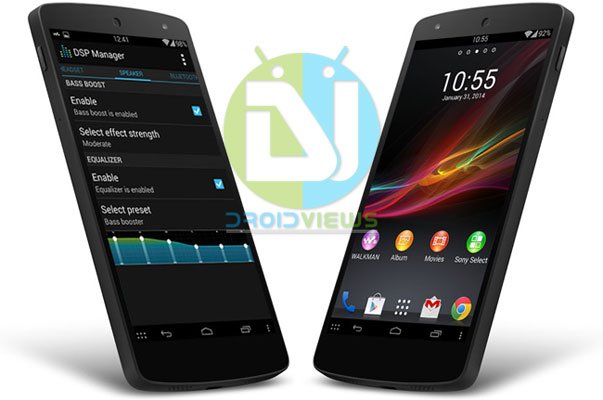
The LG Nexus 5 is definitely one of the most popular smartphones. The device is seen as an epitome of the pure Google experience and as a Nexus flagship, enjoys the privilege of housing the latest version of Android. While the features and specifications of Nexus 5 are pretty good at the price it comes with, there are still a few things about the device that are have failed to meet our expectations. Personally, I do not like the Google Experience launcher that shows very big icons in the app drawer and does not allow to make folders in the drawer. I find it hard to tolerate the mess on my N5 and have to rely on a 3rd party launcher app like Nova and Apex.
Another irritating thing about the Nexus 5 is the low volume and average audio quality while playing music and video files. Yet another department where Nexus 5 disappoints is the low quality of the images of the stock camera. Thanks to our developers that we now have a camera mod for the Nexus 5 that significantly improves the picture quality.
If you agree to the points we mentioned above, you must be looking for some working solutions to overcome such issues on your Nexus 5. And if you have a rooted phone, it’s time now to say good bye to experience something awesome. Today, we are going to share two special goodies with you that will change the way you use your Nexus 5:
- Sony Xperia Launcher, apps and widgets
- Xloud-Beats-Dsp Manager
Both the mods for the Nexus 5 have been made by auras76 from XDA. So, all due credits and a thumbs up to him!
Requirements:
- Nexus 5 with Android 4.4.2 KitKat based stock or custom ROM
- Rooted Nexus 5 with CWM or TWRP Recovery
Also Read:
If you have not rooted your Nexus 5, we have a very easy-to-follow tutorial for you:
Root Nexus 5, Unlock And Install TWRP Recovery On It (Windows, Mac, Linux)
Screenshots:
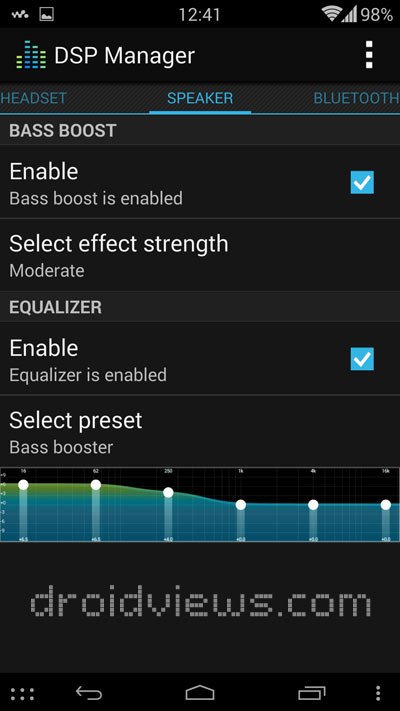
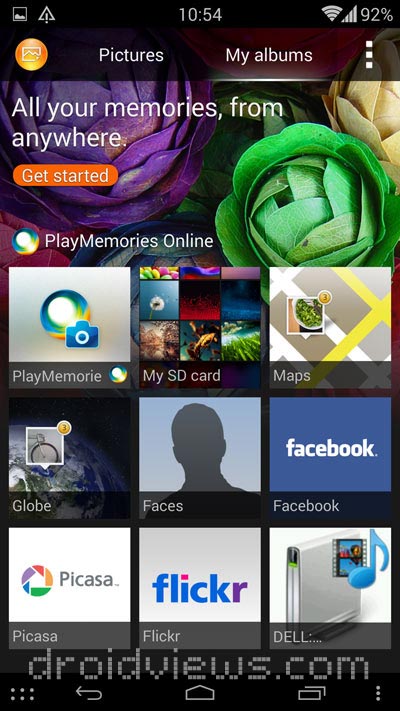
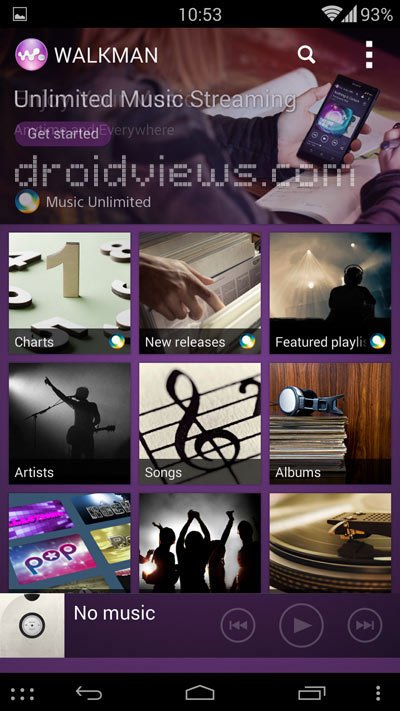
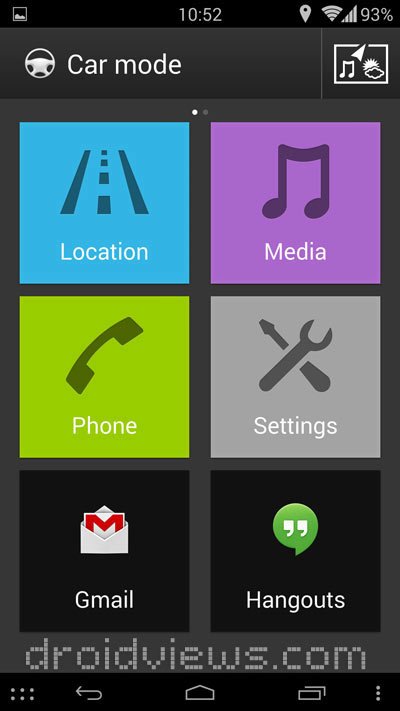
The screenshots will show you what apps and features you will have on your Nexus 5 after flashing the mods.

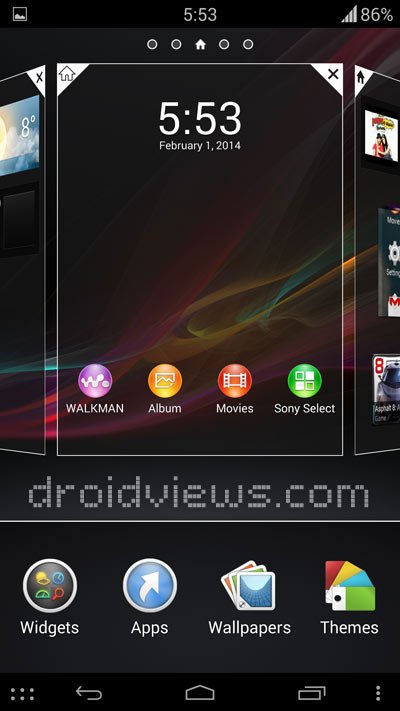
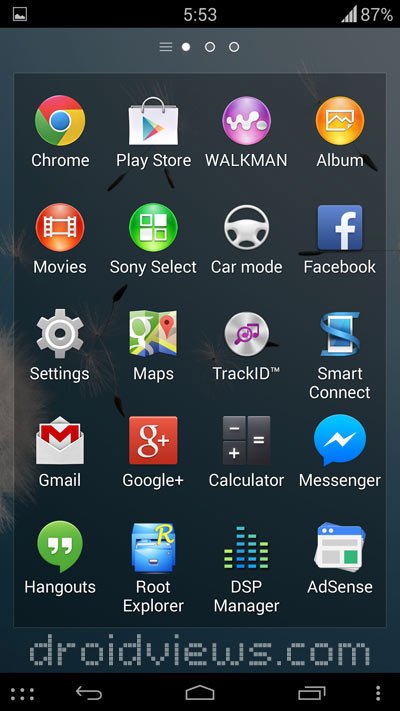
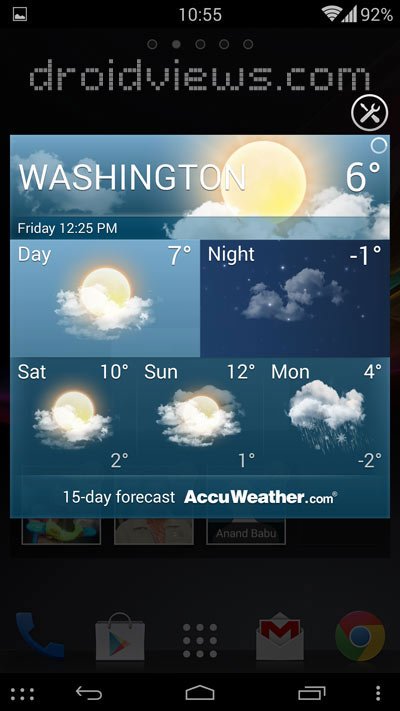

Getting Prepared:
Xperia Z Experience Pack for Nexus 5: Xperia_Z_pack_for_N5_v5_kk4.4.2.zip
Xloud Beats mod for Nexus 5: Xloud-Beats-Dsp Manager N5 v5 kk4.4.2.zip
Xperia Z1 UI and Tones: Xperia_Z1_sounds.zip
How to Install:
Having downloaded the mods, it’s time to install the Xperia Z launcher, apps, widgets and Xloud Beats Audio on Nexus 5.
- Copy the downloaded the Xperia apps, Xloud-Beats, and Xperia Z1 tones ZIP packs to your Nexus 5.
- Turn off your phone and boot it into Recovery mode. To do so, press and hold the Volume Down + Power buttons. When you enter the bootloader mode, press the volume up/down button till you see Recovery on the screen. Then press the power button. There are various apps that can help you boot in recovery mode easily.
- When you enter CWM/TWRP, the most important thing that you should do first is to backup your current ROM.
- select the install option, navigate to the files that you copied in Step 2.
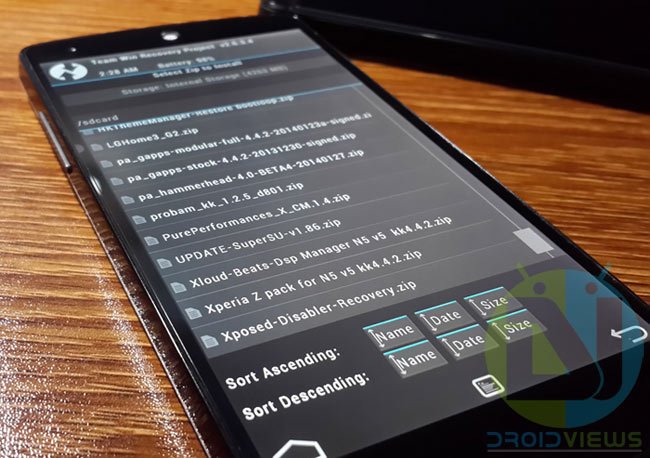
- Flash all three ZIP files one by one.
- Do not forget to “wipe dalvik cache” after flashing each ZIPs.
- Finally, return back to the main menu in recovery and reboot system/device.
When your device boots up, you will have the following new apps in your Nexus 5:
- Xperia Home Launcher
- Sony Album
- Sony Movies
- Sony WALKMAN
- Sony Select
- Car mode
- TrackID
- Xperia Keyboard
- DSP Manager
- Xperia Z1 UI sounds
Enjoy the Xperia Z Home launcher, apps and Xloud Beats audio on Nexus 5. Cheers!


Works on 4.4.4?
Too many bugs, for my liking. Is there any way I could get rid of all this without having to re-install my rom?
none of the apps are working..followed the mentioned steps clearly..still crashes everytime…
I have tested the mod myself and the screenshots are actual too. Which ROM are you using?
stock rom, rooted.
I think some useful info would be, what phone are you using, and which Android version?
Walkman with dsp menager is perfect! But I have one small bug. When I try to open: “Now listening” walkman crashes. I can listen to music but I can’t change the queue or see album of now played song. Pls help me.
This is a known issue. Please wait till it’s fixed!
the key for the Xloud-Beats-Dsp Manager N5 v5 kk4.4.2.zip still does not work. And i don’t see the mirror.
Thanks
The site was restored to an older backup due to some issues and therefore new links did not update. Anyway, I have updated the links again. Thanks for bringing this to notice.
thanks. All the links are working But I can’t use the Xperia home launcher. It says that it has crashed every time
I have tested it and am still using without issues. Try wiping dalvik cache and fixing permissions after installing.
it wont take that key
Use only this: aBUdCmpPH9bK9e_CJXnAwAuuY3NyWITkwwDrhh6Fb8o
All links have been updated with mirrors.
cant download Xloud-Beats-Dsp Manager N5 v5 kk4.4.2.zip….. it needs decryption key
Use this: aBUdCmpPH9bK9e_CJXnAwAuuY3NyWITkwwDrhh6Fb8o