We were the first among websites to share the leaked stock wallpapers from the Galaxy S8 that was unveiled a couple of days ago. On the lay of its official launch, we also shared the official stock wallpapers from the Galaxy S8 and S8 Plus.
The Samsung Galaxy S8 is set to be released globally on April 29 onwards and pre-order registrations have begun too. Meanwhile, if you want to try the stock home launcher apps from the Galaxy S8, you can do so right now because the launcher app APK file is out now.
To install the Samsung Galaxy S8 Launcher APK, you must have a Samsung Galaxy device. Since I tried it on my rooted Galaxy S7 Edge running stock Android 7.0 Nougat, I am not very sure if it will work on Samsung phones with Marshmallow or not.
The provided APK can be installed on rooted or non-rooted device alike just like a normal app. Below are some screenshots showing what’s new in the home launcher that comes with Galaxy S8’s new Infinity user interface.
Must see: Samsung Galaxy S8 Theme for Samsung Devices
Screenshots
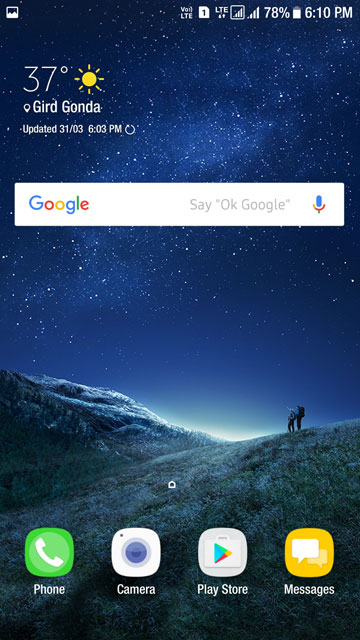
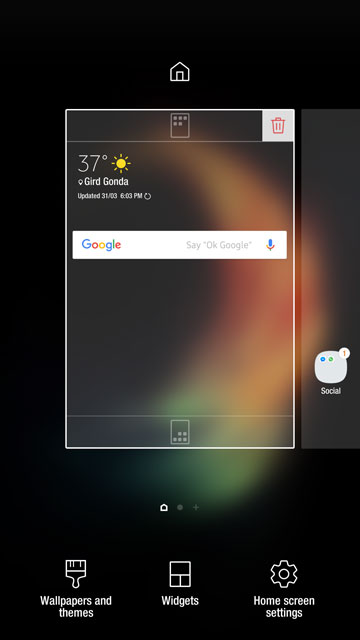
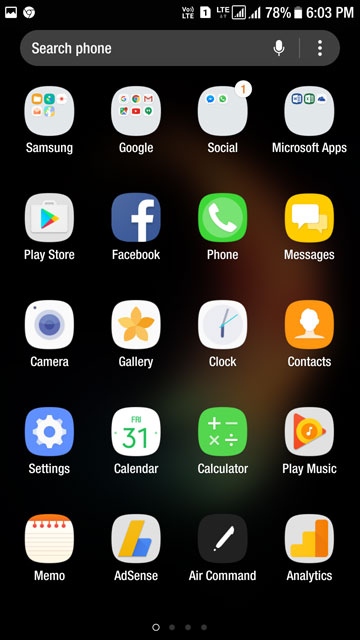
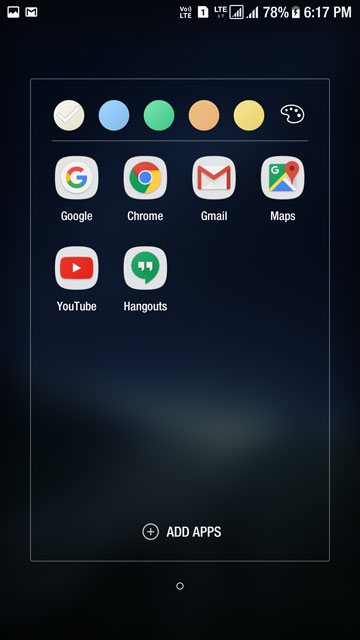
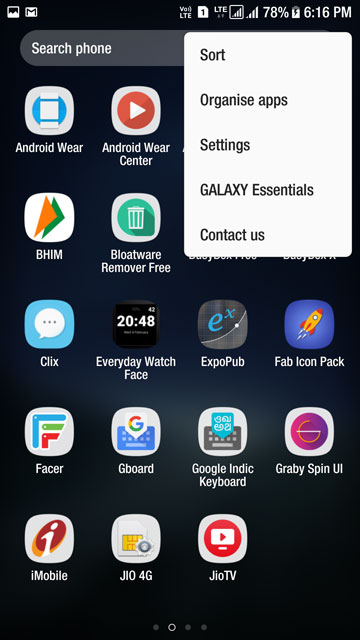
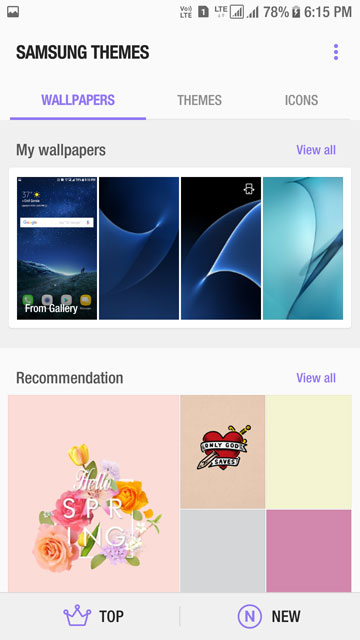
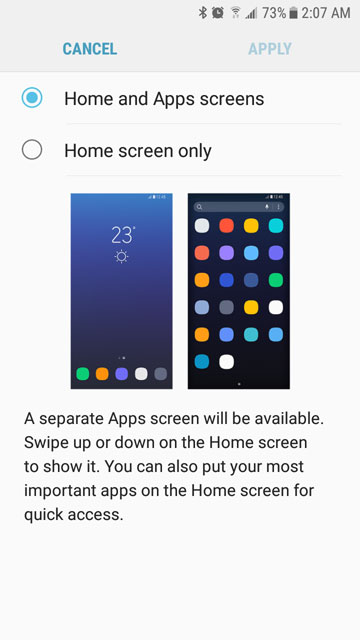
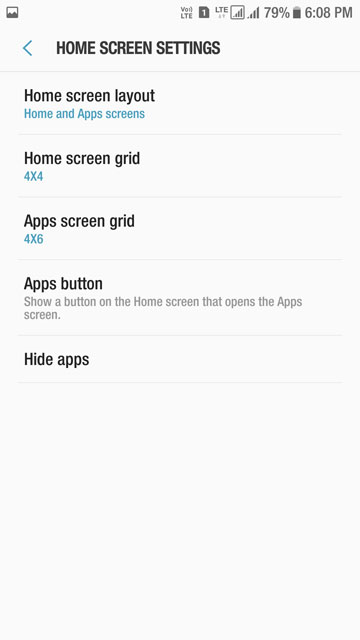

Installing Samsung Galaxy S8 Launcher APK on Samsung Devices
Please note that your phone must be running on the stock Samsung firmware. It doesn’t matter if your phone is rooted or not.
Don’t miss:
- Samsung Galaxy S8 Stock Wallpapers (24 Walls) & Ringtones
- Samsung Galaxy S8 Icon Pack
- Install Galaxy S8’s Bixby Assistant on Samsung devices
If you don’t know how to install APK files manually, follow the instructions given below:
- Download the Samsung Galaxy S8 Launcher app and extract the zip: TouchWiz-home_com.sec_.android.app_.launcher.zip | Mirror
- Copy the downloaded APK file to your Samsung Galaxy phone.
- Now open My Files app and navigate to TouchWiz home_com.sec.android.app.launcher.apk file.
- Tap it and then select Install option.
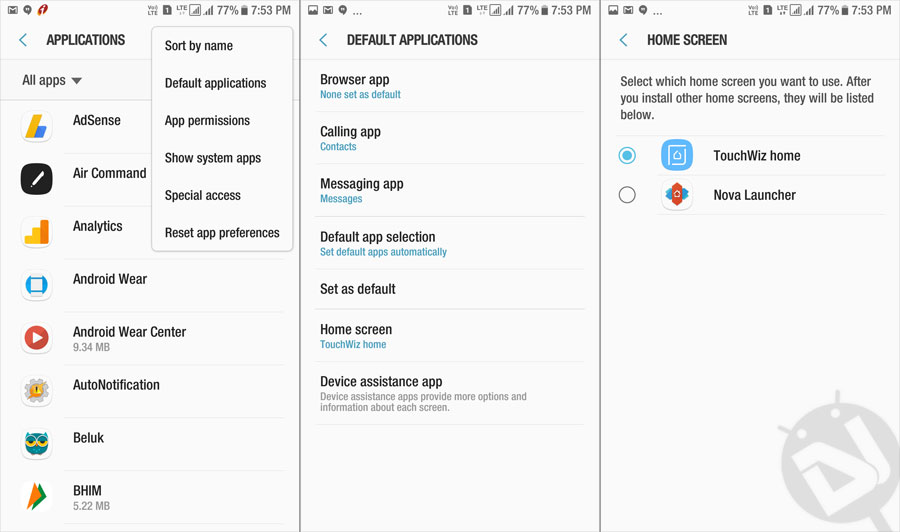
- When the app is installed, open Settings> Applications> Default apps and select TouchWiz Home as you default home launcher.TouchWiz home_com.sec.android.app.launcher
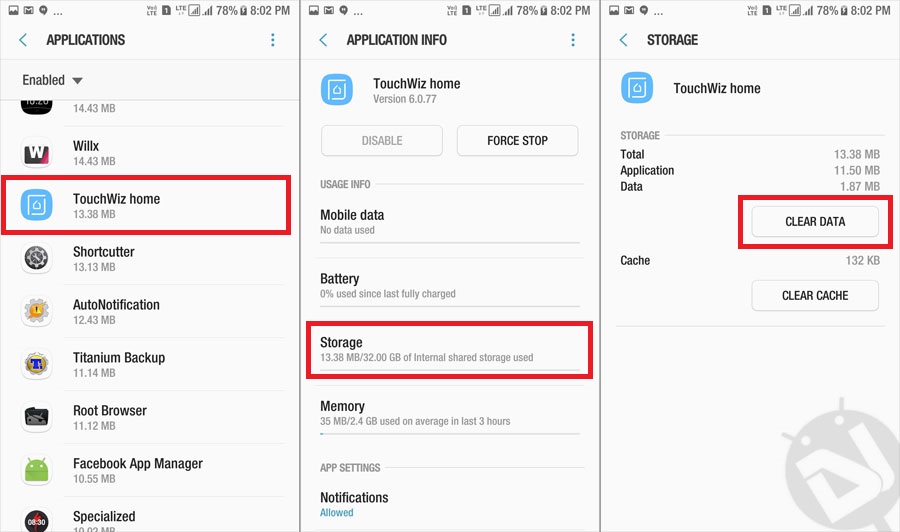
- In case you encounter a blank screen or force close error, go to Settings> Apps> TouchWiz Home and tap it. Then select Storage and tap Clear Data.
- Done!
You should now be able to enjoy and explore the all new TouchWiz home launcher app from the Galaxy S8 on your Samsung device.

İf we dont like it how we can delete it? Sorry for bad language
Tried many times to installed on Samsung note 5 but failed . Conflict problem
Try this:
1) Disable any lockscreen security and pin code
2) Add apk shortcut to do homescreen via my files
2) Reboot the device
3) As soon as you see anything on screen rush it and install the apk asap.
It will install
Thank your very much dear. I have now installed the S8 Launcher successfully according to your instructions. I will really be very thankful if you add me to whatsapp and Facebook. How can I install stock theme of S8?
Follow us on FB: https://www.facebook.com/DroidViews
Here’s the link to the S8 theme: https://www.droidviews.com/samsung-galaxy-s8-theme-samsung-devices/
How do I add a apk to a homescreen via my files ?
My error is saying that was a problem parsing the package, I disabled any lockscreen security and added apk shortcut to the homescreen and rebooted.
Also failed on my galaxy J7 Prime. Parsing error.
Hello Rakesh..do you have any solution for this mid-range phone?
cant even install it on my galaxy a3 2016, says can’t analyze the apk
Does you phone has Nougat?
On S6 I cant even install it, there is a parsing error
Try redownloading the file.
did so 3-4 times, no luck yet.
It shows error parsing package
1) Disable any lockscreen security and pin code
2) Add apk shortcut to do homescreen via my files
2) Reboot the device
3) As soon as you see anything on screen rush it and install the apk asap.
It will install
Thanks but doesnt work
When I try to install, on the finish, it shows the message :
The app was not installed. Already a package with that same name exists
And what solution?
I don’t know… I WANT to know!!
My device is a Galaxy S7 and I would like so much to take this home screen at my phone but…. it doesn’t install. It simply fails at the finish of installation process.
Try this:
1) Disable any lockscreen security and pin code
2) Add apk shortcut to do homescreen via my files
2) Reboot the device
3) As soon as you see anything on screen rush it and install the apk asap.
It will install
When i try to install it on my S7 Edge 7.0 it says it’s an actuallization of a preexisting app, is it dangerous? I mean, i dont wanna mess the origial launcher.
You can uninstall it after the upgrade if you want. Just go to settings choose the app and tap the three dots at the top right.