The official Android 7.0 Nougat update for the Galaxy S7 and S7 Edge started rolling out about a month ago. However, as it usually happens, the carrier variants get the latest software update weeks after they are out for the international models. If you own the T-Mobile Galaxy S7 or S7 Edge and have been waiting for the Nougat update, it’s time for action. Today, we’ll see how we can install Android 7 Nougat on T-Mobile Galaxy S7 /S7 Edge (SM-G930T/ G935T) manually using Odin.
In case you don’t want to flash the Nougat firmware manually, you can check for the update and download it on your TMO S7/S7 Edge by going to Settings> About device> Software update> Check for updates.
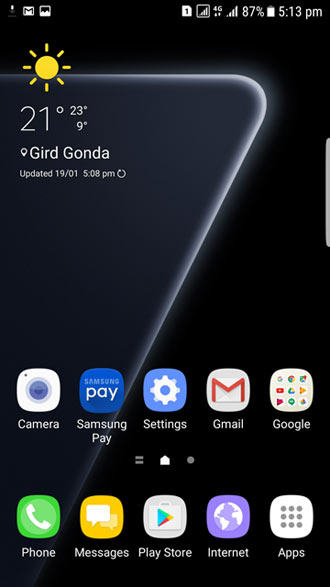
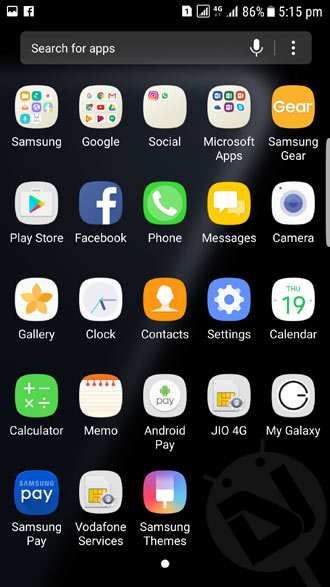
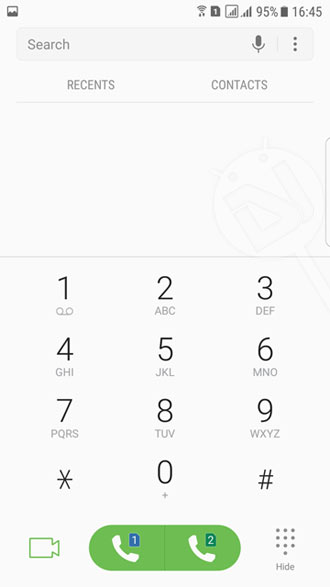
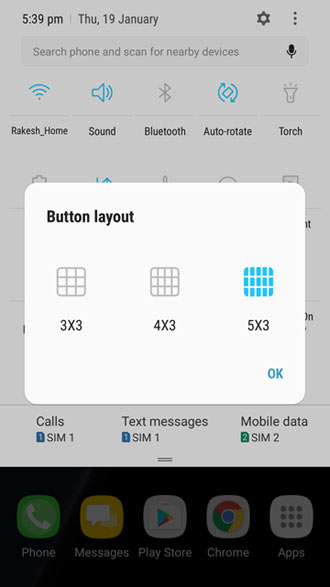
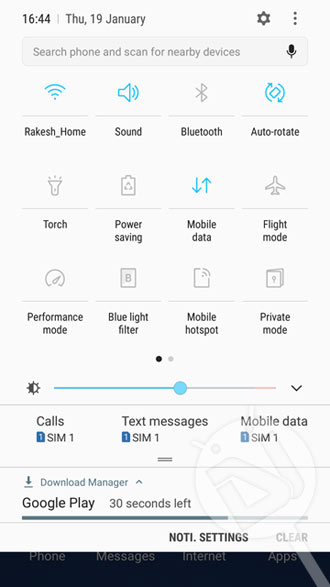
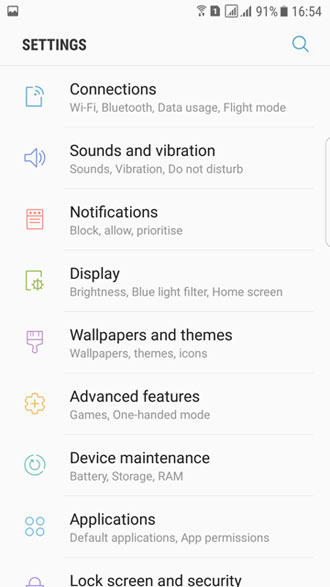
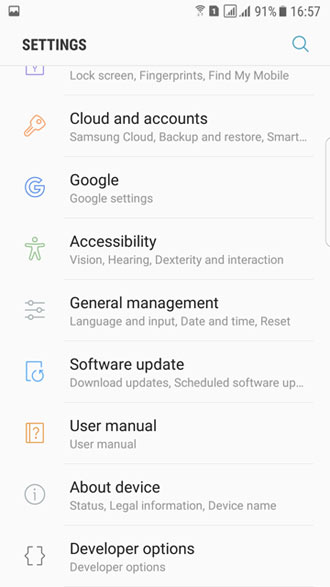
Having upgraded to the latest Nougat firmware on your TMO Galaxy S7/S7 Edge, you’ll be able to enjoy a host of new features along with a completely revamped TouchWiz interface. Just take a look at the attached screenshots and you will get an idea about the new things you can expect in Android Nougat for your phone.

Just download the official Nougat firmware for your T-Mobile S7 or S7 Edge from below and install it using our detailed and easy tutorial.
Download Android 7.0 Nougat Full Firmware Galaxy S7/S7 Edge
SM-G930T:
G930TUVS4BQ Firmware:
- BL_G930TUVS4BQC1_CL10376601_QB12919907_REV02_user_ low_ship_MULTI_CERT.tar.md5
- CP_G930TUVS4BQC1_CL10376601_QB12919907_REV02_user_ low_ship_MULTI_CERT.tar.md5
- HOME_CSC_TMB_G930TTMB4BQC1_CL10376601_QB12919907_R EV02_user_low_ship_MULTI_CERT.tar.md5
- CSC_TMB_G930TTMB4BQC1_CL10376601_QB12919907_REV02_ user_low_ship_MULTI_CERT.tar.md5
- AP_G930TUVS4BQC1_CL10376601_QB12919907_REV02_user_ low_ship_MULTI_CERT_meta.tar.md5
G930TUVS4BQE1 Firmware:
- AP_G930TUVS4BQE1_CL10376601_QB13492473_REV02_user_ low_ship_MULTI_CERT_meta.tar.md5
- BL_G930TUVS4BQE1_CL10376601_QB13492473_REV02_user_ low_ship_MULTI_CERT.tar.md5
- CP_G930TUVS4BQE1_CL10376601_QB13492473_REV02_user_ low_ship_MULTI_CERT.tar.md5
- CSC_TMB_G930TTMB4BQE1_CL10376601_QB13492473_REV02_ user_low_ship_MULTI_CERT.tar.md5
- HOME_CSC_TMB_G930TTMB4BQE1_CL10376601_QB13492473_R EV02_user_low_ship_MULTI_CERT.tar.md5
G930TUVU4BQF6 Firmware:
- AP_G930TUVU4BQF6_CL11607462_QB13941284_REV02_user_ low_ship_MULTI_CERT_meta.tar
- BL_G930TUVU4BQF6_CL11607462_QB13941284_REV02_user_ low_ship_MULTI_CERT.tar
- CP_G930TUVU4BQF6_CL11607462_QB13941284_REV02_user_ low_ship_MULTI_CERT.tar
- CSC_TMB_G930TTMB4BQF6_CL11607462_QB13941284_REV02_ user_low_ship_MULTI_CERT.tar
- HOME_CSC_TMB_G930TTMB4BQF6_CL11607462_QB13941284_R EV02_user_low_ship_MULTI_CERT.tar
G930TUVU4BQG5 Firmware (single file):
SM-G935T:
G935TUVU4BQB1 Firmware:
G935TUVS4BQC1 Firmware:
Install Android 7 Nougat on T-Mobile Galaxy S7 /S7 Edge
Already downloaded the firmware? Now, follow the instructions given below carefully.
- Download Odin3_v3.12.3.zip and extract it on your desktop.
- Extract the downloaded firmware zip file on your desktop. You’ll find 5 files with .tar.md5 extension inside the extracted folder. You can use 7Zip, WinRar, Power Archiver, etc.
- Install Samsung USB Drivers installed on your computer.
- Go to Settings> Developer options and enable USB debugging. In case you don’t find Developer options there, Go to Settings> About device> Software info and tap Build number 7 time to enable it.
- The Nougat firmware will wipe the internal storage of your Galaxy S7, so don’t forget to backup your apps, images, videos, messages, contacts and other data before proceeding.
- Now turn off your T-Mobile S7/S7 Edge and press and hold the Volume Down + Home + Power keys at the same time for 2-3 seconds to boot your phone into the Download mode. Release the keys as soon as you see a blue screen with exclamation sign and press the Volume Up key.
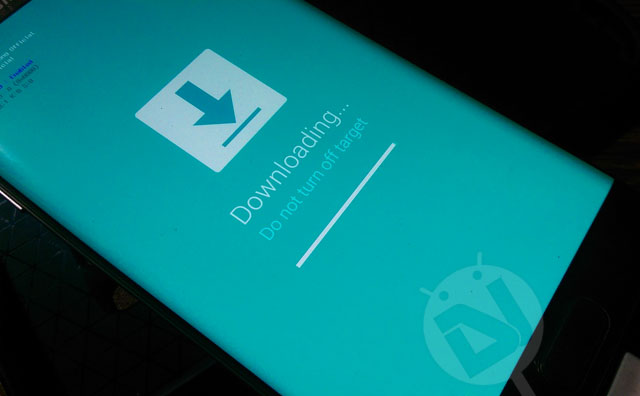
- When your phone gets into the Download mode, open the Odin folder and launch the .exe file to launch it.
- Connect your TMO Galaxy S7 to your computer using a USB cable.
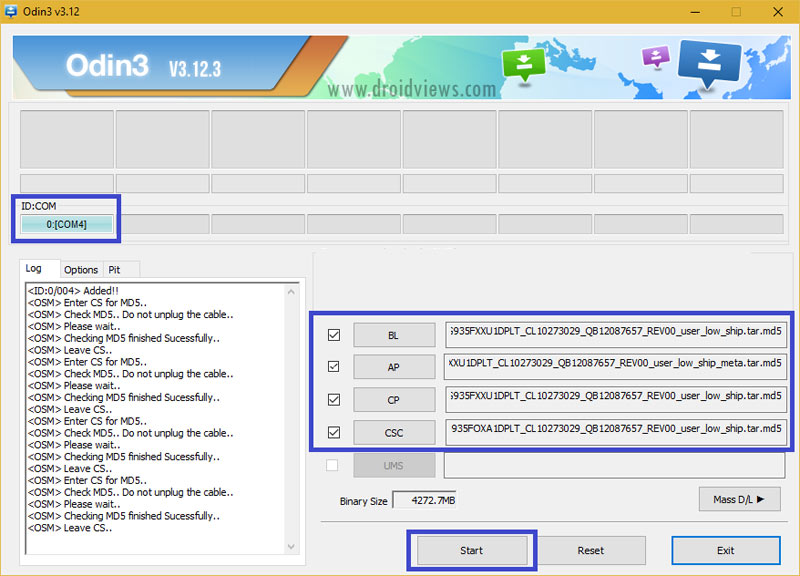
- The ID:COM port on Odin will turn blue as soon as your device is detected.
- Now click the BL button, navigate to the firmware folder and add BL_G935TUVU4BQB1_REV00_user_low_ship.tar.md5 to it.
- Then click the AP button and add AP_G935TUVU4BQB1_REV00_user_low_ship_meta.tar.md5 file to it. Since the AP file is huge in size, it might take some time for it to be added in Odin.
- Click the CP button and add CP_G935TUVU4BQB1_REV00_user_low_ship.tar.md5.
- Finally, add the HOME_CSC_ODD_G935TUVU4BQB1_REV00_user_low_ship.tar.md5 file to the CSC field.
- Make sure your Odin screen looks like my screenshot and then click the Start button.
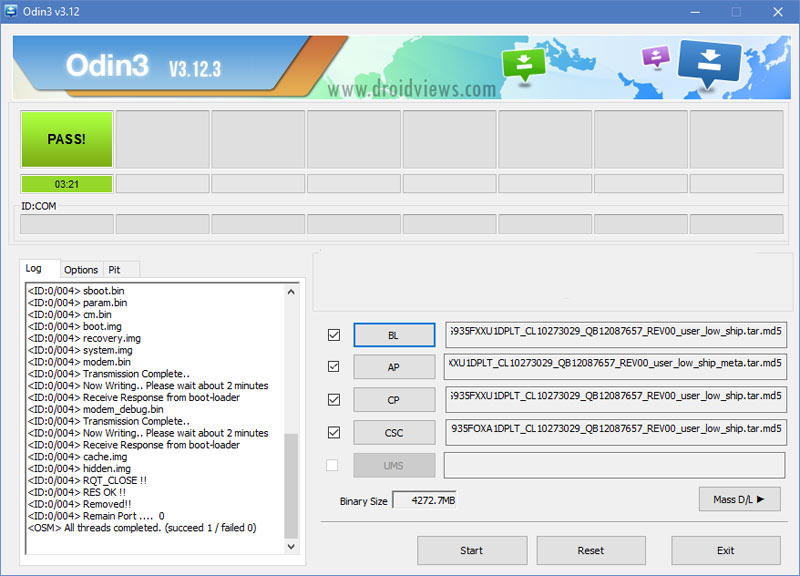
- The firmware installation will take some minutes to finish, so wait patiently until the installation completes.
- When the firmware is installed, you will get PASS! message in Odin and your phone will reboot automatically.
- You can now disconnect the USB cable.
- Your device will take about 5-7 minutes to boot up normally after the firmware installation.
Done! Now go through the welcome setup and your T-Mobile S7 will be up and ready for use. Enjoy!

hi i have just bought a s7 edge in india. the person who was using it with him the phone was working fine but since he has wiped the phone there is a network issue. i have tried every possible thing from re installing the firmware to looking at all the possible settings, when i try to unlock frm tmobile app it says phone is already unlocked. there a wifi calling option and i am not able to switch it off. plz help. thanks in advance
Have you tried installing single firmware file or multi-file firmware?
Multi file. Ap bl csc and all via odin.
I live outside the US, I have this phone unlocked and using local carrier now. If I upgrade to nougat using this method will it got locked again ?
Installing the Nougat formware won’t change the SIM unlock status of your phone.
will I get ota update if outside of the USA?
No, you’ll have to install all updates manually.
Should my computer connected to the internet when install firmware?
No, but you need to download the firmware first!
Hi, do you have a post about how install the updates manually?
Is this method also applicable if I want to install Nougat on an S7 (930A) that is currently running ATT version of Nougat? Meaning, the phone was being used on ATT and has Nougat on it. Now I want to use it on TMobile.
No, you must install the firmware meant for your device model: https://www.droidviews.com/tag/samsung-galaxy-s7-android-nougat-update/