
Facebook has been betting big on videos trying to challenge the monopoly of YouTube as a video sharing platform. While the amount of video content available is still way more on YouTube, Facebook’s investments in video infrastructure seem to be paying off. If you either want to download Facebook videos on your device or share Facebook videos on WhatsApp, follow our tutorial.
Almost 85 percent of the videos shared on Facebook are native videos compared to the 10 percent YouTube videos being shared on Facebook. However, sharing Facebook videos to other platforms, even those owned by Facebook is a difficult task compared to the ease of sharing YouTube videos. The only sharing options provided by Facebook are confined within the walls of the social network. Lately, users have been wanting to know if there is a way to share Facebook videos on WhatsApp.
Unfortunately, there is not a solution as simple as a share to WhatsApp option by Facebook itself. In fact, there aren’t any sharing options at all even by third-party developers. As of now, your only options are to either share a link to the video (only available on a PC) or to download the Facebook video and then share it wherever you want. Here is how you can go about it.
Share Facebook Videos to WhatsApp on PC
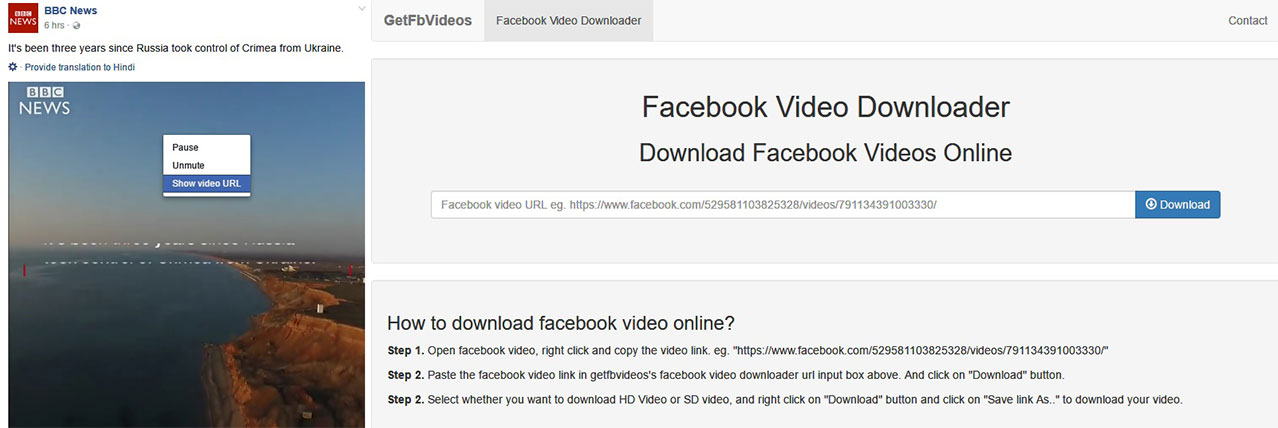
- On a PC, things are simpler, or at least they seem to be.
- While browsing Facebook just right click on a video you want to share.
- Click Show video URL and copy the URL displayed.
- Go to web.whatsapp.com and paste the link in the chat box.
- You can also head over to getfbvideos.com and paste the copied URL in the URL box to download the video, then send it to your contacts on web.whatsapp.com or transfer it to your phone.
Share Facebook Videos to WhatsApp (Root & Xposed)
- Rooting is risky, and in some cases a slightly complicated process, but things like these are what make rooting worthwhile. If you have a rooted Android smartphone with Xposed Framework installed, all you need is an Xposed module called Xposed One Tap Facebook Module.
- The module also requires an application of a similar name called Xposed One Tap Download. Download and install them both.
- Activate the Xposed Module and reboot your device.
Video download available 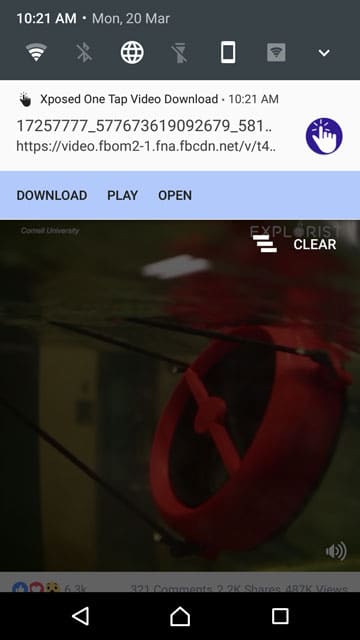
Tap on Download 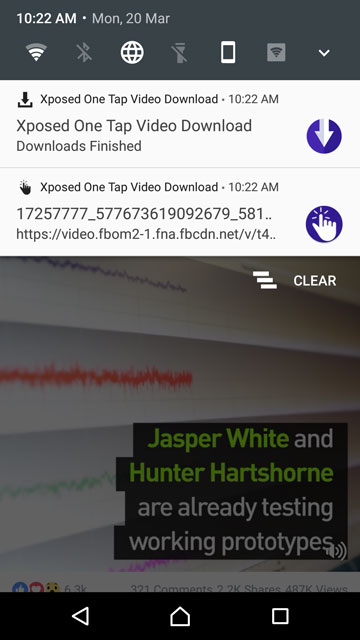
Download Complete 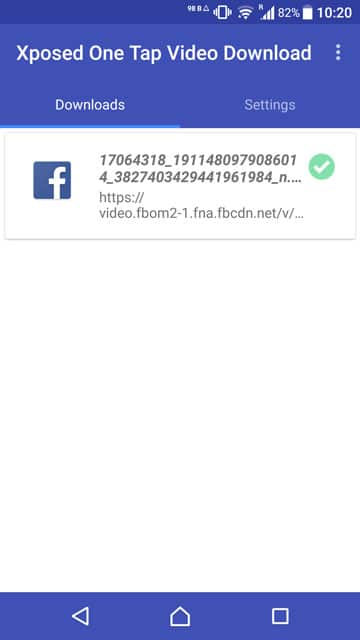
Downloads 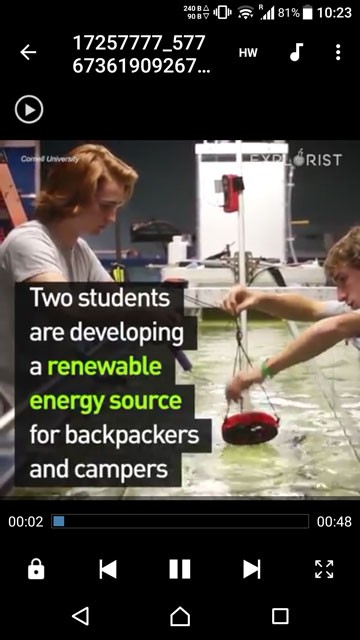
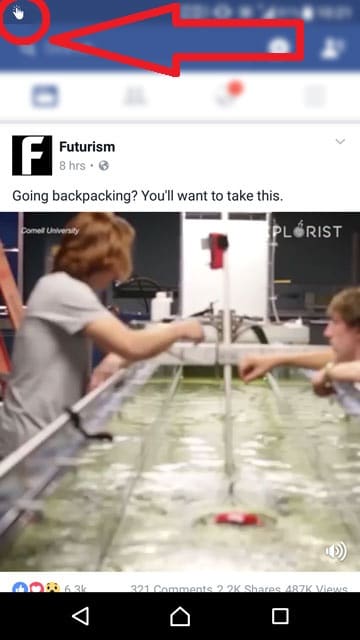
Downloaded Video - The next time you’re browsing Facebook via the official app, you will notice a finger icon in the left corner of your status bar, as soon as you scroll to a video.
- Pull down the notification shade by swiping from the top edge of your screen.
- There are three options – Download, Play or Open. Tap Download to download the video to your device storage.
- When the video finishes downloading, a new notification will be displayed. Tap on the notification to view the downloaded video.
- You can then share it like any other picture or video on your device via WhatsApp or any other app you prefer.
- If you prefer using the Facebook mobile website over the app, you can take a look below.
Download Facebook Videos on Android
- Things are just as simple for users with a non-rooted Android device as well, but there’s a catch. You will have to use Facebook via its mobile website rather than the app.
- Download and install FB Video Download Free.
- When you launch the app, it presents you with Facebook’s mobile website. You will have to sign in to your Facebook account.
- The website works just like it would on Google Chrome or any other mobile browser.
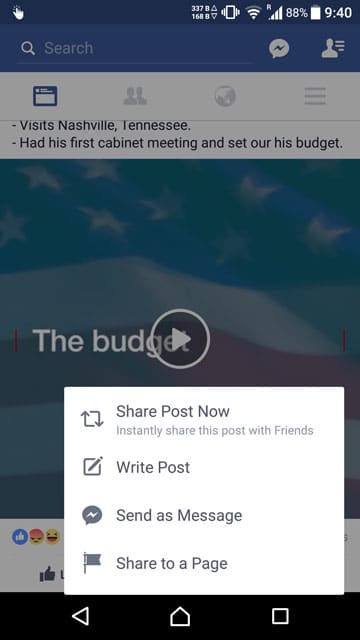
Official Facebook App 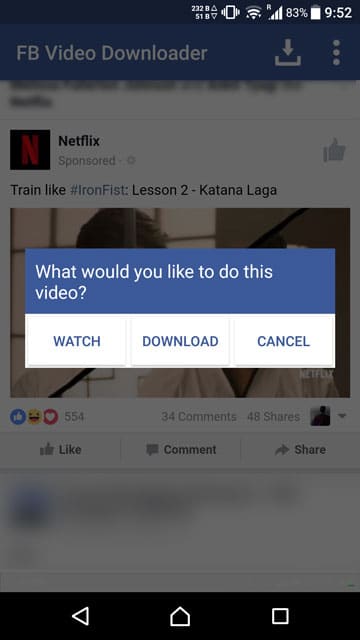
FB Video Downloader 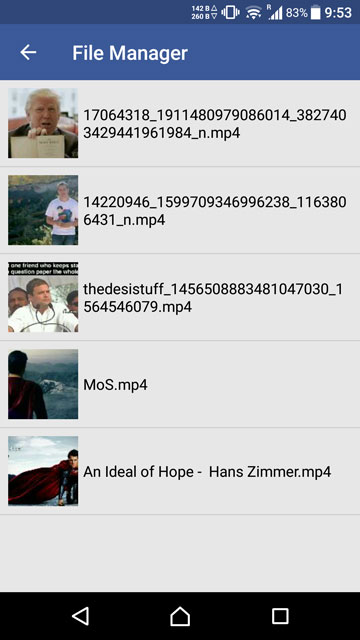
Downloads - There is one difference, however, that is when you tap on a video, instead of playing it, the app presents you with three options – Watch, Download, Cancel.
- Tap on download to download the video to your device storage.
- Share it with your friends over WhatsApp or any other app from your Gallery app.
- Users with a rooted Android device and Xposed Framework can also use this method if they prefer not using the Facebook app.



Hi, Thank you for this review. I also always wonder how to download videos from Facebook using my mobile phone . I found some web-based application that works well with my computer and I find it really helpful. You can aso check Acethinker’s Facebook downloader. It was made especially for facebook video downloading. But I will definitely try this on my phone. Do you know some ways to download it on iPhone too? If you can recommend apps that works with Apple devices too I will appreciate. Thanks!