We’ve often reviewed video converters at DroidViews because even today, converting video files is sometimes a necessity. On Android, you might want to convert a 4k video to a 1080p or even a 720p or lower resolution to save space. For iOS and other devices such as TVs, only certain video formats are supported, so some of the videos you have might need to be converted. Today we’re going to take a look at Max Converter. It’s a free online video converter that also lets you convert audio and image files.
Max Converter
The only con with Max Converter would be that it is an online media converter. So when you want to convert something, you’ll first have to upload it, wait for it to be converted and then download it. Needless to say, this system can’t work for huge files and especially for those with slow internet connections. Max Converter is for those who don’t convert media often or if they do, it’s usually smaller files. If you fall into that category, you have a remarkable tool at your fingertips for free.
Did you know, you can also convert audio, video and image files easily on Android devices? Read our detailed tutorial on converting media files using FFmpeg and Termux.
How to convert media with Max Converter
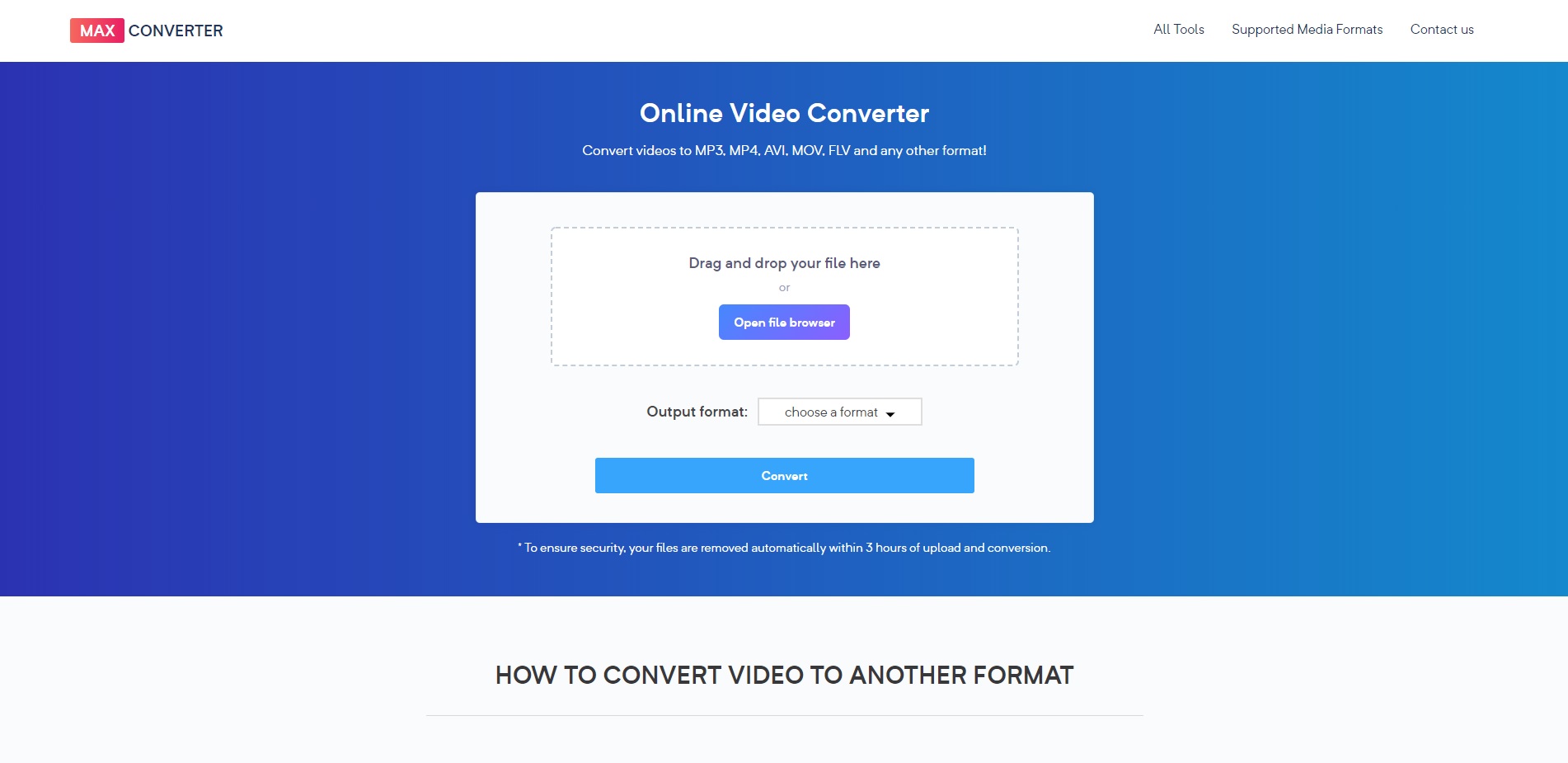
There is no registration involved either. All you have to do is go to the website and start converting anything you want. The homepage makes that quite simple too. Click Open file browser and select the media file you want to select. Next, click on the drop-down menu button to choose a format and click convert. Android users can also use GraphicsMagick to manipulate images to their need.
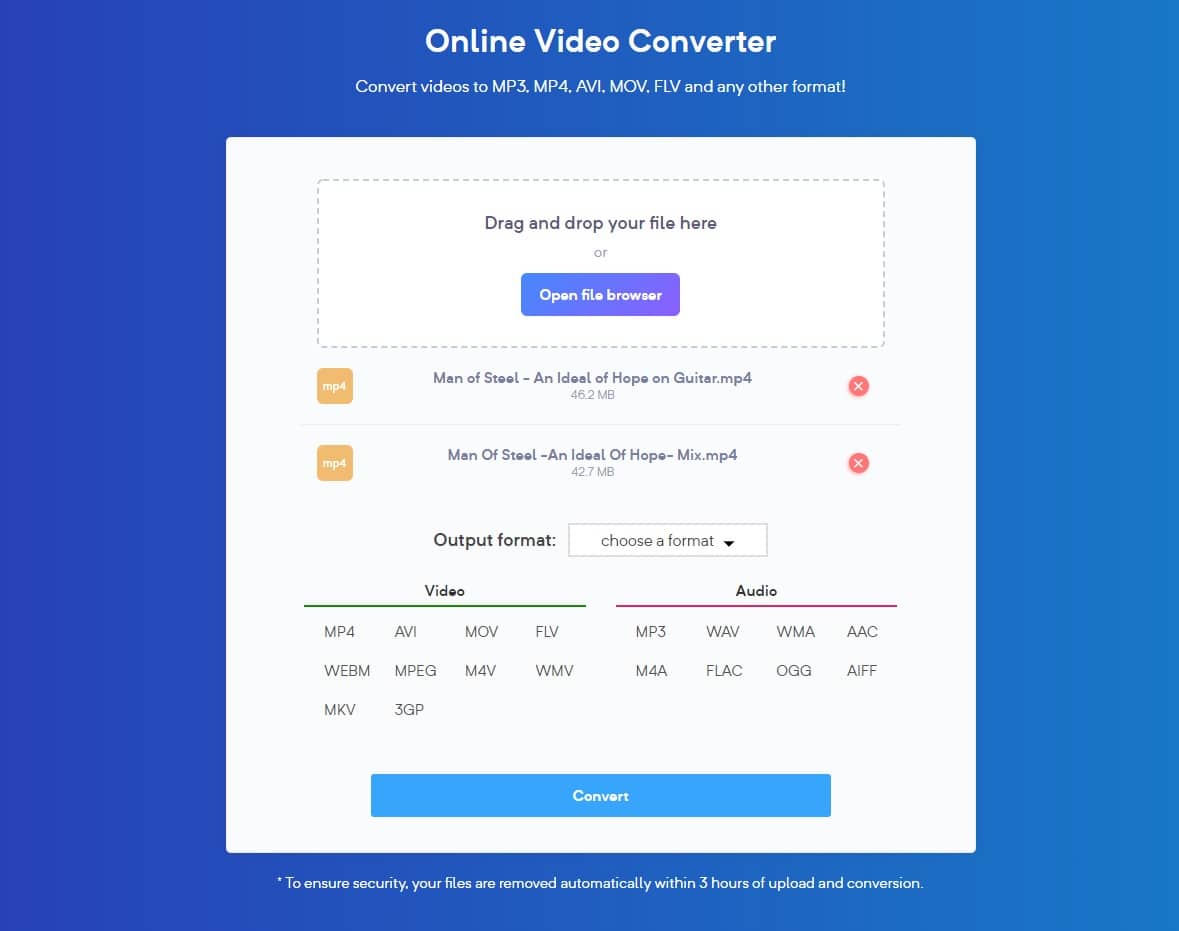
It’s that easy. The available formats will depend on the file type. For instance, a video file can be converted in any of the available video or audio formats. Meanwhile, an image can only be converted from PNG to JPG or JPG to PNG. Something strange that I noticed is that it lets you can only add two files at once. However, when you click on the convert button it says you can only convert one at a time.
If you want to convert videos in GIFs to share with your friends, you may want to check this out!
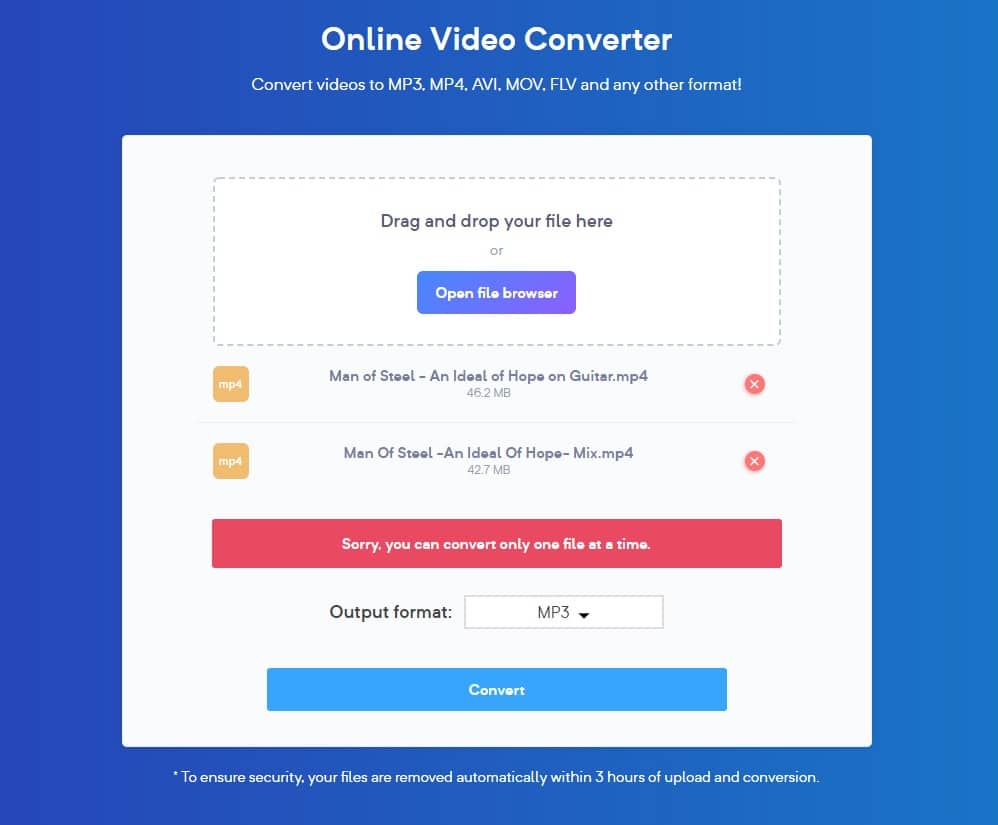
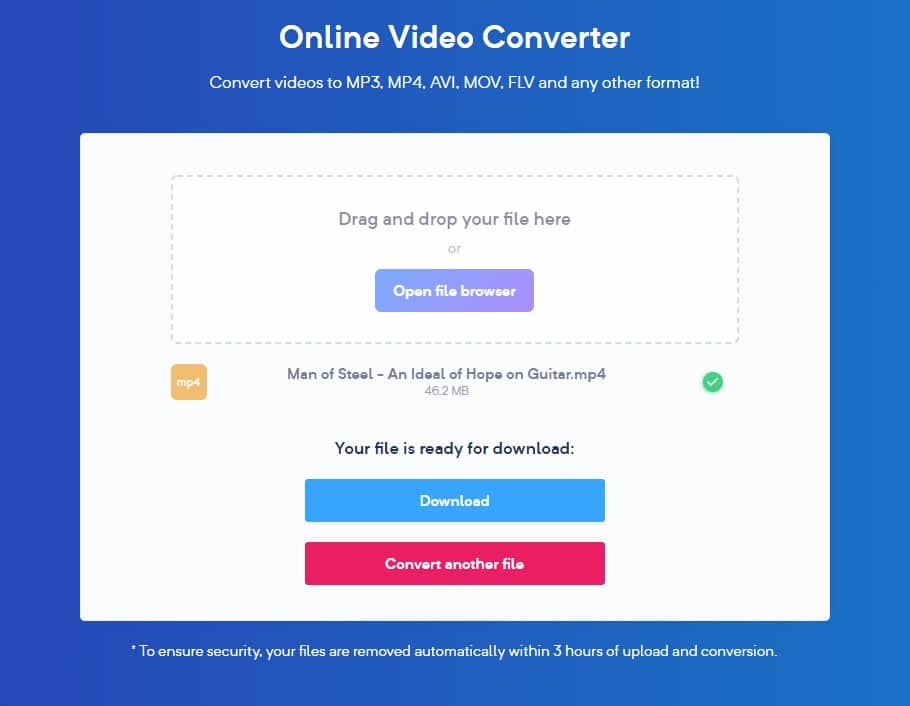
Apart from that, everything else works as you would expect it to. Once you click convert, your file gets uploaded, converted and then you can download it. The upload and download times can depend on your internet speed but the conversion is fairly fast for an online converter. Once done, you’ll see the download button.
Supported formats
While the list of supported formats isn’t as impressive as some paid video and audio converters, you’re still getting a lot considering Max Converter is a free video converter. Supported video formats include MP4, MPEG, AVI, MOV, FLV, WEBM, M4V, WMV, MKV, and 3GP. The list of audio formats is similarly short but includes all the popular formats such as MP3, FLAC, WAV, WMA, AAC, M4A, etc. You can check out this page for a full list of all the supported audio, video and image formats.
Privacy & Compatibility
Since you’re uploading your files to the website, it is possible you may have privacy concerns. After all, your video file may contain personal content, family videos, etc. The website claims that any uploaded files are deleted within 3 hours of upload. You can upload any video that is up to 250 MB in size. Being online, Max Converter sure has some limitations. But this also gives it some advantages in terms of compatibility. It can be used from any device which is capable of browsing the internet. This ensures compatibility with iOS, Android, Windows, macOS, Linux, just to name a few.
Read Next: Download YouTube Videos on Android with youtube-dl Commands



Join The Discussion: