Today, apps are an inevitable part of our lives. As phones are becoming smarter and smarter day by day, so are apps becoming more advanced. By smarter phones, I meant the ability of a phone to run as many advanced apps as possible efficiently. Speaking of apps, today for all the Droidviewers, I would like to present the top 5 cool Android apps for this month, that is September of 2017.
Regular readers of my articles may have noticed how I put emphasis on apps and how important they are to complete our smartphone experience. Moreover, I also mentioned that apps pretty much cover any of our needs as they are available in different categories.
Enough said, let’s get started with the top 5 Apps worth trying out this month. In case you have missed the top 5 Apps for the month of August, then, click here and you are good to go.
Must Read: 4 Best Android Apps You Should be Using Right Now (Part 5)
1. Reverse Dictionary
This one is a neat little dictionary app. What this app does is, it allows you to input or enter any definition, sentence, a word or a phrase. Then, it brings back to you a word or phrase based on your input. This would be perfect in those times when you know the definition of a word, but can’t recollect the word properly. Refer to the screenshots below.
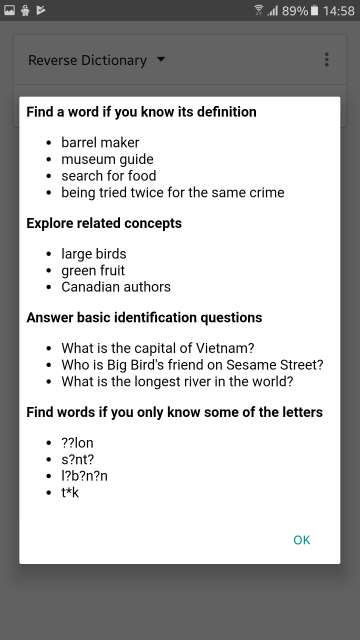
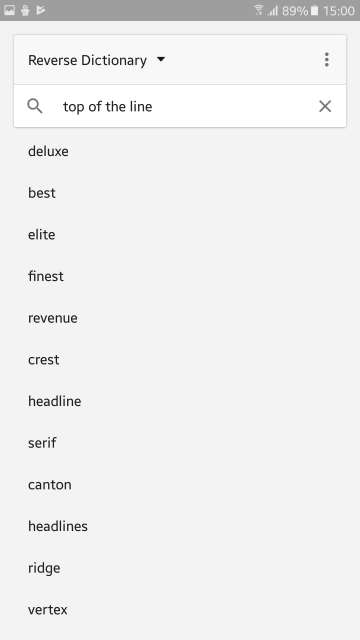
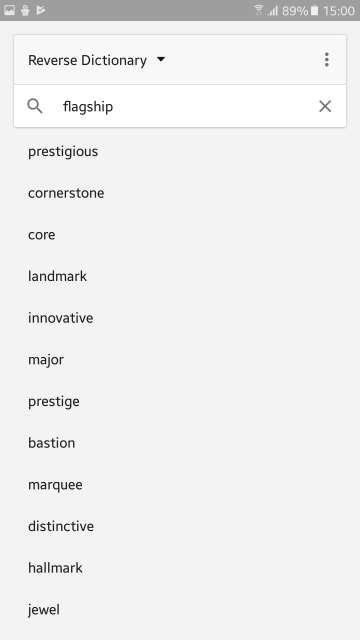
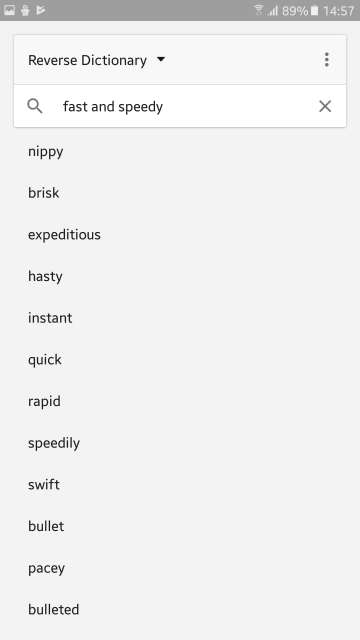
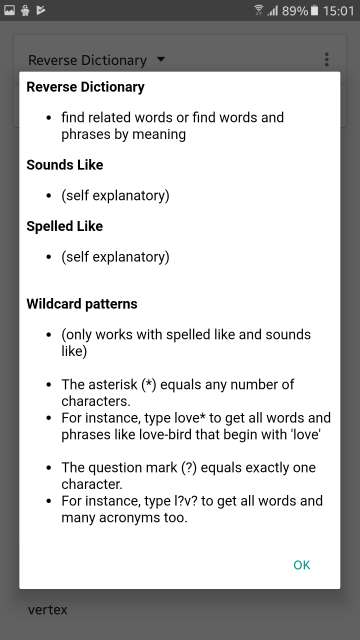
Reverse Dictionary is first of the 5 best cool Android apps for this month. Download the app via the link given below.
[googleplay url=”https://play.google.com/store/apps/details?id=tr.philon.redictionary”/]2. All-In-One Calculator FREE
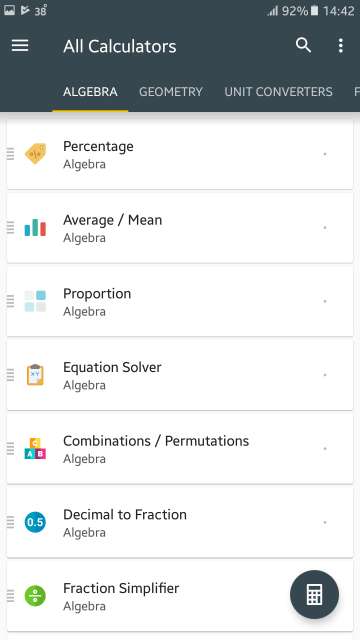
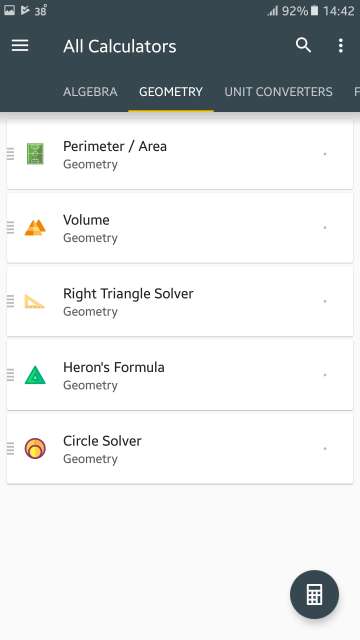
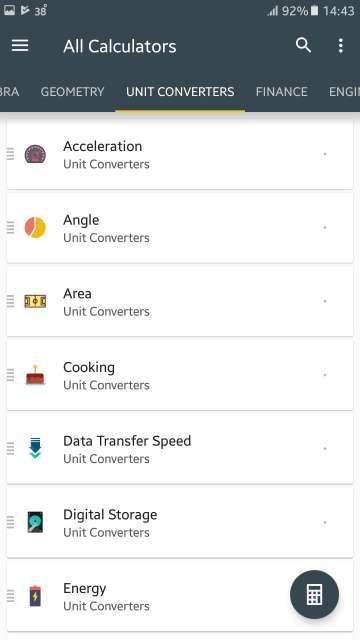
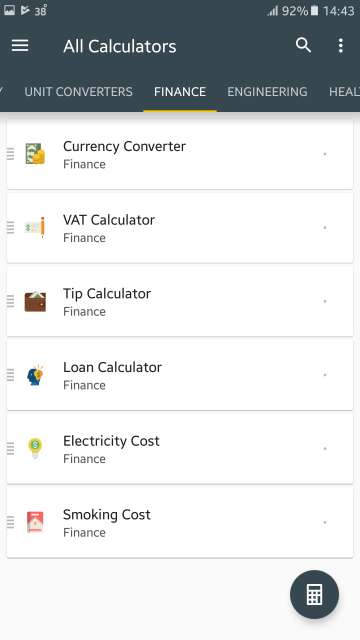
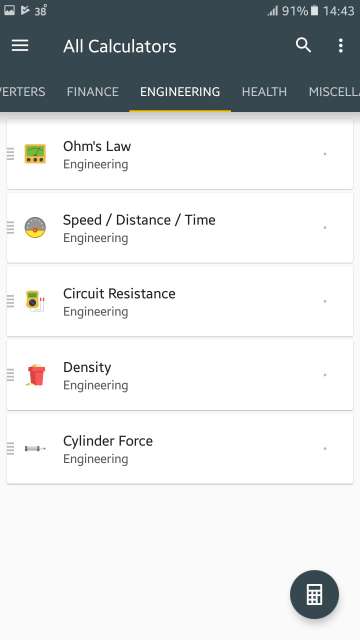
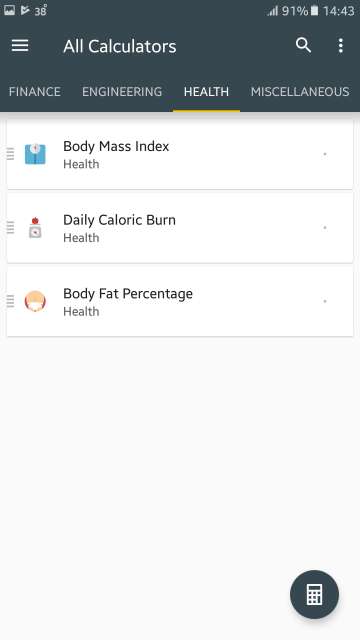
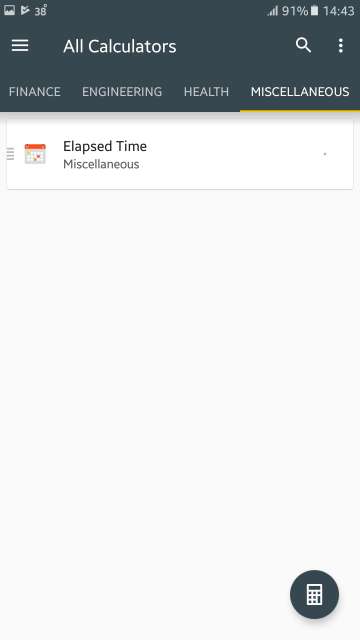
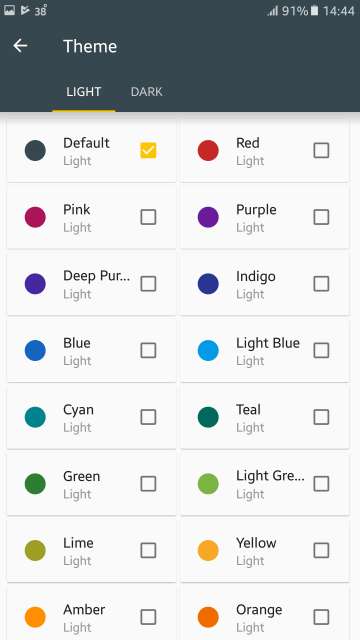
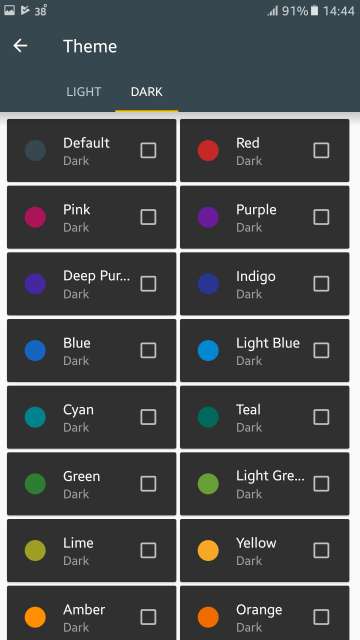
As the name suggests, this app is a full-fledged calculator and unit converter. It contains over 50 calculators and unit converters packed in with scientific calculators. Moreover, this calculator features a lot of themes to customize the look and feel as per your preference. Screenshots below.
Features:
Don’t Miss: 3 Adobe Acrobat Reader Alternatives for Android
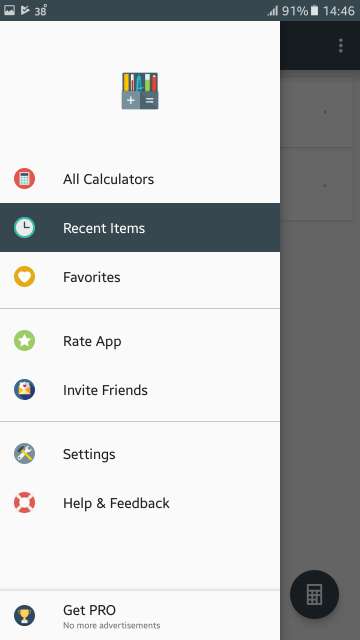
Swipe from the left edge to access this menu and then tap Settings. Also note the option to get the PRO version available in this menu which removes ads.
Settings
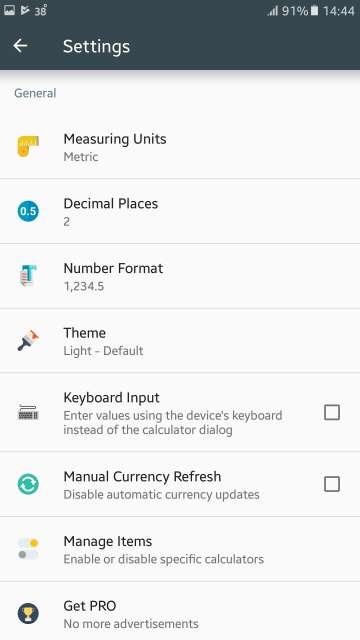
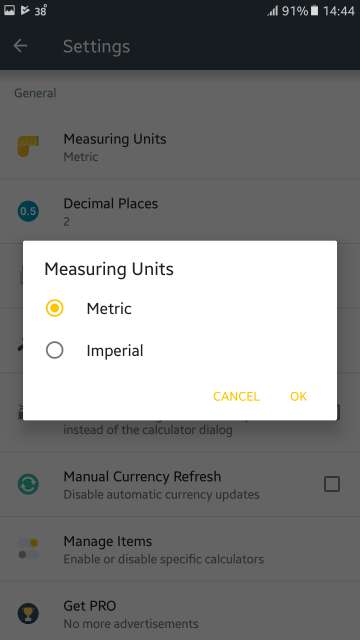
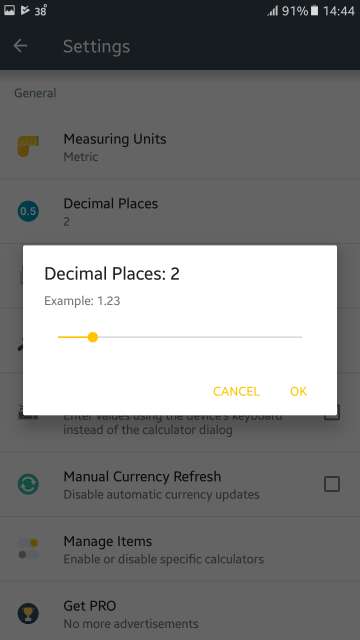
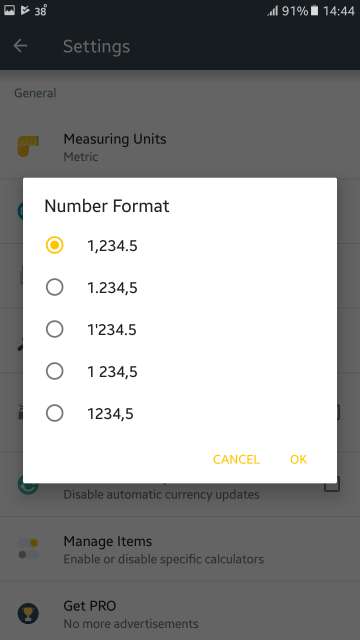
Here you could change the measuring units, decimal places, number format, theme, calculating input method type. Furthermore, you could select manual or auto currency exchange rates updates, enable or disable specific calculators, and go PRO if you wish to get rid of advertisements. Scroll down further to access calculator specific settings.
Download via the link given below:
[googleplay url=”https://play.google.com/store/apps/details?id=all.in.one.calculator”/]3. GrammarPal
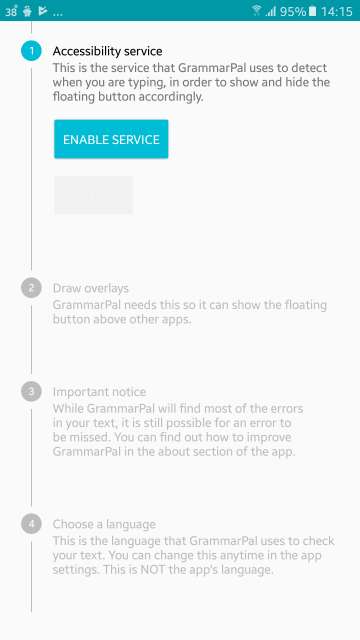
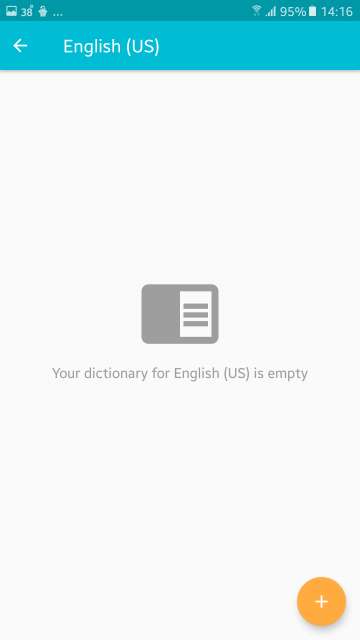
This is one wonderful app, in the sense, it helps you fix any spelling or grammatical errors while you type. Moreover, It scans the text as you type anywhere in any app and instantly recognizes errors and allows you to replace the errors in your typing. Furthermore, it provides with the ability to add words to the dictionary, so they don’t show as errors. Also, at first launch, you will have to grant certain permissions for the app to function as intended. Refer to the screenshots below to learn more.
Features:
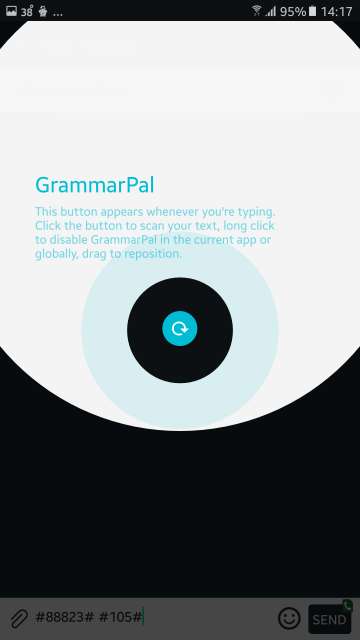
Press the blue floating button to scan the text for errors. Also, long press to disable GrammarPal in the current app or completely. Drag the blue floating button to reposition anywhere you wish to.
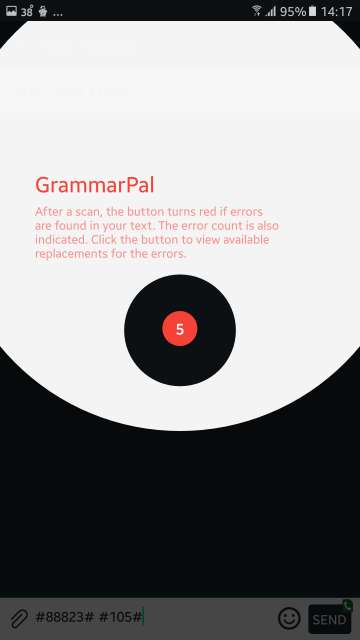
After checking or scanning the text, the blue floating button turns red to indicate errors in the text. Moreover, error count is also displayed within the button itself. Tap to replace wrong words with the correct words available.
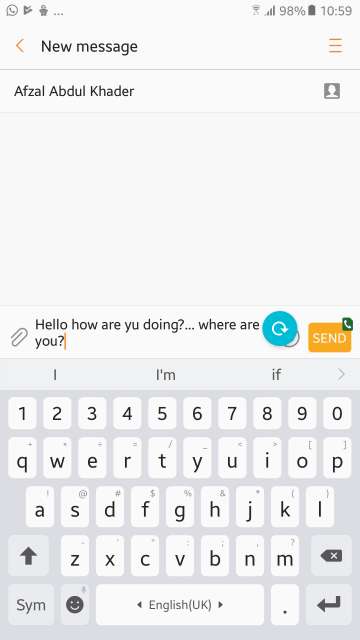
Tap the blue floating button to find mistakes or errors in the text. The button turns red with the number indicated in itself to show the number of wrong words in the text. See below.
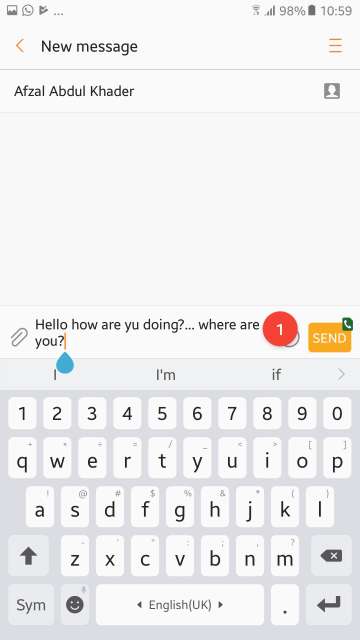
In the text, one word was spelled incorrectly. As a result, the button turned red with the number of mistakes indicated in the button itself. Tap the button to see and acknowledge the mistake.
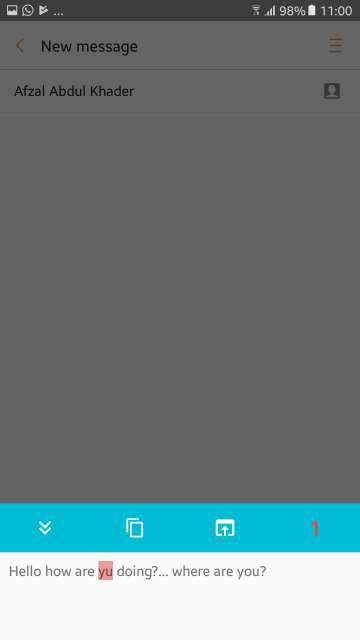
Error in the text is highlighted in red. Tap the wrong word to bring up a list of replacement words to correct the error, which is shown in the next screenshot below. Also, here you could copy the word to the clipboard among other options.
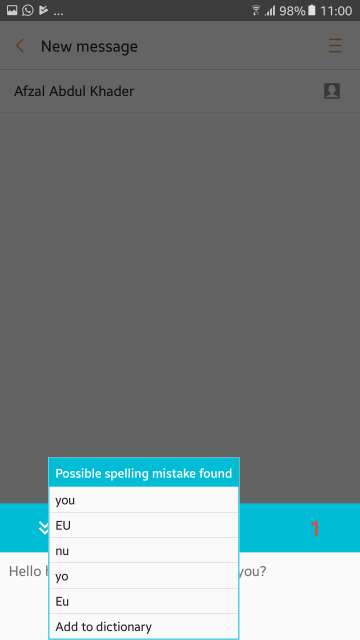
Tap the wrong word and then the replacement words to correct the wrong word will be shown in the box. Moreover, you could also add the word to the dictionary. Neat!
Settings & Options:
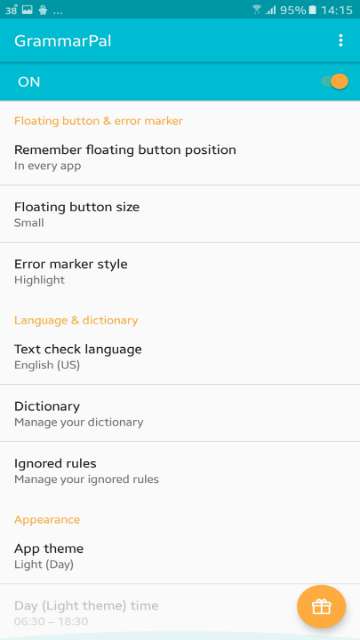
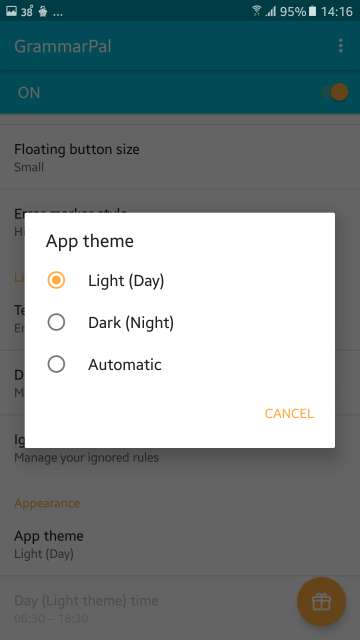
Open the GrammarPal app to access the settings. Here you have the option to remember the floating button position, change the floating button size. Moreover, you have the option to change the error marker style, change the text check language, Manage dictionary. Furthermore, you can manage your ignored rules and also change the theme of the app. Refer to the screenshots below to see each and every setting options available.
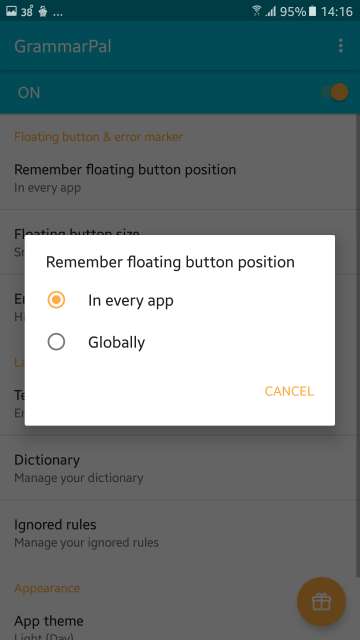
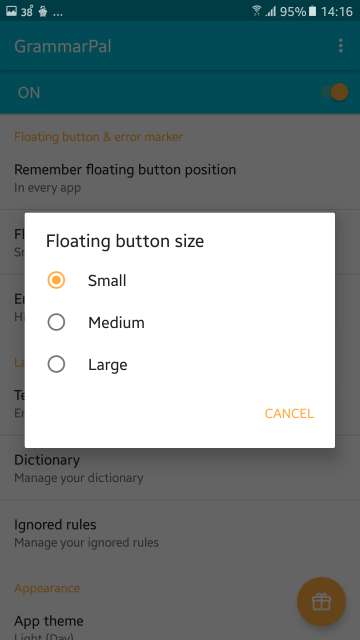
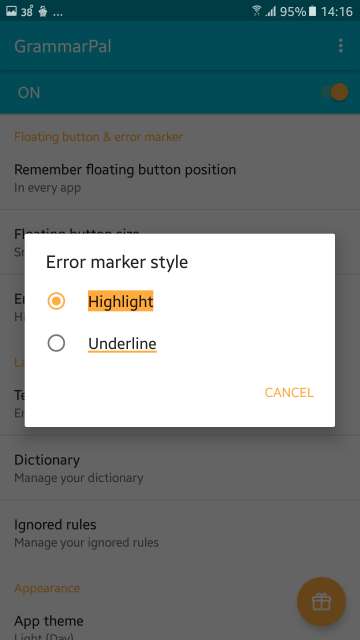
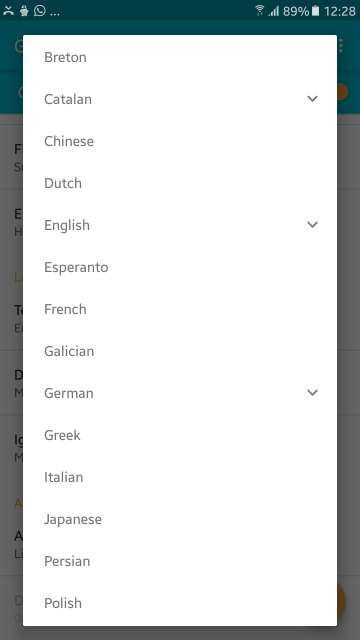
If you love to write correct English, you’ll find GrammarPal one of the best cool Android apps. Download this app via the link given below:
[googleplay url=”https://play.google.com/store/apps/details?id=com.kizitonwose.grammarchecker”/]4. Ace Walls
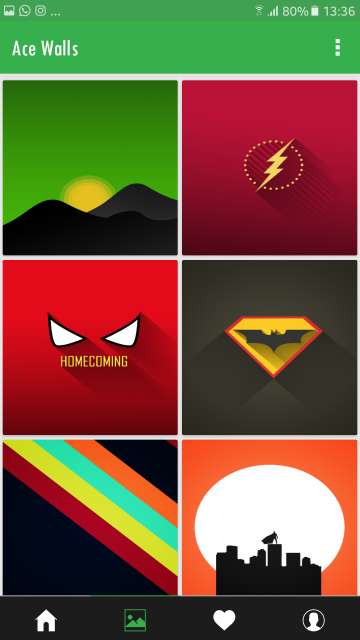
This one is a wallpaper app that features simple and minimalistic wallpapers. Nothing too flashy or extra glittery here. Only beautiful and no-nonsense wallpapers. Currently, this app has over 145+ wallpapers. Screenshots below.
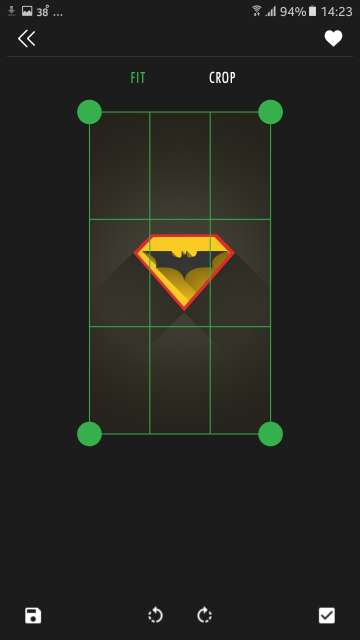
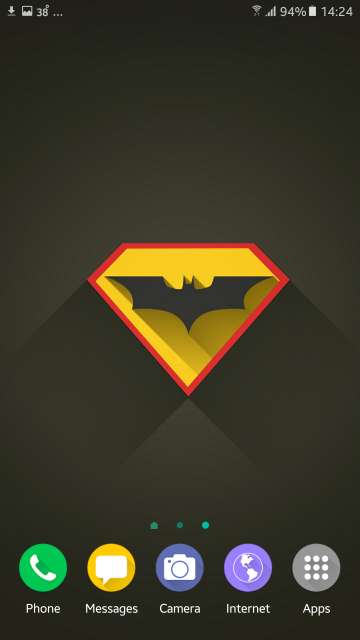
Download Ace Walls via the link given below:
[googleplay url=”https://play.google.com/store/apps/details?id=com.thisfellow.ampereunit.acewalls”/]5. Million+ Wallpapers
This is yet another wallpaper app that has an amazing collection of wallpapers and backgrounds. Wallpapers are categorized too.

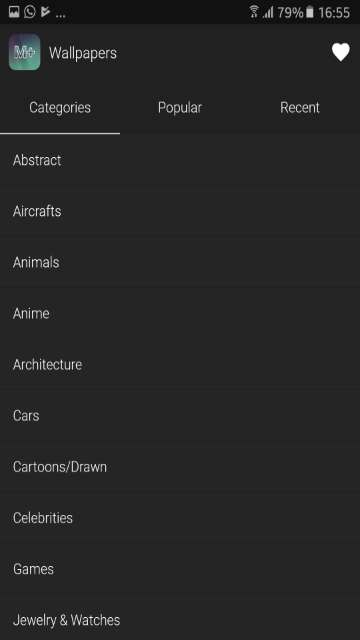
Download via the link below:
[googleplay url=”https://play.google.com/store/apps/details?id=net.millionpluswallpapers.millionwallpapers”/]Conclusion
There you folks, on my personal selection of 5 cool Android apps for this month, that is September of 2017. Feel free to chime in the comments section below on your experience with the apps reviewed above. Moreover, stay tuned for new app reviews. May peace be on all of you out there.



Join The Discussion: