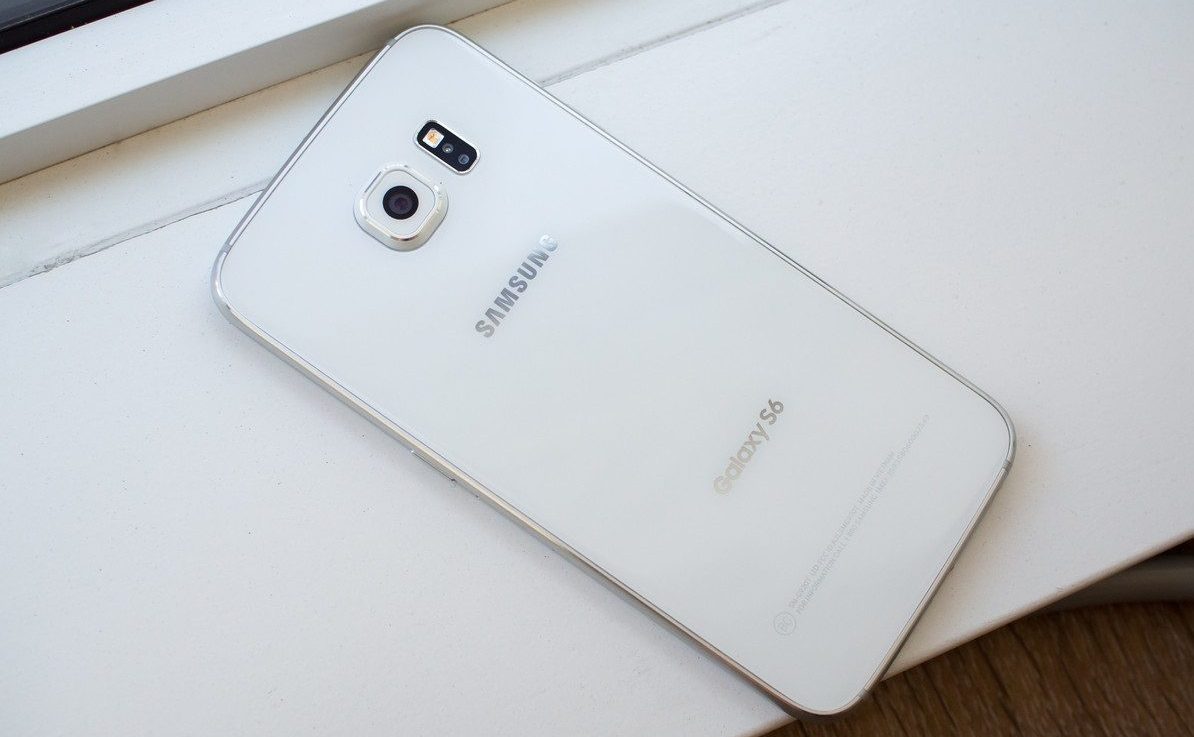
Noble ROM is based on Samsung Galaxy S6 Edge+ Nougat firmware. Noble ROM is Odexed and comes with latest March security patch. Along with that, the ROM is Deknoxed and zip aligned. The boot time is really small almost unnoticeable and the ROM itself feels super fluid and warm. The battery life seems to have increased too. One can comfortably hit around 4-6 hours of screen on time during heavy and normal use.
The ROM supports the following models, which includes, SM-G920/5 F-I-K-L-S. Make sure to check your model number before proceeding further. To do so navigate to Settings» About Phone» Model Number.
Noble ROM Features
- Magisk v11.1 pre-installed
- Advanced Power Menu
- Dual Speaker Surround Mod (Aroma Installer)
- Support for app lock
- Floating camera button
- Screen Recorder in Notification Panel
- and lots more. Try yourself to find out
If the above features sound exciting and want to install this ROM right away then the download links and steps for installation are mentioned below. Make sure to do a clean install if coming from another ROM.
Don’t Miss: How to Theme Your Android Device Using Substratum
Known Bugs
- Works only on WQHD resolution
Download Link
Prerequisites
- A custom recovery like TWRP should be installed.
Steps to Install the ROM
- Download the ROM from the above link.
- Power off your device.
- Boot into bootloader (To do so hold Power + Volume Up + Home at the same time until Recovery Booting.. text).
- Then, boot into recovery (Use Volume Rockers to navigate and Power to select).
- Click on Install.
- Navigate to the directory where you placed the downloaded [.zip] file.
- Select the ROM and swipe right to flash it.
- Then, follow the AROMA instructions (Steps will be listed on the screen).
- Finally, reboot into the System.
Note- After completing the installation and setup process, navigate to Settings» Display and set the resolution to WQHD. Then, reboot your device to see better performance.
Editor’s Pick: View Saved Wi-Fi Passwords on Android with WiFi Password Viewer
That’s it, guys! If you have any queries or problems related to this post then do let me know in the comments section below. I will be happy to help.
Screenshots
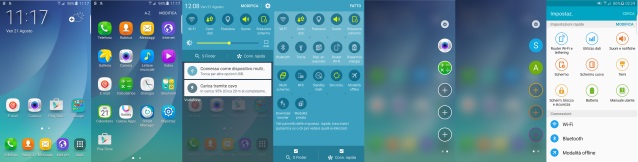

Join The Discussion: