Tell me how many times this has happened to you: A good friend of your visits you at your place. You are having a good time. And then he casually asks for your WiFi network’s password so that he can use it. BAM! You have no idea. *Embarrassing*. You have set up the password when you first set up your phone and you have forgotten it ever since. Can’t blame you, could happen to the best of us.
As with everything in Android, if only there was an app to do that. To view the saved Wifi password with the tap of a button, wouldn’t it be nice? Guess what, there is an app for that and yes, it is nice! Although, before getting your hopes high, I should tell you that this app requires root to work. One more awesome reason to root your Android device.
WiFi Password for Android
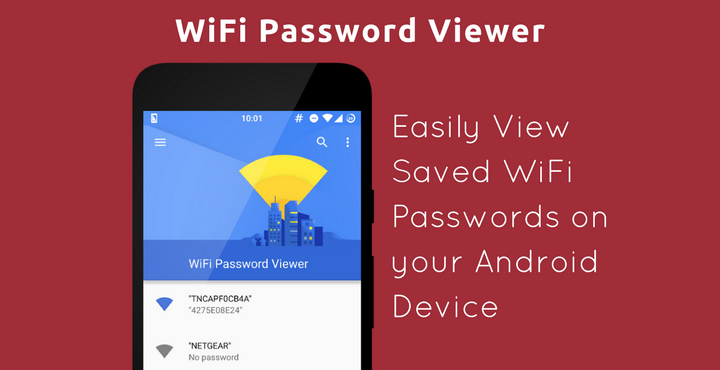
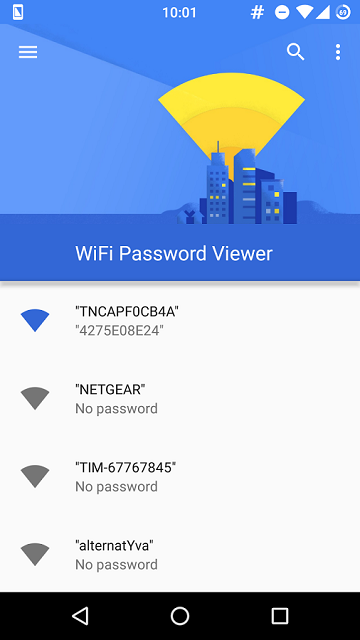
As the name says, this app lets you view your saved Wireless network passwords. You don’t have to be connected to the network to view the passwords. Whenever you save a wifi password in your device, it is saved in a file named ‘wpa_supplicant.conf’. This is a system file and you need Super User Access (just a fancy name for ‘root’) to even view this file. That is why the app needs root to work. This app opens and reads this system file and neatly displays the wifi network name and passwords in a beautiful material design interface.
Download WiFi Password (Root)
Click below to read the reviews and download the app from Google Play Store:
[googleplay url=”https://play.google.com/store/apps/details?id=com.farproc.wifipassword”/]Screenshots:
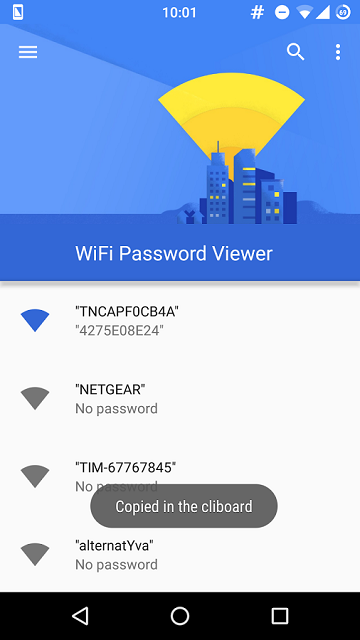
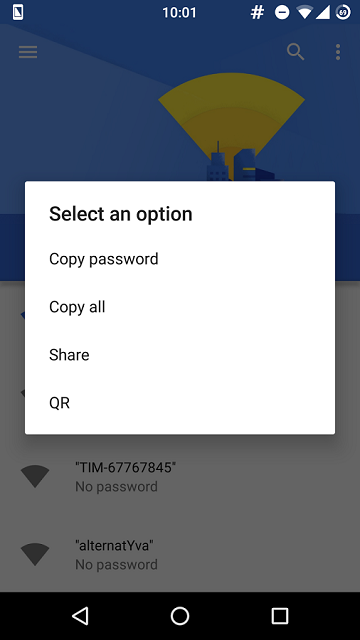
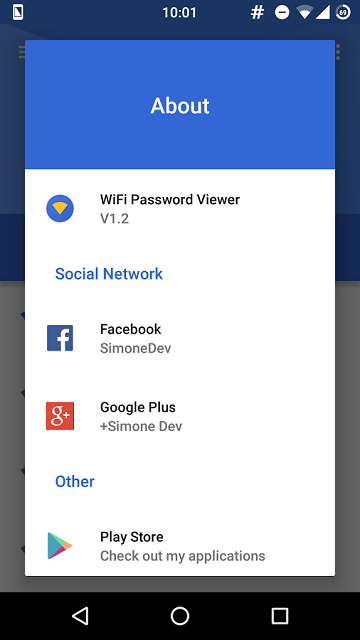
Below are a few screenshots from the app itself:
Issue/workaround for Samsung Devices:
This app may not work properly in Samsung devices. The reason is because Samsung devices encrypts the wi-fi passwords before saving them in the ‘wpa_supplicant.conf’ file. To disable this encryption feature, you have to edit the BUILD.PROP file.
Find the below line of code in the file:
ro.securestorage.support=true
Replace it with below line of code:
ro.securestorage.support=false
Reboot your device and enter the password for wifi network again. Now, the passwords will be saved in unencrypted plain text format and the above-mentioned app will be able to read it from the file.
Let us know if this works for you. Do drop a comment below if you need help with anything mentioned in this article, we’ll look into it!


Join The Discussion: