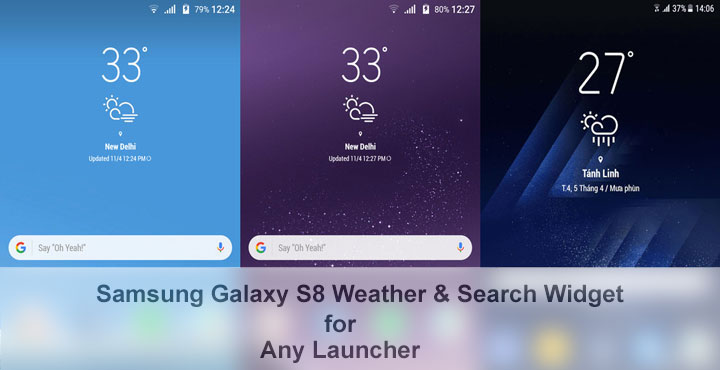
We’ve been bringing you goodies from the Samsung Galaxy S8’s software these past few days. First were the Galaxy S8 wallpapers & ringtone, then the stock Galaxy S8 launcher and then its Navigation bar for the Galaxy Note 5. We also shared with you the entire system dump of the Galaxy S8 as well as Bixby, the virtual AI assistant on the Galaxy S8. Today we have something that is not exactly from the Galaxy S8 but is very much similar. We found some zooper widgets that replicate the Galaxy S8 weather widget and the search bar on any launcher. No root or recovery is needed for these to work since these are just Zooper Widgets.
These Zooper widgets were created by developer thanhtuan1611 using the original icons from the Galaxy S8’s weather widget. The only downside is you need the pro version of Zooper Widget to use these. That said, Zooper Widget Pro is worth its price in our opinion considering the number of other widget themes available on the Play Store.
Downloads
Galaxy S8 Weather Widget and Search Bar
- Long press anywhere on your home screen and tap on Widgets.
- Scroll through the list of widgets towards the bottom and pick a zooper widget of appropriate size. The empty home screen widget initializes the folders in memory.
- Now transfer the contents of Y.S8_Weather.rar package to ZooperWidget/Templates folder on your device’s internal storage. The files have a .zw extension.
- Tap on the empty zooper widget you just created.
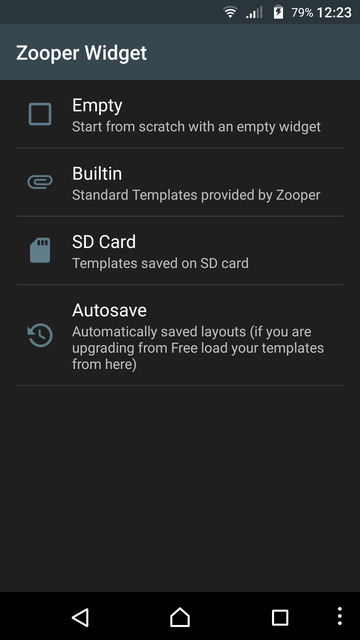
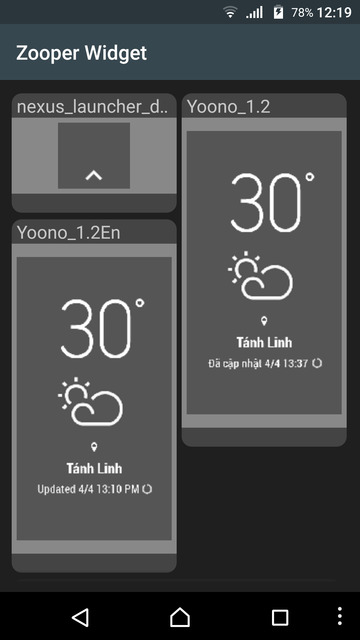
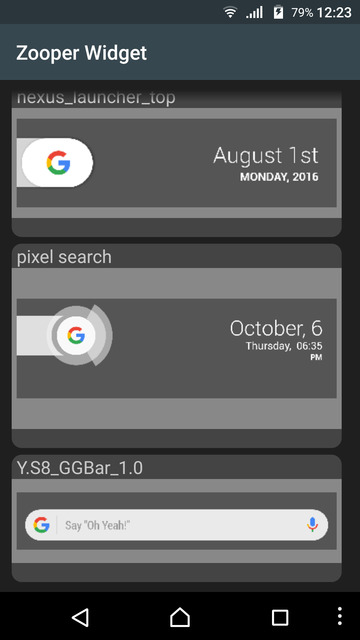
- Select SD Card and choose any available widget.
- For the clock and weather widget, a 2×3 or similar size is more appropriate while a 4×1 or 4×2 size suits the search bar more.
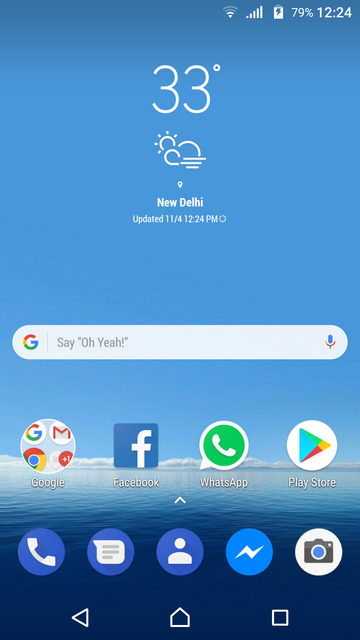
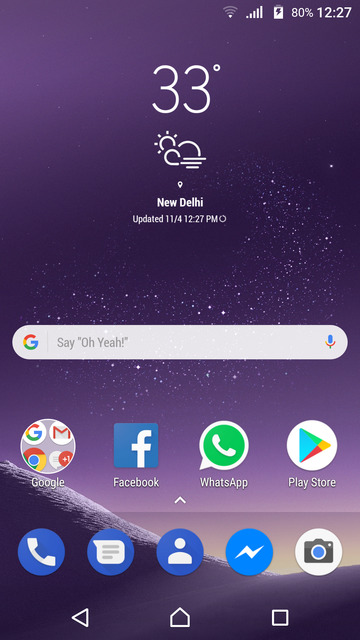
The weather widget is configured by default to refresh whenever the weather icon is touched, but you can change almost everything about the widget, its looks and behavior once you learn your way around the various zooper settings. For instance, you can change the size of each of the displayed elements within the widget. Just launch the Zooper Widget app and tap on Configure. Select the widget you want to fiddle around with, and you will have the options to change and see what you like best.
Must Read: 5 Best Home Screen Widgets for Android



Nice wallpaper! Where i can find It?
They are from the Galaxy S8 and you can get them here: https://www.droidviews.com/download-samsung-galaxy-s8-stock-wallpapers/
Hi, why I can’t find the file in template folder? I’m using adaptable storage on my S7 Edge so there is no SD card inserted. How to load the widget files? Thanks.
Then copy the files in the internal storage: ZooperWidget/Templates