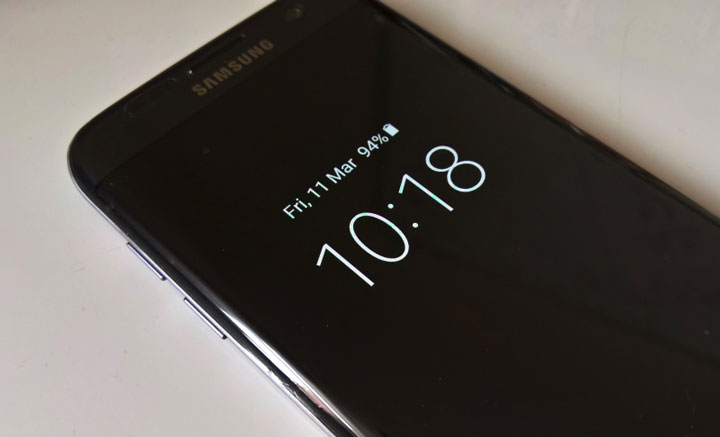
Right from the start, one of the hottest features of the 2016 flagship like GS7 and LG G5 was the introduction of the Always On Display. This particular feature allowed the user to have time and other basic info right on their screen at all times without draining much of the juice. It was made possible, thanks to the AMOLED screens that light up only a few pixels to get the job done. Such features aren’t made to be limited to just a few and with that in mind, several 3rd party apps have tried to simulate the feature. Some failed but many managed to bring the functionality out very well. Let’s take a look at 3 such apps that bring the Always on Display feature functionality on any Android.
Note: Though it’s available for all, screens other than AMOLED will drain more battery to do the same as even the blacks have to backlit in screens like LCD
1. Glance Plus
Available for free on the Play Store, many reasons make this the best app for having Always On Display feature on your smartphone. Take it out of your pocket or wave over the proximity sensor, and voila! you have a beautiful and highly customizable screen.
You can choose between a couple of different clock styles and display position set the brightness and a lot more. The default settings limit the display to 120 seconds but the Always On option can be unlocked with the paid version. Ignore the annoying ads in the app settings that you won’t have to see once you set it to your preferences and you got yourself a very sleek Always On display.

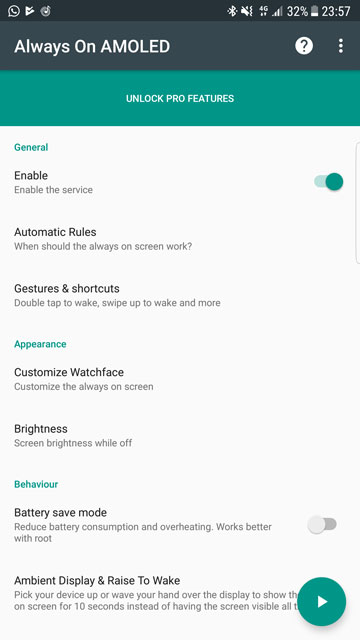
2. Always On AMOLED
Another free app from the Play Store, this app which is still the beta phase (at the time of testing) is proving to be a worthy contender to the other apps. Bringing in a ton of features like auto-brightness, pocket mode, and many custom watch faces and backgrounds, this app runs according to a preset configuration that preserves your battery life.
What’s more, there is an automatic movement option that moves around the display periodically to avoid the dreaded AMOLED burn-in. Though features like gestures and actions are available on the paid version, Doze can be unlocked in rooted devices. Overall, a great app whose free version alone can easily satisfy the majority of the users out there.
3. Always On Display-AMOLED
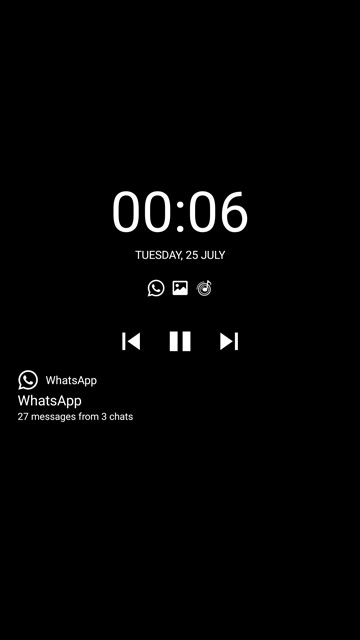
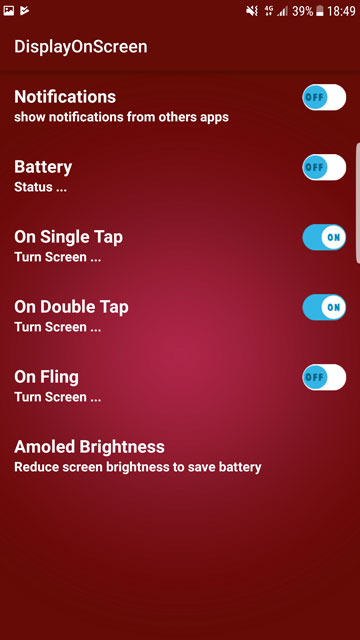
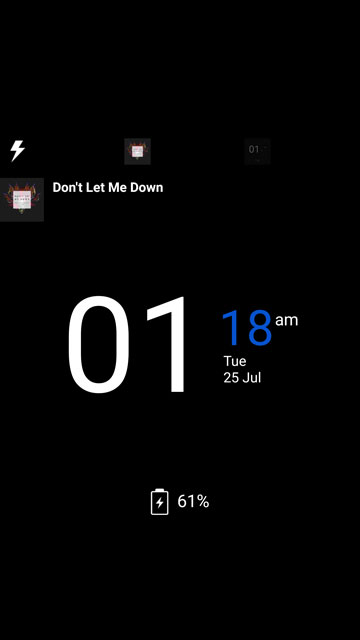
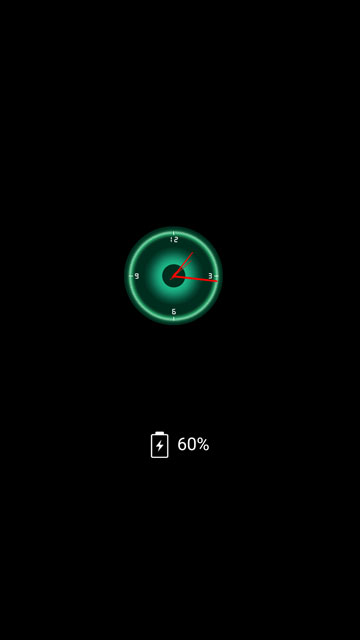
This app does just what the name suggests. Gives you an Always On display and no other fancy stuff. A couple of watch faces, text fonts and styles and that’s about it. Simple yet complete to its function. Other features include notifications and weather info.
Interestingly enough, the app shows itself as DisplayOnScreen after installation. The app settings also display ads now and then, but that won’t bother the user once you have set it to your liking. In the end, it’s just another free app that does its job without much of a hassle.
Read Next: 10 Best Samsung Themes for One UI / Android Pie (2019)


Join The Discussion: