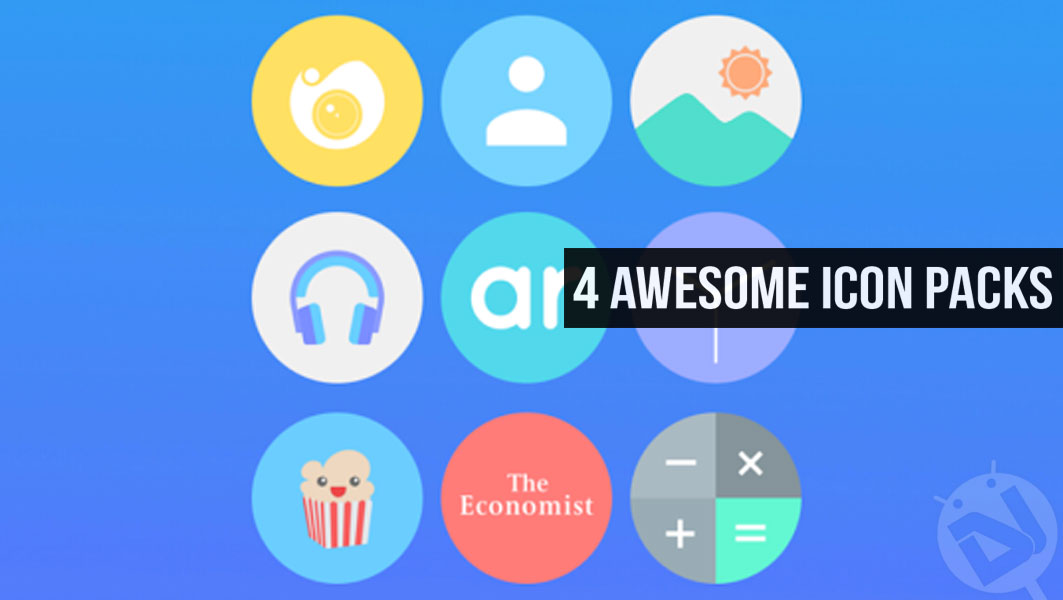
Usually, icon packs can be divided into certain categories according to their shapes and design language. Round and square are the most popular shapes for icon packs but then we also have triangular and hexagonal and oval icons. You will also find cut-out icon packs in the Google Play Store. The variety of the icon themes is really overwhelming and it does cater to the tastes of different users. If you have got bored of the normal icon packs, it’s time to try some unique icon packs for Android.
By unique, I mean something strikingly different. Less popular icons with distinct shapes. Below is a list of 4 unique icon packs for Android home launcher apps. Try them and I bet you’ll like them.
Elev8 Icon Pack
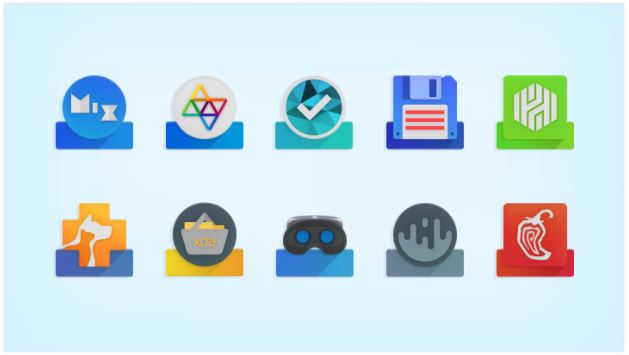
Another icon unique icon pack by DrumDestroyer Themes in this series. The developer has shown us some of the most creative icon packs we’ve seen in a long time, and Elev8 is one of them.
With Elev8, you get more than 3000 high-quality icons which are designed with ultimate attention to details, over 50 HD cloud-based wallpapers, support for Muzei live wallpaper, a matching clock widget, and dynamic calendar icons for popular calendar apps.
The iconography of Elev8 is commendable as the developer has taken the stock icons with heavy modifications and has put them on top of a rectangular base or platform, giving them a pedestal like feel due to which the icons look elevated (hence, the name, I think).
[googleplay url=”https://play.google.com/store/apps/details?id=ddt.best.icon.pack”/]Phix Retro
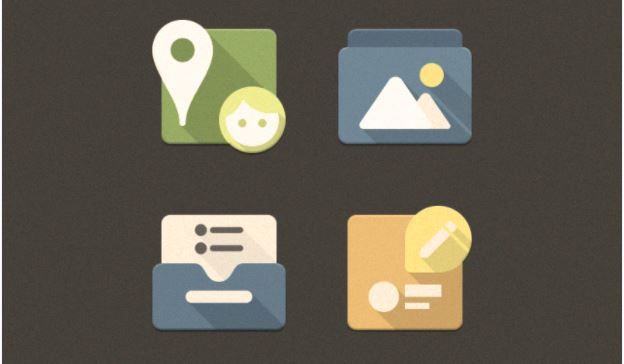
Phix is quite a popular unique icon pack among the UI customizers as it gives a different vibe while managing to stay close to the stock icons. Phix Retro is the same but just with a hint of retro. The addition of a yellowish layer on the top gives the icons a vintage look. And, since, the retro look has been in style for a while now, this icon pack is a perfect purchase if you want to give your device a different look.
Also read: Enjoy a Cleaner Notification Tray with Notification Hub
Phix Retro has more than 3100 icons which are of high quality and 20 QHD cloud-based wallpapers.
[googleplay url=”https://play.google.com/store/apps/details?id=com.mowmo.phixretro”/]FlatDroid
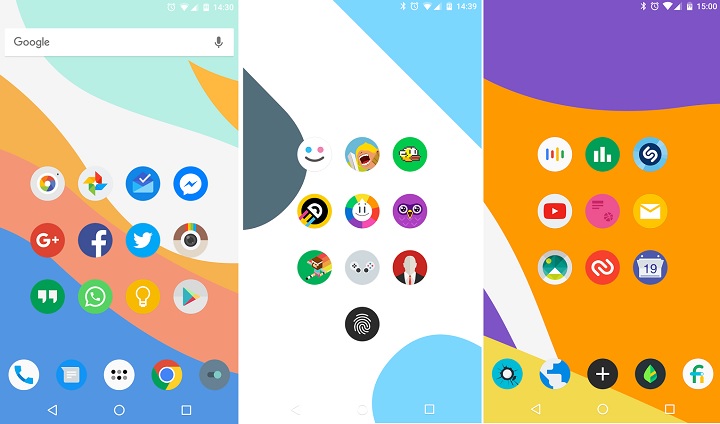
Just as the name suggests, FlatDroid is a flat icon pack. It has more than 4700 flat and round icons. It also has a bunch of colorful cloud-based wallpapers which can be easily saved on your device and support Muzei live wallpaper, as well as a clock widget to match the overall UI.
Now, there isn’t something unique or different about FlatDroid. It is just a vanilla icon pack. But, the selling point of this icon pack is the number of icons it has – 4700+. That’s a lot of high-quality icons you are getting for a minimal amount. Plus, the app still receives regular updates so the numbers will only increase in the future.
[googleplay url=”https://play.google.com/store/apps/details?id=com.fraom.FlatDroid”/]Crispy Dark – Icon Pack
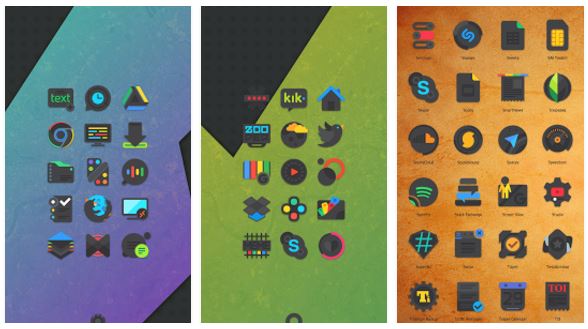
Crispy Dark is the dark alternative for the famous Crispy icon pack. It is dark. It is Unique. It is vibrant. It is crispy. Crispy Dark has more than 1400 icons and is updated with a significant amount of icons once in a while. It also has a bunch of dark cloud-based wallpapers that go perfect with the icons.
Must read: 5 Must-Have Utility Apps for Android
The icons in Crispy Dark are very creative and flawless. You could say that they are a work of art. Each icon is unique in its own way yet blends easily with other icons once applied. Although the pack lacks icons for some major apps it’s not that big of a problem as updates will be pushed in the future. And, you can do your part by sending an icon request from within the app. It’s one of those unique icon packs for Android you should try once at least.
[googleplay url=”https://play.google.com/store/apps/details?id=com.crispydark.icons.flatedge.iconpack”/]


Join The Discussion: