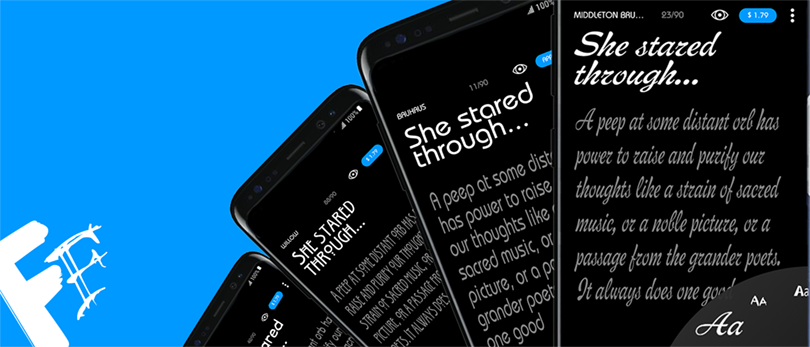
People like to change the look and feel of their phone very much. It is a sad thing that we have to depend on the third-party launcher or a custom ROM to enjoy themes on our Android phone. I think this is the worst thing about Android. Below is our Flip Font collection that includes a number of custom fonts for Samsung devices.
Changing the font on an Android phone, especially when it comes to Samsung Galaxy phones, is very easy as you can install as many fonts as you wish to and apply them anytime. You need not even reboot your device to get the fonts applied. The Flip Fonts are compatible with all Samsung Galaxy device with stock Gingerbread, Ice Cream Sandwich, and Jelly Bean firmwares.
So, if you own a Samsung Galaxy phone and love experimenting with fonts, here is a cool collection of about 290 fonts in apk format. Download the whole collection from our link, extract the zip and copy/paste the whole folder or your favorite font on your phone’s SD Card (internal or external) by connection your phone to the computer via a USB cable. Open the File Manager app, install the fonts you like and apply it from Settings> Display> Font Style.
Download the Samsung Fonts Package: Power_FlipFonts.apk (16.05 MB)
UPDATE: Try the latest Flipfont package for Samsung devices
We now have a newer collection of fonts for Android device. Please head over to our newer article describing the method to install custom fonts on Samsung Galaxy devices.



Flip fonts are not working on my galaxy S4…suggestions?
Hi, I found flipfont couldn’t make my selected font style displayed system-wide on Samsung running ICS & Jellybean… Is there any solution?
Yes, this issue is since the beginning. I have not seen a solution for it anywhere.