Text messaging, browsing the internet, and keeping notes on your smartphone all have one thing in common. You can’t complete these actions without the use of a keyboard. Well, to be honest, you can use Google Now and voice commands but typing is still an essential part of the Android OS. That’s why today, we are going to list 5 keyboard apps that can help you make your typing experience easier.
1. SwiftKey
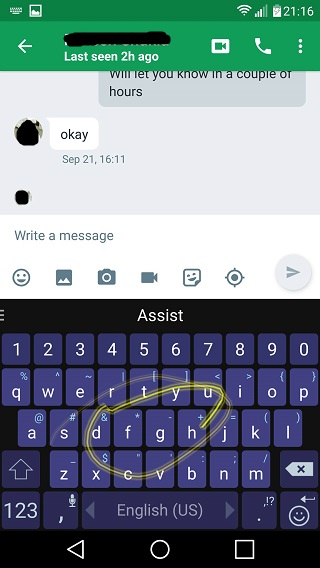
For many years Swiftkey has been a synonym of the word “keyboard”, and for a good reason. Its features include an almost flawless word prediction, keyboard customization, and gesture typing. SwiftKey supports more than 100 languages and I can tell you from experience that word prediction is working perfectly in many of them.
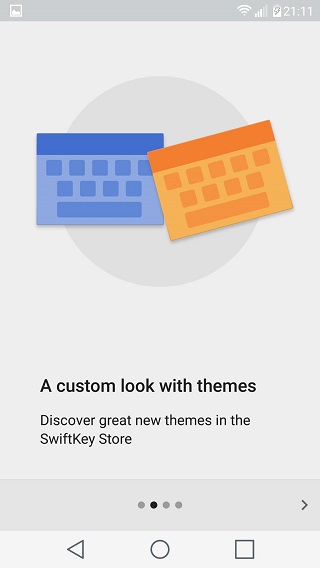
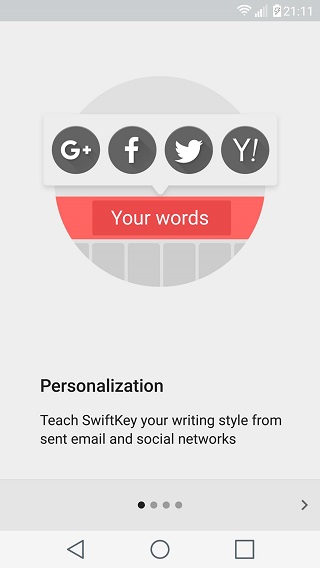
The best part? The more you type the smarter the application becomes, thus improving its predictions.
2. Fleksy + GIF
An app with minimalistic design, packing many useful features. That is Fleksy for you. It is probably they easiest keyboard to customize offering a variety of free themes and also the ability to create your own. Apart from themes Fleksy also includes “extensions” which are used to add features. A personal favorite is “Invisible keyboard” which -you guessed it- makes Fleksy invisible.
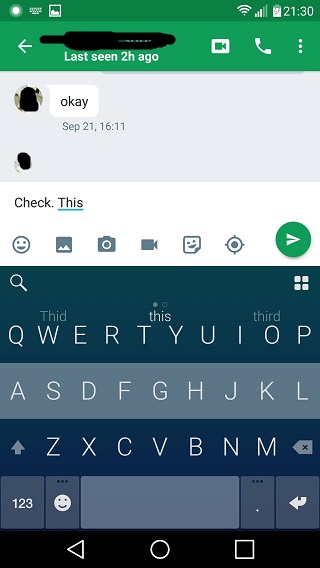
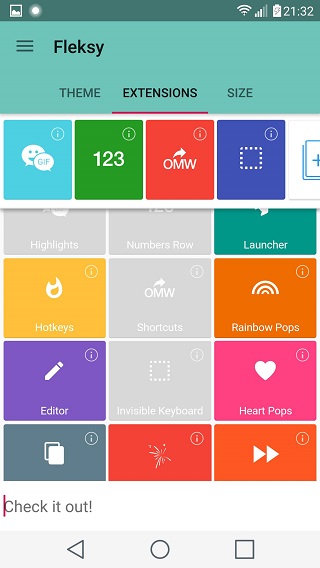
Another feature that makes this app stand out is the way you can control everything with gestures. Swipe left to erase whole words, swipe right to use punctuation and more. Finally, Fleksy has an integrated GIF library in order to help you make that punchline stronger. Try it out by using the link below.
[googleplay url=”https://play.google.com/store/apps/details?id=com.syntellia.fleksy.keyboard”/]3. GO Keyboard
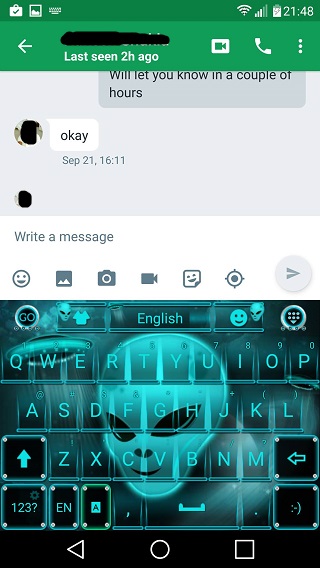
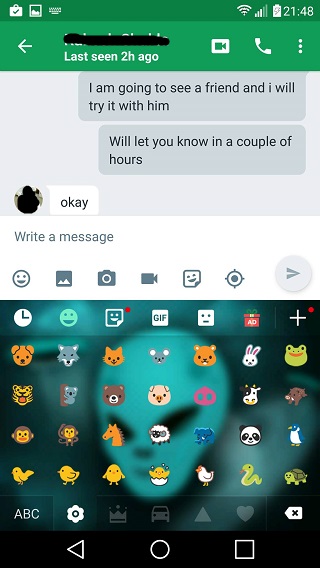
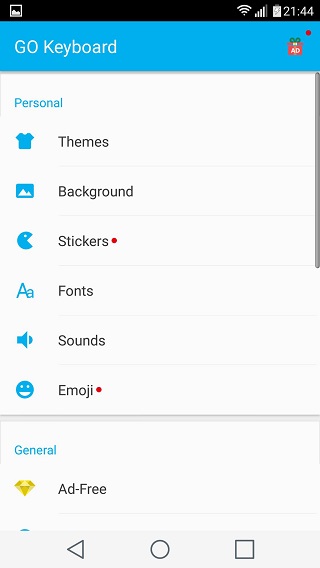
Massive Theme library, many more emojis (if you use those) and also the GO brand name make this application stand out. Other features include font changing, stickers, and a plug-in library.
There is a plug-in that lets you change your voice before you send a recorded message.
4. Kika
An all-around application with its strong point being that it has many strong points. Theme creation, endless GIFs, and Stickers, and a pretty good autocorrect feature are only some of those.

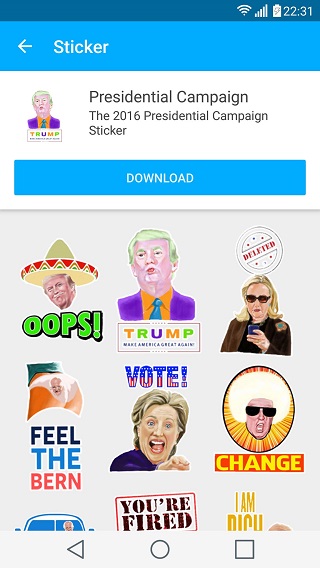
And yes those are stickers of the presidential campaign in the US. You know, just to help you Trump (or Hillary) your way out of a conversation.
[googleplay url=”https://play.google.com/store/apps/details?id=com.qisiemoji.inputmethod”/]5. Google Keyboard
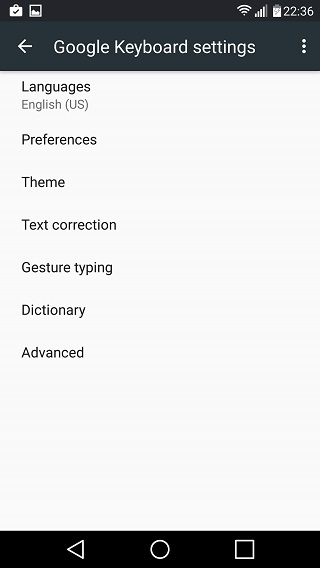
Do you love anything Google related? Then this application is directly aimed for you. Get the familiar vanilla feeling, paired with many other features as well. Themes, gesture typing and a dictionary are all here in order to improve your productivity.
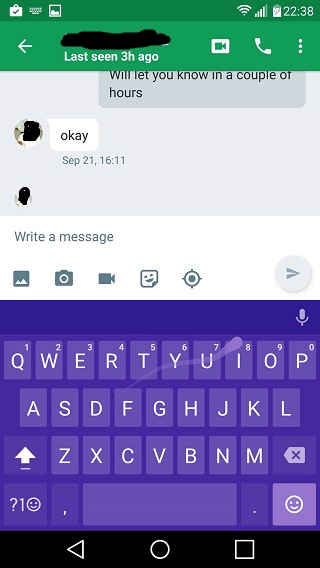
Download this app if you want something minimal and functional. Good job to Google for this one.
[googleplay url=”https://play.google.com/store/apps/details?id=com.google.android.inputmethod.latin”/]


The huge variety of customization options is what made it qualify for our list. Of course thats a personal opinion. However, GO Dev Team have a developed a huge ecosystem of apps wich is quite nice when you actually get into it. What is your favorite keyboard?
Swiftkey is my favorite keyboard. (With material dark theme)
I am currently using SwiftKey too. Its great!
BlackBerry keyboard ?!
Hi and thanks for the comment. BlackBerry has admittedly developed a nice keyboard. However the plain black theme and the lack of the ability to change it is what kept it out of this list. I like minimal applications but to an extend. Thanks again for your input.
Best layout and proportion , best sugestion and best black/grey contrast. That’s BlackBerry 🙂
Customizability however could make it accessible to more people. I see your point though. Thanks again.