The new messaging application which was announced along Google Duo at this year’s I/O is finally here. Google announced that “Allo” will become available worldwide during the next few days. If you are eager to try the app and live in a region where Allo is not yet available, you can always find links for the .apk file at the end of this article. In our Google Allo review, we’ll be covering all aspects of this new app.
Google Allo is a beautiful messaging application with plenty of features, but is it worth your time? Read the review below in order to learn our opinion about this application.
Registration and First Use
When you open Allo for the first time, you will be prompted to give the required permissions. Like any other messaging app Allo requires permissions for your Contact and Messaging information as well as your Location for a feature which we will discuss below.
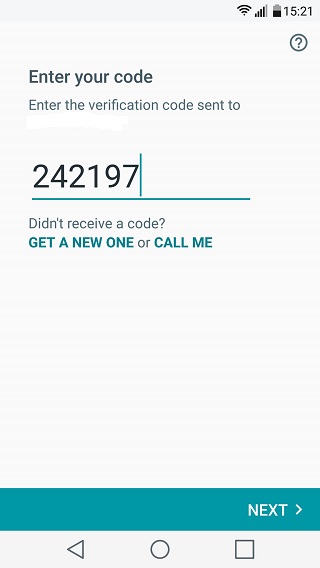
After you complete this procedure you have to Register your phone number and verify it, using an automatically generated password. Note that Allo gives you permission to unregister your Phone Number at any given moment. However, that would make the app virtually useless.
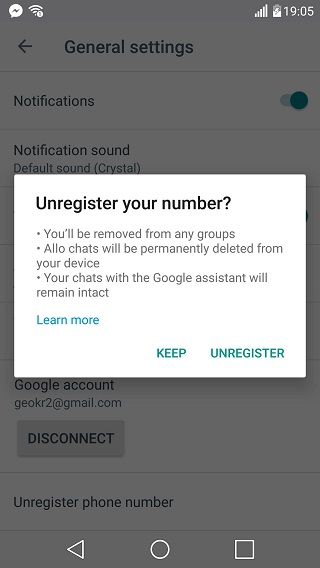
Unfortunately, registration by email only, is not available (yet?) although Allo saves the email account paired with your device.
Last but not least, Allo prompts you to give a username and, “take a selfie” for your profile. Your friends can find you either by your number or by your contact name.
Google Assistant
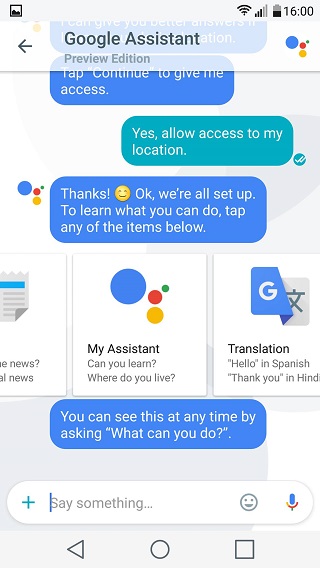
Shortly after you finish your registration, you will receive your first message. This message will be from a virtual assistant that Google has implemented in Allo.
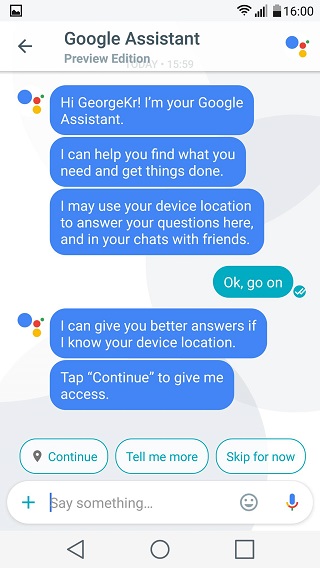
As you can see from the image above, your “Assistant” is here to help you “find what you need and get things done”. In order to improve its functionality, Google Assistant will ask you for location permission. This will enable Allo to give you answers based on your location, including events, museums and other points of interest. In order to do that, simply type the information that you need and the Assistant will do the rest. It’s capabilities, however, don’t stop there. Google Assistant can translate words to different languages as well as provide you with news, travel, and sports information. Basically, everything that Google Now is capable of.
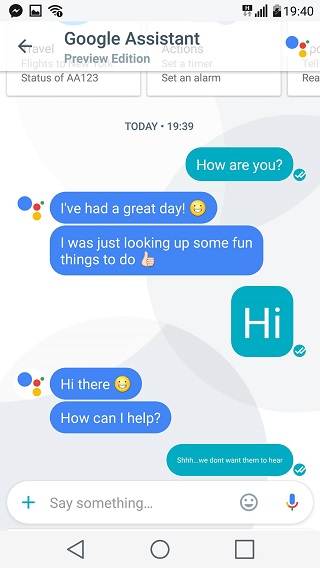
The fun part, however, is the interesting (and not creepy) dialogues that you can have with Allo’s Assistant. You can ask it whether it sleeps or eats if it is passionate about anything and much more.
Other Features & Security
A secondary Allo feature is the Shout & Whisper capabilities. Basically a change in the font size, this feature is meant to make your conversations more personal. Google has also included different sticker packs in Allo so as to help you personalize your experience.
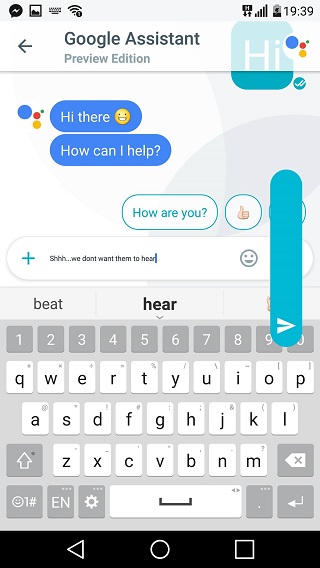
Another feature is called “Smart Reply”. Allo will basically try to predict suitable answers and sentences giving you the ability to replay with one tap. Last but not least, Allo enables group conversations as well as incognito chat. That brings us to the security and encryption topic.
According to Google this is what happens in Incognito mode:
- You won’t be able to preview your message in the Allo conversation list.
- Notifications won’t display who sent the message or its content. (You can also turn off notifications entirely from the settings).
- Your chats are end-to-end encrypted and can only be seen by you and the person you are chatting with. (That means that not even Google can read your messages, thus preventing the Google Assistant and Smart Reply features.)
- You can set messages to expire. This will enable you to send messages that disappear after a period of time. You can set the timer to 5, 10, 30 seconds or even 1 week from the top right corner.
Conclusion
To conclude, Allo is shaping up to be a really beautiful application and will probably be able to replace both Hangouts and iMessage. Any feature that we missed? Feel free to post questions below. Also, follow one of the links below in order to download.
Google Allo APK: Allo 1.0.006_RC18 (armeabi-v7a_xxhdpi).apk | Mirror
[googleplay url=”https://play.google.com/store/apps/details?id=com.google.android.apps.fireball”/]Must Read: Telegram Cloud – Get Free Unlimited Online Storage



Join The Discussion: