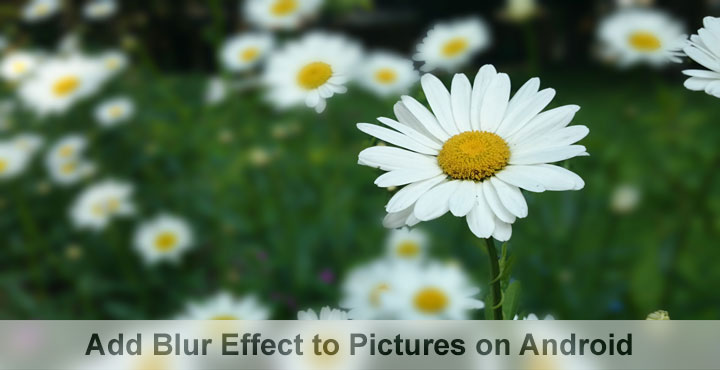
Want to give or add blur effect to photos to shot with your Android phone? The Play Store is stuffed with a plethora of photo editing apps that claim to have blur filter but not all of them work perfectly. Here are 5 best photo editors for Android that can add blur effect in pictures brilliantly. Try one of them now!
Photography probably wasn’t as popular as it is today. At least that’s my uneducated opinion. Since smartphone cameras became better and better, I see everybody wanting to take amazing pictures with them. I myself wasn’t into photography at all but ever since my first Xperia, with the background blur and all, I have found myself wanting to take great pictures with the camera and do it justice. One of the most desired effects people want in their pictures is to add blur effect. So much so that many smartphone OEMs have started providing the feature in their stock camera apps.
It gives the photographs a DSLR-esque look and feel. If done right this makes pictures look quite professional. It also probably saves a ton of money for people who just want to share pictures on social media. This effect is also called the pre-focus effect, and it utilizes the Camera’s ability to perceive the depth of the objects included in the photo. But, it is not necessarily an effect that you need to have while taking the picture. Sure, it’s more natural when the effect is natural and due to the camera lens, but our smartphone camera lenses are nowhere as close to the size of a DSLR lens. So Here are 5 apps that can help you achieve lens blur effect with pictures on Android.
Must read: 5 Best Photo Editing Apps for Android
Add Blur Effect to Pictures with These Photo Editors
1. After Focus
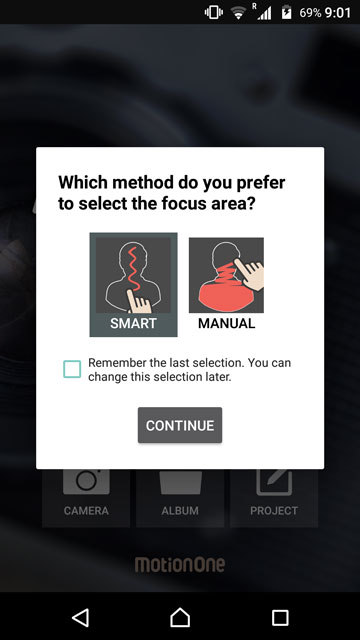
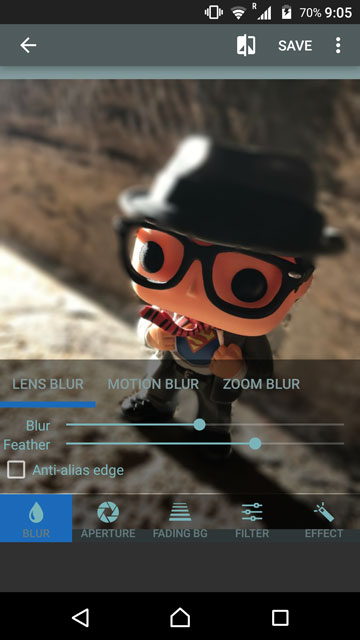
After Focus allows users to add blur effects to an existing picture from the gallery or take a new photo with an existing Camera app on the device. It does not have an inbuilt camera nor does it need one. Even if you’re taking pictures with a smartphone camera that supports blur effects, the effects are only added in the post-processing anyways. There are two modes here –
- Smart mode lets you easily select which parts need to be in focus and which need to be blurred by just drawing a boundary with your finger
- Manual mode requires you to rub with your finger the entire area that you want to stay in focus and everything else will be blurred away.
2. LightX Photo Editor & Photo Effects
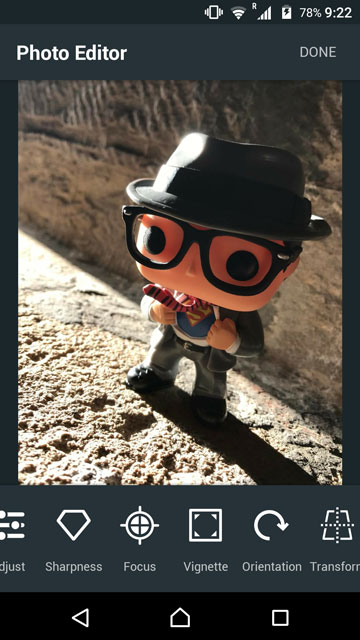
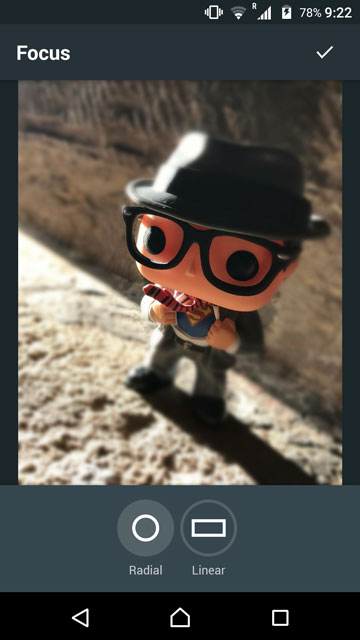
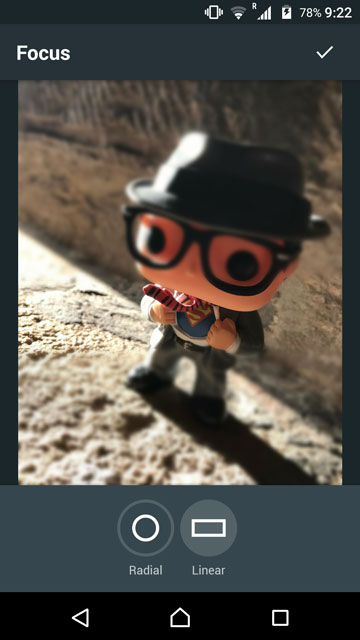
LightX is one of the most popular photo editing apps on the Google Play Store as pointed out by the 50+ million downloads. It is not just an app that lets you add blur effects but as mentioned, is a full-fledged photo editor with a lot of tools, effects, and filters that we probably shouldn’t be talking about here. The reason I mentioned LightX is that it has an excellent ‘Focus effect’ which allows users to select a focus area using circular or rectangular selection tools.
Don’t miss: PrivateMe Hides Apps Like They Don’t Even Exist
The rest of the picture outside the selection is obviously blurred when you apply the effect. You can continue to edit the image and apply other effects and filters on it before saving the final copy.
[googleplay url=”https://play.google.com/store/apps/details?id=com.lightx”]3. PicsArt

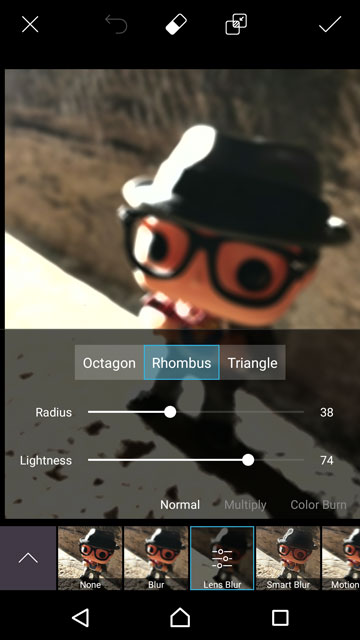

I’m not sure you will find a list about photo editing that does not mention PicsArt, no matter how narrow the scope of it is. If there exists such a list, either it is deliberately trying to ignore this app or it is just not an honestly-made list. Now I’m not a fan of this particular app but when you’re talking photo editing on Android, this is among on the best. Complicated to use, but feature packed. More than 100 million downloads simply suggest it is the ultimate photo editor on Android. About blur effects, though, the app has not one but at least 5 blur effects to choose from – normal, Smart, Motion, Focal, and radial.
[googleplay url=”https://play.google.com/store/apps/details?id=com.picsart.studio”/]4. Cymera
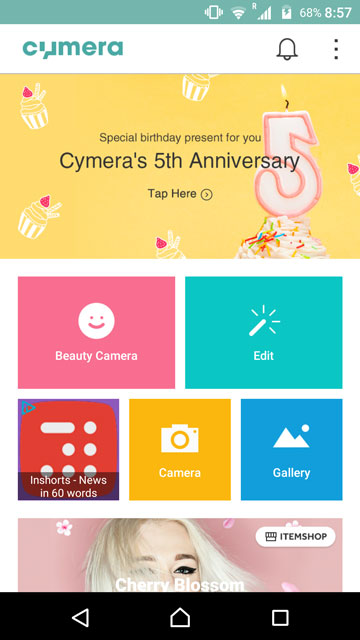
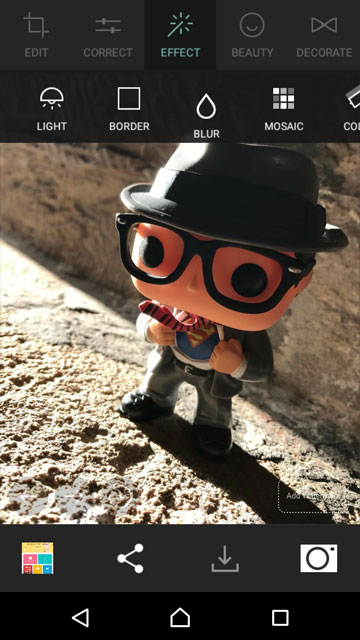
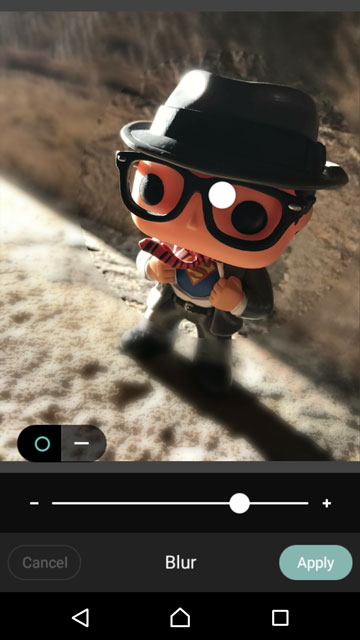
Cymera is once again a photo editing app with a ton of features that we can’t be covering in this post. But yes, the app does have blur effects you can use on your pictures. Unlike some other editing apps, Cymera, as the name sort of suggests is also a camera app. It is mainly that, the photo editing was actually supposed to be a feature for the camera. But the roles have since been reversed. The blur effects offered here are quite similar to Aviary. It means you can select a focus area with a selection tool and then blur the rest of the picture.
[googleplay url=”https://play.google.com/store/apps/details?id=com.cyworld.camera”/]5. Lens Blur
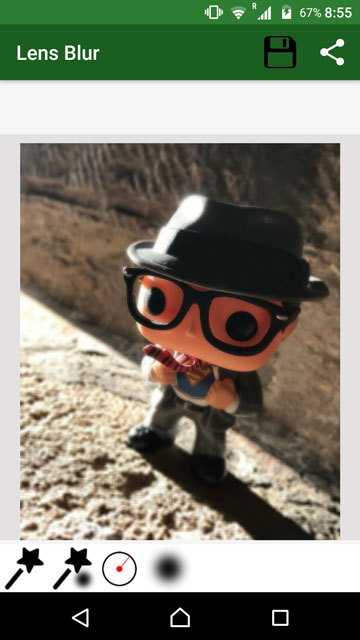
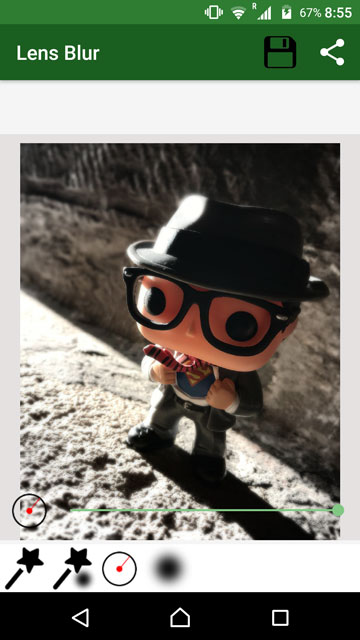

All those apps above have got some really cool effects and all apart from the blur features. But what if you don’t want all that firepower? I get it. Sometimes all you want for your pictures is a beautiful and professional look, no filters and unnecessary editing. Lens Blur though is an app you wouldn’t mind keeping if you just want an easy to add blur effect. All you have to do with Lens Blur is to tap on the photo where you want the focus to be. The app handles the rest itself.
[googleplay url=”https://play.google.com/store/apps/details?id=com.isarainc.dof”/]


Join The Discussion: