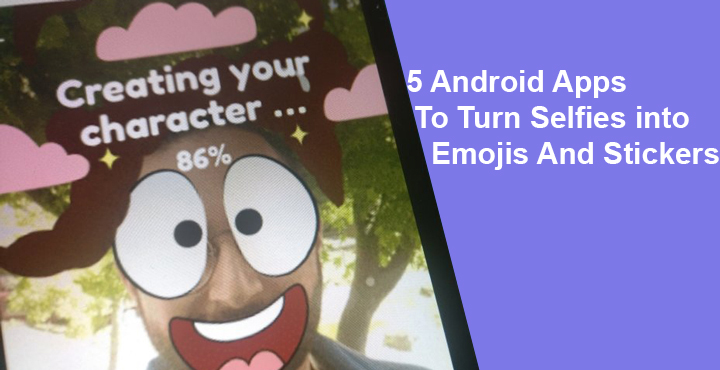
People love taking pictures of themselves and it couldn’t be more evident than it is today in the selfie age. That’s because selfies provide a new way for us to express ourselves to the online world than just random photos with friends and family. The selfie revolution is fueled by smartphones of course. And it is no surprise that there are several smartphones that focus on the selfie department as their main selling point. Similarly, there are so many apps on the Google Play Store directed towards selfie lovers. Another great way to express yourself online is stickers and emojis. Mix selfies and stickers and you get the best way to express yourself, probably. So here are 5 Android apps to turn selfies into emoji and stickers.
1. Bobble keyboard with stickers
[googleplay url=”https://play.google.com/store/apps/details?id=com.touchtalent.bobbleapp”/]Bobble is the first app in this category that I ever came across, and so it’s the first in this list as well. Bobble does a good job of identifying your face in a selfie, which you can crop out easily. The app then turns it into a cartoonish art with a similar looking body.
You can also crop out a face from a picture in your gallery. There are so many choices that you’re most likely to find a sticker you’re looking for. The best part is that it has your very own face instead of a random face. One can browse through the extensive list or simply search for them. Any existing sticker can be edited and saved. Bobble also makes it easy to share these stickers with its own keyboard.
2. MomentCam Cartoons & Stickers
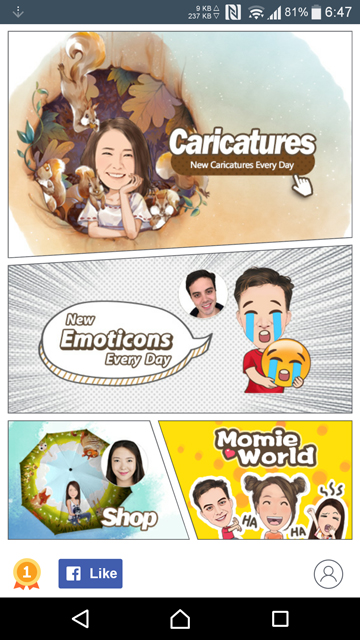
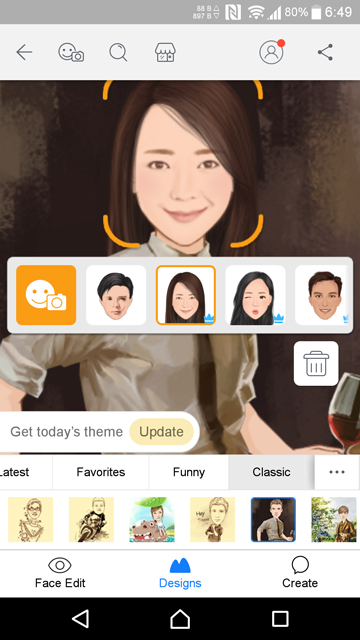
[googleplay url=”https://play.google.com/store/apps/details?id=com.manboker.headportrait”/]MomentCam allows you to create funny Cartoons and Emoticons from your photos.
It works much like Bobble, so if you don’t want to use Bobble just because you don’t like it’s UI, MomenyCam is a good alternative. I’m not a fan of Bobble’s UI myself. Maybe it’s the shade of green. MomentCam users can also be assured that they will have interesting choices regardless of their language, culture or location.
Don’t miss: Customize Your Typing with Facemoji Keyboard+GIFs
MomentCam’s database is updated daily and for every occasion, region, cultural and pop reference. The app also allows you to create animated emoticons with your face on it. It also has a large enough online community which you can be a part of, gain followers or follow others. You might just end up winning a prize if you’re creative enough.


3. Bitmoji – Your Personal Emoji
[googleplay url=”https://play.google.com/store/apps/details?id=com.bitstrips.imoji”/]You can also use Bitmoji on a computer. You can download the PC version of the app from here.
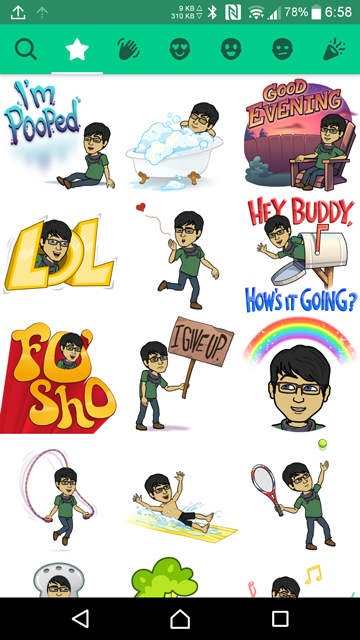
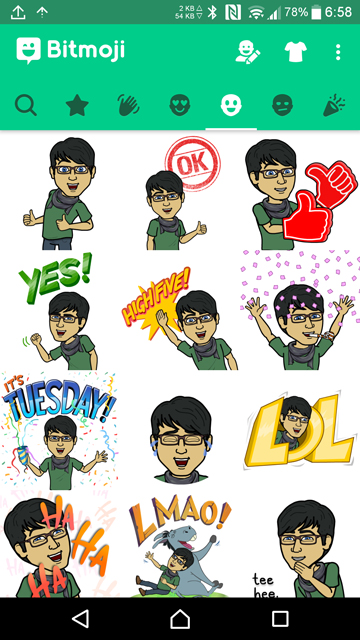
Turns out Bobble wasn’t really the first app of its kind that I came across. It was Bitmoji, but it was so long ago I never remembered about it. Trying it out now makes me realize it has come a long way. Bitmoji’s art style is a little different from the other two above. While Bobble and MomentCam lean more towards keeping your face recognizable, Bitmoji has a bit more comic side to it. You get to create your own cartoon avatar that can then be put in several scenarios and situations.
Also read: 5 Gboard Tips You Must Check Out
If you find yourself in a creative mood, you might even end up creating your own comic book. Bitmoji stickers can be used in Snapchat as well along with other messenger services. The only downside is you need to sing up with an email account or sign in with your Snapchat ID in order to use the app.


4. Mirror Emoji Keyboard & Sticker Maker
[googleplay url=”https://play.google.com/store/apps/details?id=com.mirrorai.app”/]Another app to create your own custom stickers. Take a photo of yourself with the app, ideally with your face positioned in the oval drawn for it. Then use the on-screen eraser to get rid of all the background artifacts so that it’s just your expression in focus. A white outline is automatically added to the final product by Imoji. The result is an image file without a background and a white border, quite like a sticker.
5. Emoji keyboard – Cute Emoticons, GIF, Stickers
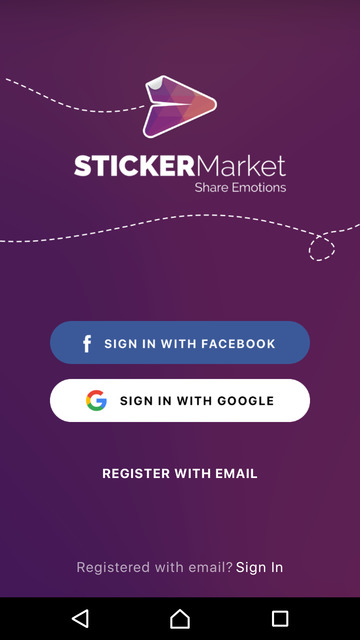
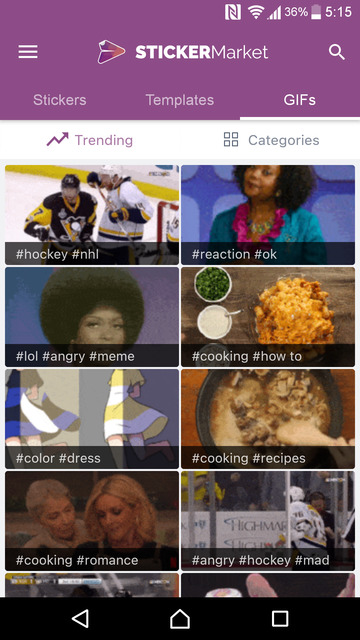
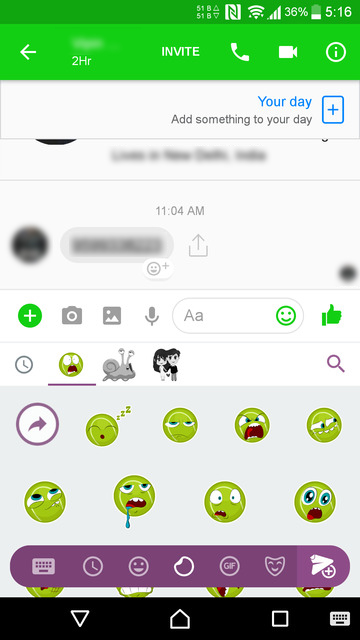
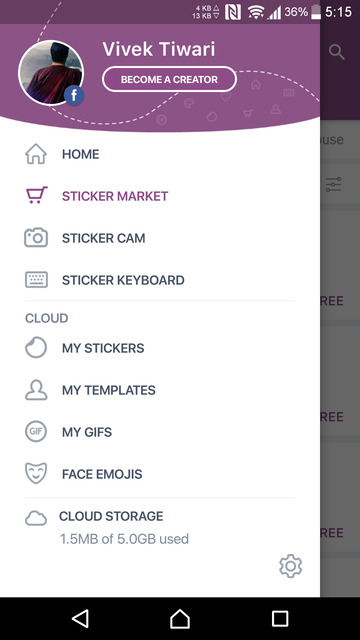
[googleplay url=”https://play.google.com/store/apps/details?id=com.emoji.coolkeyboard”/]Like the other similar apps, Sticker Market also provides its own keyboard to facilitate sharing your creations. It too has an extensive selection of stickers and emojis to choose from. The app also lets you add your face to its collection which you can choose to make public. Your creations sync between devices if you so choose. For this reason, the app requires that you either sign up or sign in with your Google or Facebook account.



Join The Discussion: