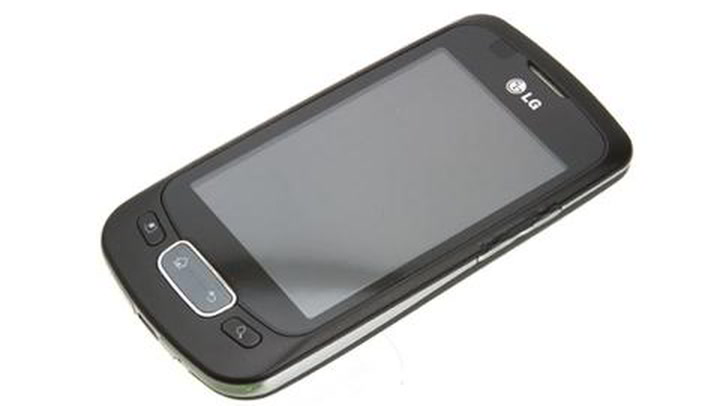
One of the most lightweight and stable ROM updates for LG Optimus One P500. Oxygen ICS port was initiated by XDA member popdog123. Most of the major features are working but it comes with very few minor bugs which are being solved every coming day. Download the latest software and follow the steps below to flash the Oxygen ICS ROM on LG P500.
Currently, it updates from 0.3.5 to 0.3.6.
Changelog
- OTA Updater app updated
- OTA Updater is now integrated into settings itself & has been removed from launcher
- The serial number is now removed from settings
- Downgraded Voice search version to 2.1.4 for stability
- Google apps edited: deleted some unused files/ APKs
After flashing the latest version, if you experience any bug, then kindly proceed to the official website to report your bug.
Download Oxygen ICS 3 v0.3.6 (4-9-2012)
Now, I am gonna put up a few instructions or basically a guide for the newcomers.
How to Flash Oxygen ICS ROM on LG P500
- Download the ROM zip package from the link mentioned above.
- Connect your P500 via USB cable to the PC (Make sure you have appropriate drivers installed on your PC, if not so then head to our post to download the appropriate USB drivers for Motorola devices).
- Copy the ROM zip downloaded in step #1 to the root of your SDCard, the zip can be placed anywhere on the sd card but the root is considered for ease.
- Disconnect your P500
- Boot into your custom recovery (AmonRA, CWM, etc.)
- Clear/ format: Data, Cache, System, Dalvik-Cache & SD-Ext (if any).
- Now select the ROM zip that you downloaded and is now placed under your SDCard’s root.
- It shall take a few minutes for flashing.
- When it’s done, you will be notified.
- When it has successfully flashed, select the “Reboot system now” or “Reboot now” option.
- Now Enjoy the Oxygen stability with Ice cream sandwich taste.
Note: There is no need to flash any Gappps, as they are already included in this ROM.
See Also: Install CM 9 ROM on LG P500 – CM 9.1.1

Join The Discussion: