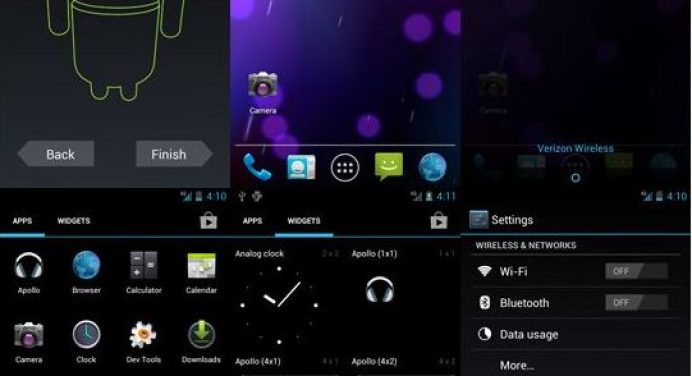
The LG Optimus One is a popular smartphone. It’s a budget phone with limited hardware specifications but if you have rooted your phone, you can enjoy great features through custom ROMs. Flash the CM 9 ROM on LG P500 to get more customization options. The ROM is based on IceCream Sandwich.
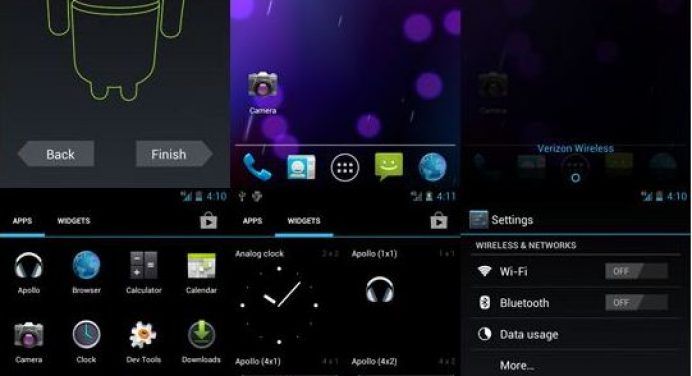
As many of you know, this is the ICS ROM for P500. It was through joint efforts of luphorip, _Arjen_ and hephappy that ICS ROMs are now possible on your beloved Optimus One! 😀 And This is the continuation of the legacy CM9 ROM by lupohrip. Plus it is a CyanogenMod 9 (almost perfect !).
All CM9 love(goodies) is currently working, and apparently, the only bug is No proper h/w (hardware) Video decoding, esp for high resolution. Blame this on the Lack of OMX libraries. However, guess what? there is a workaround! –> Use other video players, like MoboPlayer/MX player from Market, and use soft(ware) decoding feature in them! It’s not perfect, but surely an alternative! Everything else just works. With superior smoothness and some Icy love, This Ice Cream Sandwich is ready to chill your bones!
What’s working?
Everything!
Including camera, video, and panorama!
Features of CM 9 ROM for LG P500
- includes minimal Gapps.
- ‘partition info’ option in main settings.
- option to set the center clock in status bar
- option to make status bar transparent
- option to show/hide navigation bar/on-screen buttons.
- volume bar cursor control in the text field
- Limitless customization as ever
What’s not?
- Hardware decoding of videos. youtube HQ lags. never gonna be fixed. Workaround -. use 3rd party video players and use soft decoding.
- do not use Titanium Backup, as advised by hephappy himself. advisable to install apps from the play store.
- camcorder recorded videos cant be played through the in-built player, use 3rd part player.
- No FM radio. (use Sprint FM! )
- occasional blank screen in Gmail app. ( to fix, clear cache and reboot. clear app data if u have to.)
How to Install CM 9 ROM on LG P500
- Do full wipe.
- Don’t flash Gapps.
- Advised to not restore apps via Titanium Backup. (esp. if u have the premium app, using the shell to restore might pose a problem.)
- 30MB will be free in the system.
Bugs fixed: Alarm Clock bug !( no more getting late for work 😛 )
(Please note that the developer’s thread itself was closed by him due unbearable amount of noobs, who irritated him to no extent, and also criticized him. But he continued developing and his ROMs are also available on ROM Manager.)
Read Next: Top 5 Features I Miss in Stock Android



Join The Discussion: