What do you do when you’re on a long bus ride but forgot your earphones at home? Like many normal people you probably would wish you hadn’t because you like listening to your favorite songs. You have two options now are to sit quietly and wonder about where you are in life. Or play songs out of your phone’s main speaker like an inconsiderate jerk. Something nobody wants to be, at least consciously. Wouldn’t it be great if you could just play music via your phone’s earpiece and listen to it privately?
On second thought, you can also try playing music at a really low volume and holding the phone to your ear. I have certainly tried that. But if your phone does not have front-facing stereo speakers, it can seem a little unnatural holding an upside down the phone to your ear. God forbid if your phone has a bottom-facing speaker.
Worry not though because when you have an Android, there’s almost always a way. This time, it comes from developer Usman Farhat in the form of an audio player. It should already be clear that his app, called Stealth Audio Player, can play music via your phone’s earpiece. Since the earpiece is meant for privacy, so that only you can hear the sound coming out of it, it’s a much more private experience than playing music at a lower volume using the main speakers. You could simply hold the phone to your ear like you normally do whilst on a call and enjoy your music without receiving curious stares.
Also read: 5 Types of Apps for Students Living Away from Home
Download Stealth Audio Player
[googleplay url=”https://play.google.com/store/apps/details?id=com.appsbyusman.stealthaudioplayer”/]What it isn’t
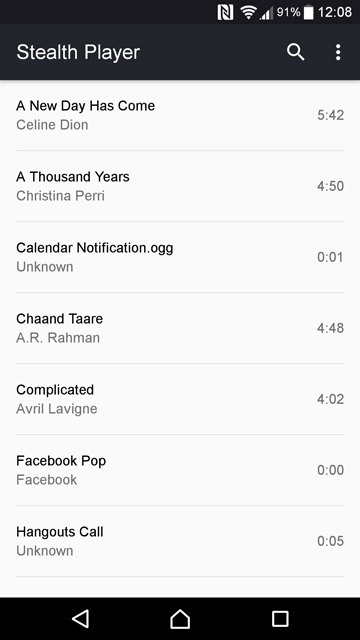
Stealth Audio Player is not your everyday music player app. It’s a bare-bones experience and lacks playlists, queues, sorting songs by album, artist, or genre. It even lacks any animation or visual cues as to when your song is paused or playing. There are Play, Pause and Stop buttons on the now playing screen but they are static. The seek bar is there at the bottom if you want to forward or reverse the track.
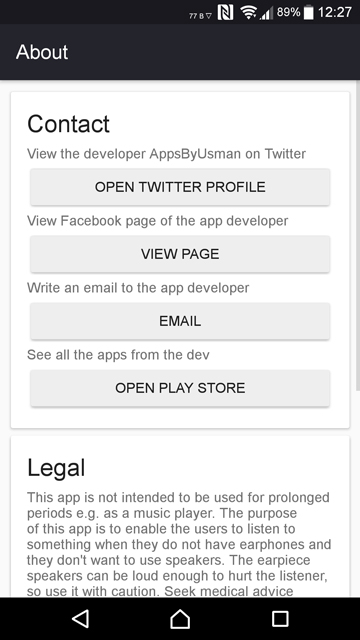
There are absolutely no settings to tinker with and the only option you get by tapping the menu button in the upper right corner is About. No hidden side menu drawer, no swiping around to get to different tabs.
But when you think about it, Stealth Audio player isn’t meant to replace your favorite music player in the first place. It wants to be an app that you keep just in case. It doesn’t want to be your favorite.
You may also like: 5 Best Android Apps for Composing Music
What it is
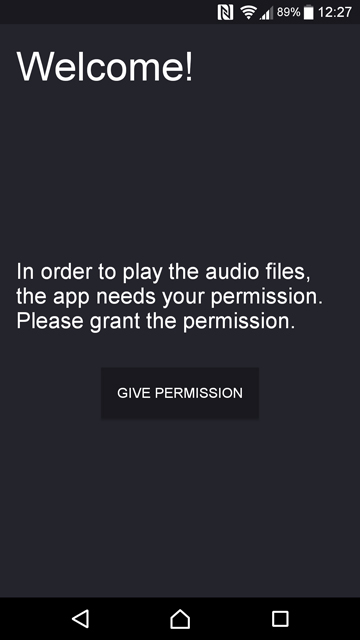
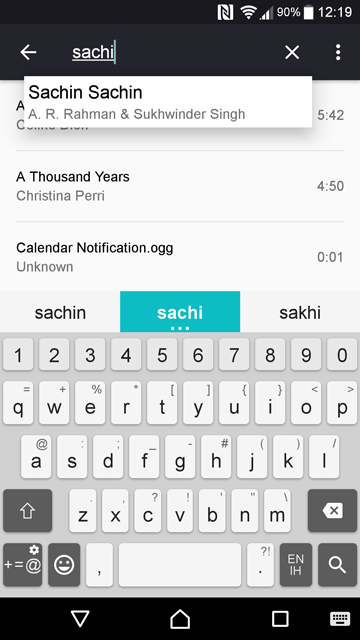
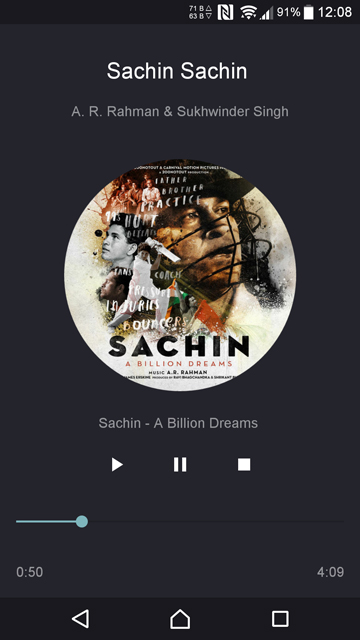
To be fair, even with this feature-less, bare-bones design, the audio player manages to look quite unique and in a way pretty too. That is not something a lot of other audio players can boast of.
When you first launch the app, it asks for permission to read your device storage. That’s the only permission it needs. Just tap Give permission and you can see all your songs listed in the app right away. It can read all the MP3, M4A, OGG, and WAV files that are stored on your device and play them. However, in our testing, it doesn’t really read songs off the external SD card as of now. Maybe that’ll be fixed in future updates.
Even though there are no sorting features, you can search for songs by the song name, album name or the artist name. To play a song, just tap on it and it starts playing through your phone’s earpiece. You can adjust the in-call volume using the volume buttons. With Stealth Audio Player you can be sure that however loud a volume you choose, it won’t be considered rude in any environment. Although, that might also depend on the quality of the earpiece on your device.
Don’t miss: 5 Google Play Music Tips and Tricks
Verdict
If you’re considerate enough to not want to disturb the person sitting next to you, you should definitely start using Stealth Audio Player. There are a few shortcomings but nothing that can’t be fixed with a couple updates.



Thanks for the review! I have been publishing updates daily, with one
being published just now. The app has improved since then
and will continue to improve over the next few days.
You are welcome! You made a good app. Best of luck for future updates!