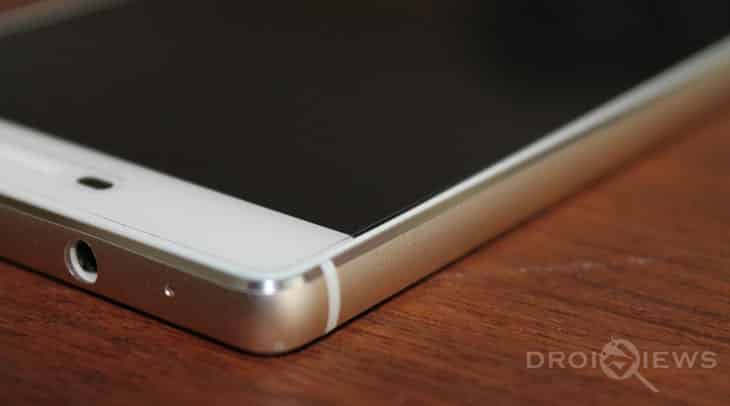
Huawei P8 B317 has recently been updated to Android 6.0 Marshmallow. This update brings several new features to the Huawei P8. Huawei had recently pushed out a major EMUI update to the P8, but this new B317 firmware brings Marshmallow to this smartphone. It is also the final release version – with bugs fixed over the last few weeks of beta testing.
Huawei is rolling out the Marshmallow update to the P8 in Europe at the moment, with GRA-L09 product code. If you have this variant, you can go ahead and update it to Android 6.0 Marshmallow. However, if you haven’t received the update yet, you can follow this simple update process. More specifically, this update is applicable to the Spain variant. Still, if you have the GRA-L09 product variant, you can go ahead and install this update.
Update details
The new Marshmallow update details are as follows:
- Device: Huawei P8
- Model: GRA-L09
- Android: v6.0 Marshmallow
- EMUI: 4.0
- Firmware: B317
Pre-requisites
To install the Marshmallow update, you can download and use the OTA zip file.
Before you move ahead with the installation of the update, make sure that all your data is backed up in the cloud or to your PC. Generally, data loss is not predicted but if things go wrong, you may end up losing your data. A backup will help prevent that.
Install Android 6.0 Marshmallow Update on Huawei P8 B317
Installing the Marshmallow OTA update on your Huawei P8 is very easy.
- Once you have downloaded the update above, copy it to your Huawei P8.
- Rename the update file to update.zip. Make sure the full file name is just update.zip and not update.zip.zip anything else.
- Create a folder called dload in the root of your internal storage or memory card. Copy the update.zip file to this folder.
- Make sure your P8 is updated to at least B188 firmware. If you are on anything older, you will have to use the built-in software updater to update to B188.
- Once you’re on the B188 update, open the Settings app and tap on Update.
- Press the menu button and select Local Update from the options.
- Select the update.zip file and confirm installation.
The entire process from here on out is automated, so sit back and relax while your Huawei P8 is updated to Android 6.0 Marshmallow.



I tryed to update it on the phone with the build in updater but it just freez on the bootup screen with the huawei logo and powered by android text.
I tryed to wait 5 hours and still nothing and i had to hard reset the phone just to be able to use it again.
Now i tryed it download thise 2 files and again after 1 hour and still nothing but the bootup screen i had to hard reset the phone.
Why is this happening? i can see some other people haveing the same problem but it seems like there is no one with a fix or know why some people got thise problems.
Any one who knows anything? Please help. in advance THANKS!
When the phone reboots to install Android 6.0 it just fails to install. Any suggestions?
Same here
name your package UPDATE.APP