
There are times when you just want to sit back, relax and listen to “MrSuicideSheep”, or “Majestic Casual” on YouTube but you don’t have “YouTube Music” subscription and also, you don’t want to drain your battery as it requires the screen be “ON” else it stops playing. After a lot of searching and installation of spam apps, we finally filtered it down to three different ways to listen to our tune on YouTube.
1. Via “The Black Screen of Life”:
“BSOL” or “Black Screen Of Life” is a simple app that just uses your phone’s proximity sensor and turns off the backlight while the video still playing, smart eh!
Unfortunately, the official app has been removed for some reason from the Google Play. You can still download here.
If however, the app refuses to work you can enable the compatibility mode in the settings menu of the app.
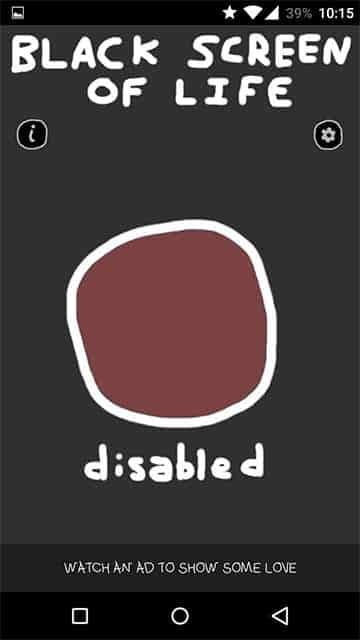
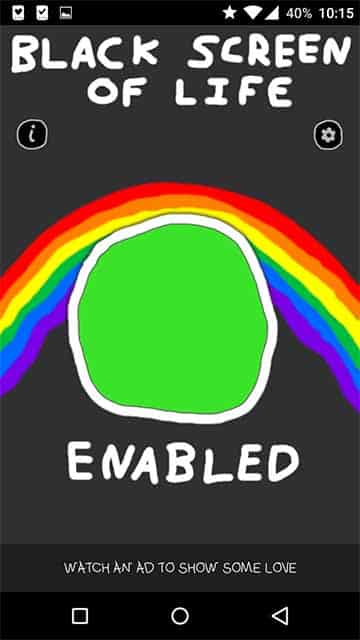
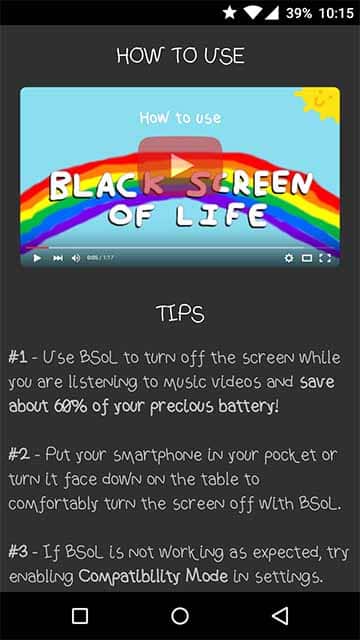
The developer has also made a video providing instructions on how to use this app:
2. AudioPocket:
The drawback of BSOL is that you can’t really use your phone for doing something else while the video still playing. To overcome that we have found another app called “AudioPocket”. It has been removed from Google Play but you can still download here.
Instructions:
- Install the app (make sure you have the installation from “Unknown Sources” turned on in the settings>security of your phone). You don’t even need to open the app.
- Now, open the YouTube video you want to listen to in the YouTube app itself.
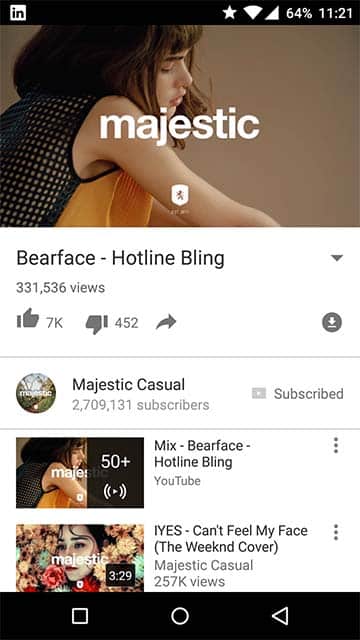
- Tap share and select “AudioPocket”.
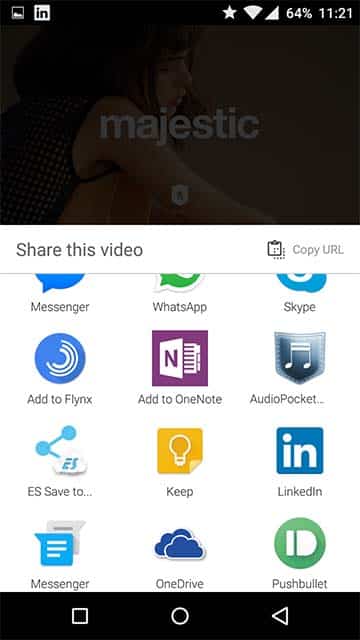
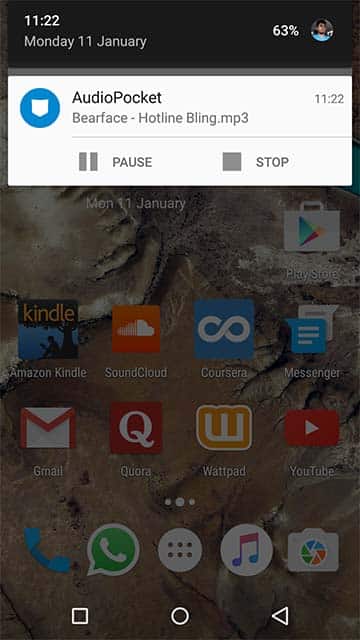
- Now, wait for a second or two and you’ll see in the notification area your video buffering as an audio track.
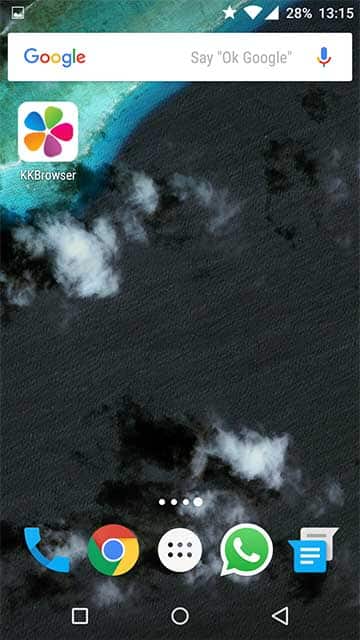
3. Using a browser (KK Browser):
This one by far is the easiest one as it involves no preternatural steps, whatsoever, of misleading your “smart” phone. We will stick to our ritual of installing an app from the play store. This time, it’s a browser called KK Browser.You can download here:
[googleplay url=”https://play.google.com/store/apps/details?id=com.kk.jd.browser2″/]Now, go to www.youtube.com through the browser and search for a video you would like to “listen”.
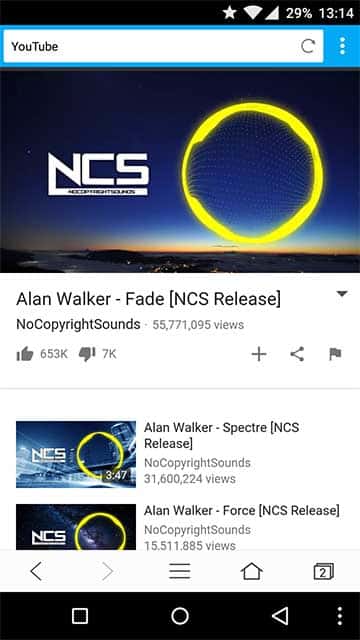
While the video playing, open up a new tab. You’ll notice that the video is still playing in the previous tab and you can listen to it.
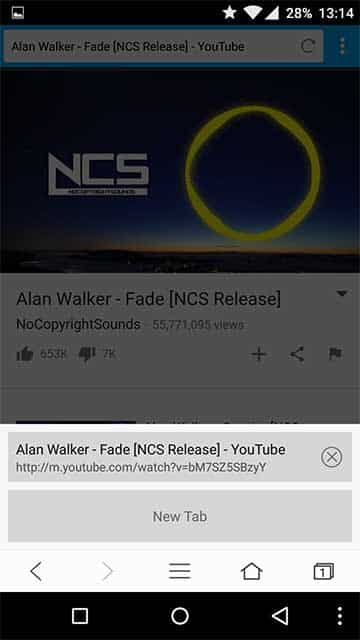
Now, you can press the home button to jump directly to the launcher and the video will still be playing.
Happy listening guys!



Firefox on Android will work just like KK Browser also.
Wowza! Thanks for the info and download links.