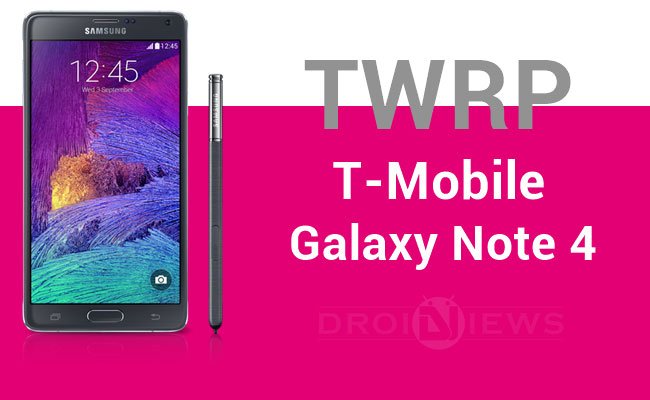
The Galaxy Note 4 is the latest one to join the popular Note line-up of the Korean OEM Samsung. Launched with great expectations, the Note 4 kept the pace with premium hardware and stood one of the best performers in the market. Samsung announced the Note 4 in various markets and is distributed by various carriers which make a hell of a list of variants which is common for the Korean Tech giant. The T-Mobile Galaxy Note 4 is one of the variants of the Note 4 that is distributed by the T-Mobile which had recently got the official TWRP recovery.
Android modding and tinkering is incomplete with a custom recovery which is needed to flash the ROMs and mods. Installing a recovery is the next big thing you’ll need after rooting a device and you’ll get different custom recoveries to flash on your device. The TWRP recovery is one of the most popular custom recoveries in the Android community and our personal favorite as it is very flexible and has great functionality. Many devices get the unofficial TWRP builds in the start but slow start supported by TeamWin team officially but being a Note 4 user you don’t need any unofficial builds as the TWRP team is curious to get their recovery on the top-end Note 4 device.
The TWRP recovery can be flashed using the Odin flash tool which is the popular flashing tool for the Samsung devices. So buckle up as we guide through the installation process of the TWRP recovery on the T-Mobile Galaxy Note 4.
WARNING
This Guide is intended only for the T-Mobile Galaxy Note 4, not for any other device of Samsung. Be extra cautious when you choose the firmwares as flashing wrong firmwares might result in a bricked device.
Flashing firmwares will void your device warranty either temporarily or permanently. You alone are responsible for any consequences that might occur during the process. DroidViews or any of its community members shall not be held responsible for any damage to your device.
PREPARE YOUR DEVICE
- Charge your Note 4 above 60% battery level to avoid shutdowns during the process.
- Enable USB Debugging: Link
- Install Required USB Drivers: Link
- Backup your device storage, Contacts, SMS etc. using Google Sync service or any third-party app.
DOWNLOADS
The T-Mobile Galaxy Note 4 is now supported with the 2.8.1.1 version. Download the Odin flash-able recovery in the form of tar package from the download link given below.
Download TWRP Recovery → Click Here
INSTALL TWRP RECOVERY ON T-MOBILE GALAXY NOTE 4
- Download the TWRP package from the downloads section.
- The download file provided is in the form of a tar package, which is the Odin flashable file.
- Now simply follow our dedicated Odin firmware flashing Guide to flash the recovery on your device→ Click Here



Join The Discussion: