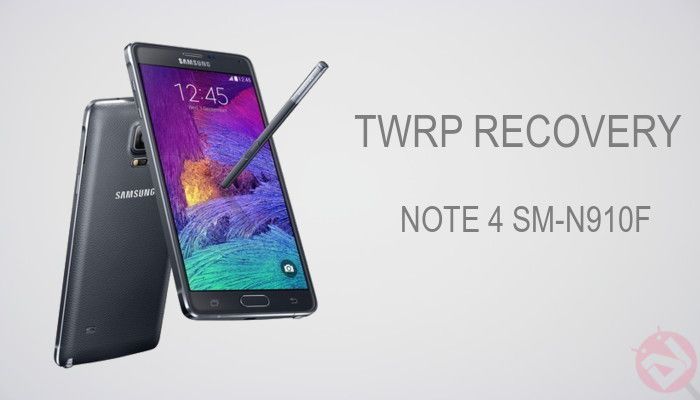
A recovery is one of the most important parts of the Android system despite its zero intervention with the original Android OS. Android recovery is an optional system which can be selected at the device boot and provides options to do some independent tasks like updating the OS, formatting it and many more. While the stock recovery that comes with the Android package is merely restricted to OS upgrades and factory resets, many custom recoveries are available in the market which can do much more advanced tasks like installing custom OS, partitioning file systems and much more.
The international Galaxy Note 4 with the model number SM-N910F is one of the powerful Android devices in the market right now. However, there would always be cravings for more and more features which would be attained by installing custom ROMs like CyanogenMod, Paranoid Android. Lucky for you, a TWRP port for the International Note 4 which opens the gates to awesomeness on your device.
However, this is not an official TWRP build as opposed to all other variants of Galaxy Note 4. This is based on official TWRP release for Canadian model and is repacked with a modified property file to match stock recovery for the international version. But there’s absolutely nothing to worry as many users had tested the recovery and confirmed working fine on the device. So if you’re set on installing the TWRP recovery on your Note 4, let’s begin our short journey.
Warning!
This Guide is intended only for the international variant of Galaxy Note 4 with the model number SM-N910F, not for any other device of Samsung. Be extra cautious when you choose the firmware as flashing wrong firmware might result in a bricked device.
Flashing a firmware will void your device warranty either temporarily or permanently. You alone are responsible for any consequences that might occur during the process. We shall not be held responsible for any damage to your device.
Prepare Your Note 4
- Charge your Note 4 above 60% battery level to avoid shutdowns during the process.
- Enable USB Debugging: Link
- Install Required USB Drivers: Link
- Backup your device storage, Contacts, SMS etc. using Google Sync service or any third-party app.
Downloads
The Galaxy Note 4 is now supported with the 2.8.6.0 version. Download the Odin flash-able recovery in the form of tar package from the download link given below.
Download TWRP Recovery → Click Here
Install TWRP on Galaxy Note 4 (SM-N910F)
- Download and extract the TWRP package from the downloads section. You’ll get a file with the name openrecovery-twrp-2.8.6.0-trltexx.tar.
- The download file provided is in the form of a tar package, which is the Odin flashable file.
- Now simply follow our dedicated Odin firmware flashing Guide to flash the recovery on your device→ Click Here



hi does this work with the latest lollipop update 5.0.1? cheers craig
Yes, it will work but download the latest TWRP from here :http://twrp.me/devices/samsunggalaxynote4qualcomm.html