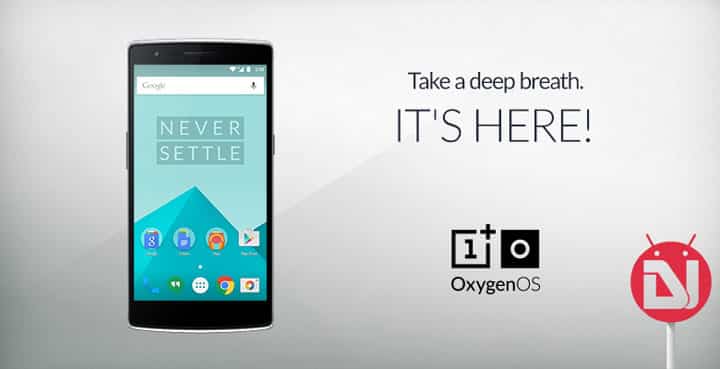
OnePlus users had a dilemma this year when the marvelous relationship between Cyanogen and OnePlus met a rather rocky ending. Although Cyanogen has promised support and updates on the devices that shipped with its OS, the future for other devices and overall situation was bleak.
This prompted the fairly new entrant to embark on creating its own OS that offered the close-to-stock Android feel. As you already know, this is the Oxygen OS.In case you haven’t tried it out just yet, do give it a go. Of course, you won’t get the CM tweak goodies, but the stock is always refreshing. This post should get you started on the OPO OxygenOS ride.
What you need:
- Oxygen OS Flashable zip [download links below]
- A Oneplus One device with TWRP installed
Disclaimer: This will lead to a factory data reset, hence take a backup of important data before proceeding.
Steps:
- Unzip the Oxygen OS Zip downloaded to get the oxygenos_1.0.0.flashable.zip & copy it to your phone.
- Boot into recovery mode to get the TWRP interface. If you haven’t already installed TWRP, head on to our post for instructions on that.
- Go to Wipe & Swipe right to confirm the Factory Reset. Again, you will lose all your data with this command so ensure making a backup first.
- Go back to the main TWRP screen and go to Install; find oxygenos_1.0.0.flashable.zip. Confirm flash. This will install OxygenOS on your device.
- After the flash, you may reboot your device which brings you to the all-new OxygenOS. Cheers!!
Note: Some of you might argue as to why the typical CM zips & other custom ROMs normally range around 300 to 350 MB while OxygenOS is a good 960 MB download. While other factors may be there too; the main reason is that OxygenOS comes preloaded with the extended Google Apps package to include almost all of Google Apps that you can think of. Although you certainly might not use all of them, but that’s just the way it is, for now at least.



Join The Discussion: