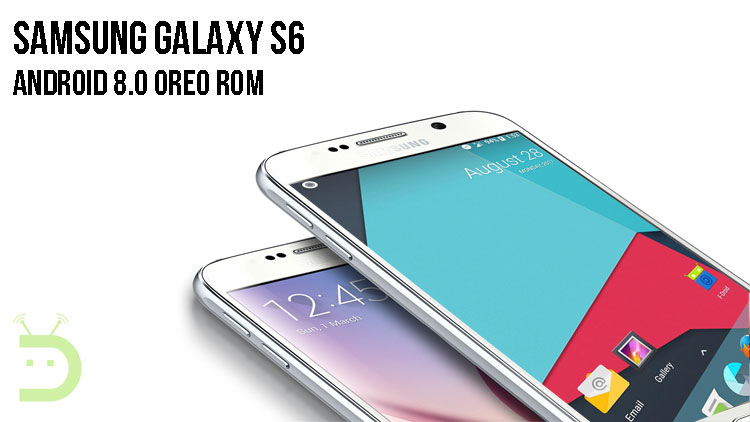
The Samsung Galaxy S6 was launched by Samsung 2 years back and it was a major flagship of Samsung. The device was running on TouchWiz OS based on Android Marshmallow 6.0 and was updated to Android Nougat 7.0 later. Samsung Galaxy S6 has now received the Android Oreo 8.0, the latest version of Android in the form of an AOSP Custom ROM.
Android Oreo 8.0 was launched by Google a few days back and it is said to be the fastest and safest version of Android yet. It also comes with some interesting features like picture in picture mode, app notification badges, and lockscreen shortcuts.
The initial build of the AOSP based custom ROM for Galaxy S6 was developed by lukasb06 and it is currently in the development phase. However, the ROM is stable now to be used as a daily driver and essential features like WiFi, camera, NFC, fingerprint sensor and Bluetooth are working without issues.
Since the ROM is currently in the beginning stages, some of the Android Oreo features might not work properly and you might also encounter a few bugs here and there. If you want to test the latest version of Android Oreo 8.0 on your Galaxy S6, then you can follow the below instructions to install it manually on your device.
Prerequisites
- Ensure that you have unlocked the bootloader on your Samsung Galaxy S6
- TWRP Recovery installed and root available
- Make sure that your phone has more than 60% battery left
- Download the AOSP 8.0 ROM for Galaxy S6 (Link mentioned in the download section)
Download
Warning
In case anything goes wrong, you might end up with a bricked device. It is therefore advised that you do your research before moving ahead if you’ve never flashed a ROM before. DroidViews or even the developers of the ROM aren’t responsible for anything that happens to your device while flashing the ROM.
Install Android 8.0 Oreo ROM on Samsung Galaxy S6


First Install TWRP and root your Galaxy S6 by following the guide here.
Now, follow the steps mentioned below to install the AOSP 8.0 ROM based on Android Oreo on your device.
- Download the ROM, Gapps and the Magisk zip files from the above links and then move them to the internal storage of your device.
- Now switch off your device and then reboot into the TWRP recovery.
- You could do this by holding the power and volume buttons for a few seconds until the TWRP recovery screen appears.
- Now go to Wipe And Format Option->Wipe Data, Cache And Dalvik Cache via recovery.
- Now go back to the main menu and then select install
- Browse for the ROM file you previously downloaded and then select it.
- Now swipe the button below to initiate the flashing.
- Repeat the same process to flash Gapps and Magisk individually.
- Once the process is complete, wipe Dalvik and cache again and reboot to boot into AOSP 8.0 on your Galaxy S6.
If you have any doubts regarding this process, feel free to comment below for help.


Join The Discussion: