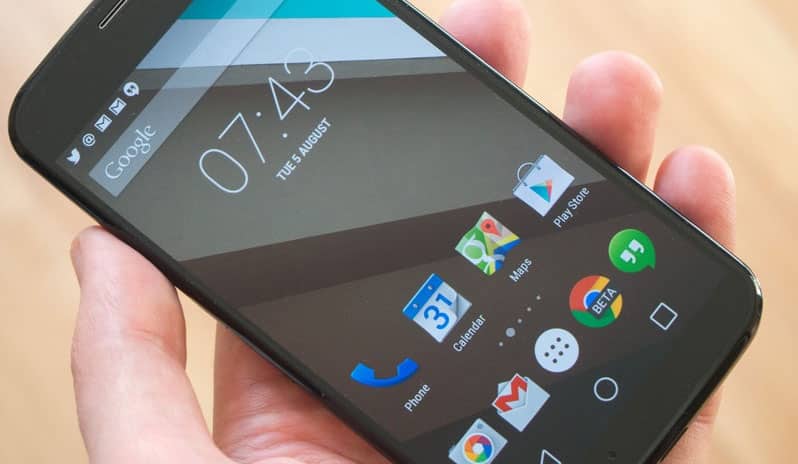
Motorola has started rolling out the Android 6.0 Marshmallow update Moto G 2014, the second generation Moto G. The update is rolling out OTA (over the air) in a phased manner. This means that while your friends using the same phone may have received the Marshmallow update notification, you may still be waiting for it on your unit. This is fairly common and expected when updates are rolled out in stages. However, if you cannot or do not want to wait for Motorola, you can install the Marshmallow update on your Moto G manually.
Before you get started with this manual update process, you should know a few things. To be able to install the Marshmallow OTA update, your Moto G should have an untouched, unmodified system. In other words, you should not have flashed a custom kernel, recovery, SuperSU or anything else. Other things like custom font files, audio mods or just about anything else you may have flashed to the system partition will have modified the system. This will cause the OTA update flash to fail and may even brick your device.
The next thing you will want to check is if your phone has its stock recovery. If you have flashed a custom recovery like TWRP, you can download a TWRP backup of the stock Marshmallow update from XDA here and restore it directly (check here for more details).
Additionally, if you have an unmodified system with the stock recovery, using this method to manually update your Moto G will not void your warranty.
Install Android 6.0 Marshmallow Firmware on Moto G
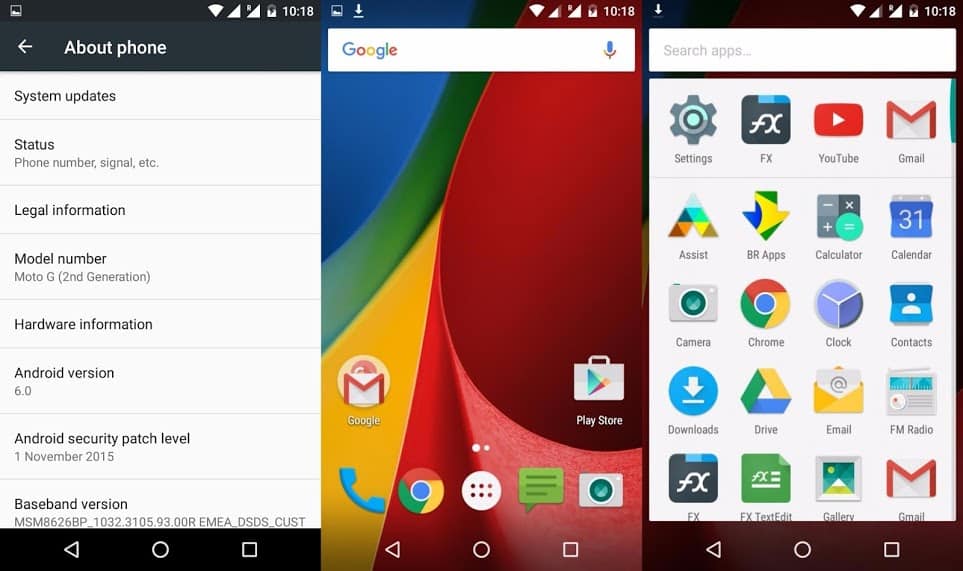
In any other case, that is, if you have an unmodified system with the stock recovery intact, follow the steps below to manually update your Moto G to Marshmallow.
Pre-requisites
Download the Marshmallow OTA zip file: Blur_Version.24.41.34.titan_retaildsds.retaildsdsall.en.03.zip | Mirror
Installation
- Once you have downloaded the update zip file, place it in your Moto G’s internal storage or the microSD card. Internal storage is recommended.
- Now, open Settings and go to About -> Software updates. Tap on the “Check for Updates” button. Your phone should display a popup saying an update is available.
If you get the popup in the second step, follow the on-screen prompts to install the Marshmallow update. However, if you don’t get the popup for some reason, there is another way you can try.
Make sure the OTA Update file has been downloaded and transferred to the phone correctly.
- Turn your Moto G off.
- Press and hold the Power and Volume Up and Volume Down simultaneously. Continue to hold these buttons until your phone vibrates and displays a menu.
- You will now be in the Fastboot/Bootloader mode.
- Now, use the Volume down button to highlight “Recovery” option. Press the Power button to confirm it.
Your Moto G will now boot into the stock recovery.
- Again, press the volume button to highlight “Apply update from SD Card”.
- Press the power button to confirm it.
- The update installation process will now begin.
Once the Marshmallow update is installed, your phone will reboot and start optimizing apps. At the end of it, it will boot into Android with the latest Marshmallow update installed!



Hi I am getting the message as shown in the pic. Please help.
awe some