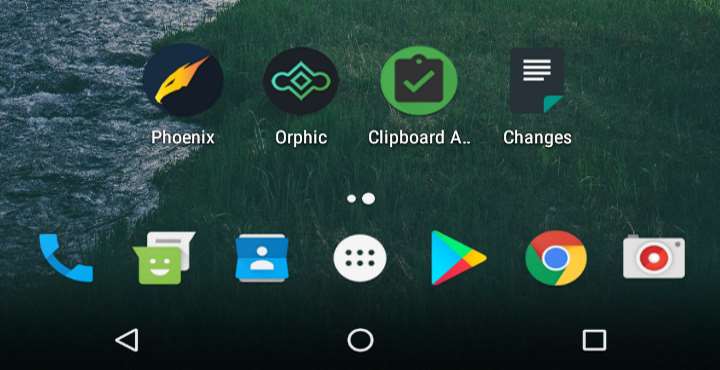
Today, I am back with part 2 of one of my previous articles from almost a week ago. For those who have missed, it was about 4 best Android apps you should be using right now. Regular readers of my posts may have noticed how I always emphasize on the importance of apps and that they simplify our lives and mobile experiences altogether.
So, yeah, friends, let’s get started with second part of my personal selection of 4 best Android apps you should be using right now.
1. Phoenix – Facebook & Messenger
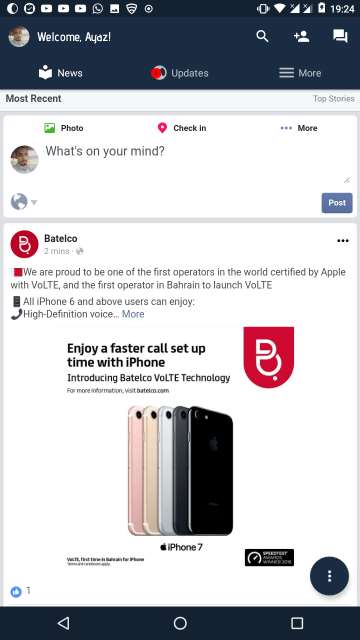
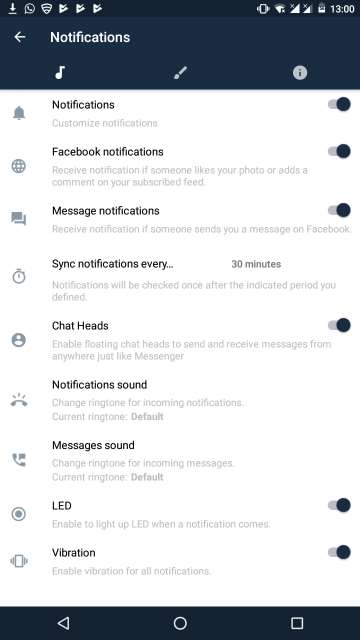
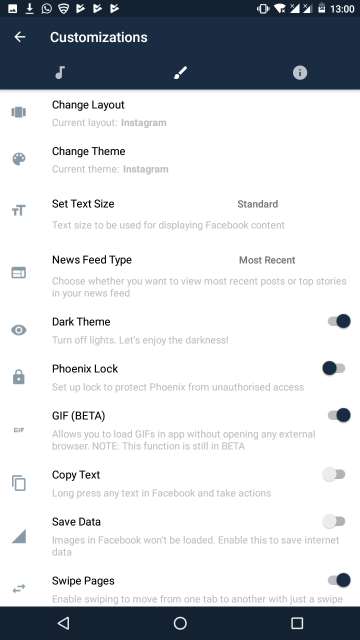
This app is hands down one of my most favorite third party Facebook client at the moment. Wait, not only is this wonderful app a mere Facebook client but also it has Facebook’s Messenger functionality baked into it. It features a beautiful and intuitive user interface which you all will be familiar within seconds of using the app. Coming to the features side of this app, it has options such as downloading a photo or video to your device, built in video player. You can switch the theme to either dark or white. Moreover, it has full GIF support and ability to share them, chat heads feature to chat even outside the app and much more. However, one thing worth mentioning is that the speed and overall performance of this app are amazing, as in all of the pages load much faster than even the official Facebook client for Android. Speedy performance means less time to load and more data to save on the go. Interestingly, password protection is also available to avoid unauthorized access to the app.
Must Read: Top 5 Android Apps Worth Checking Out This Month
2. Orphic
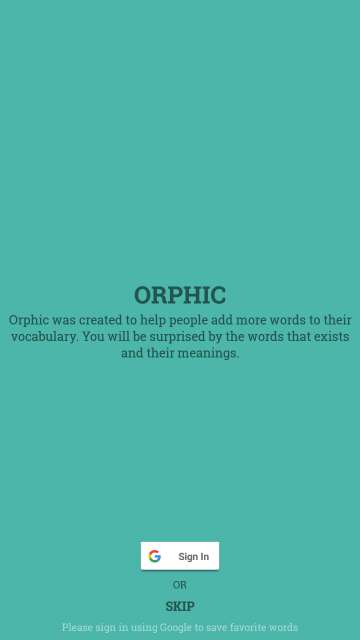
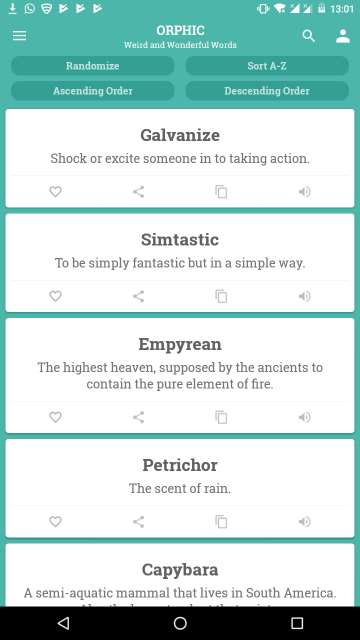
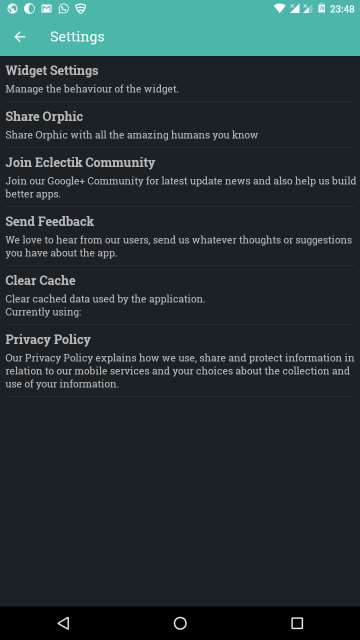
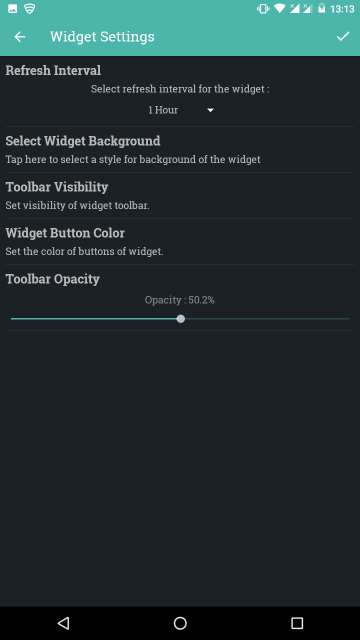
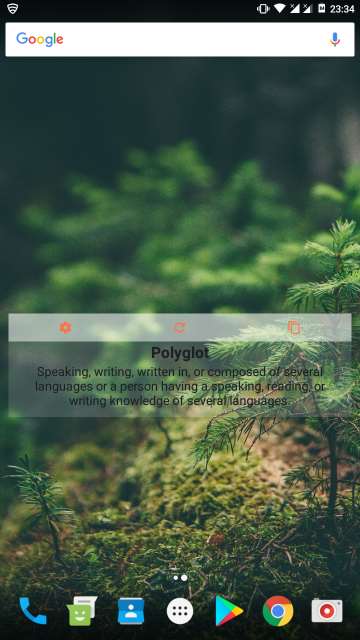
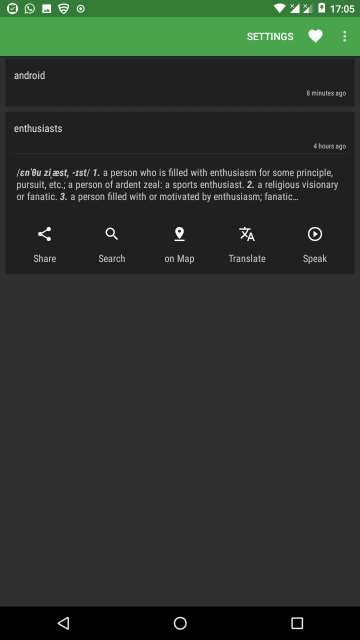
This one is a wonderful app, in the sense that it helps you to enrich and strengthen your vocabulary by providing you a long list of unusual words and their meanings. However, the words are not the ones that you would usually come across on a day to day basis, instead, these are, as I said unusual or as the app says “weird and wonderful words”. Moreover, You can also add the words to favorites, share them, copy and paste them anywhere and listen to them via your device speaker. Please note that this app needs an active internet connection to be able to update the list of words from time to time. A useful widget is also available to be put up on your home screen.
3. Clipboard Actions
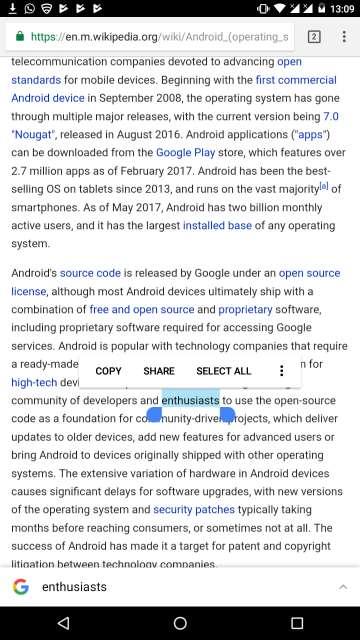
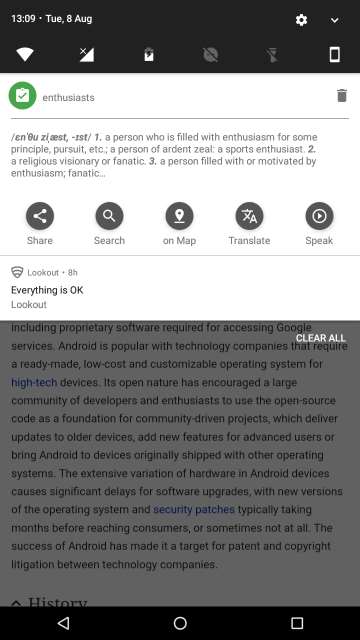
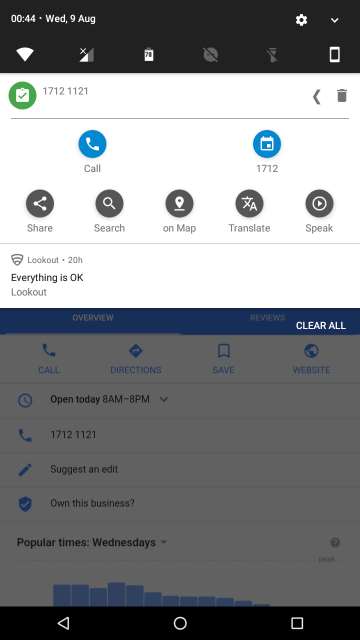
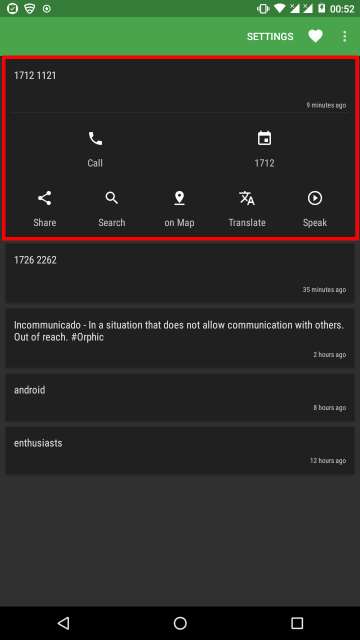
This is a very useful and intelligent app. As the name suggests, Clipboard Actions provides you with special actions based on the text you have copied. It is intelligent enough to recognize various texts you copy such as currency for converting, phone numbers to place a call and so many others based on the text you have copied. The copied texts complete with their respective actions are shown as a notification in the notification bar or listed neatly in the app. You can perform the actions right from the notification bar or from the app itself. Moreover, you can share the copied texts, translate it via google translate, search for it on Google search and listen to it via the phone speaker.
Don’t Miss: 5 Instagram Tips and Tricks You Should Know

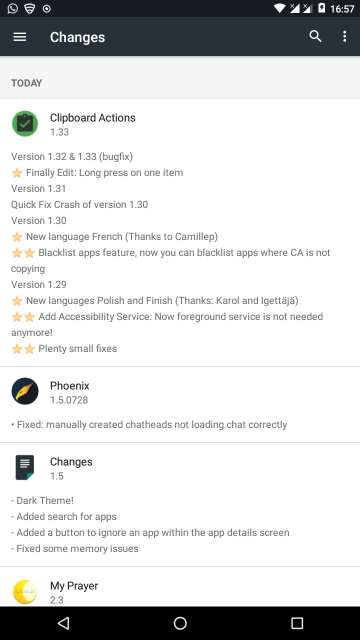
4. Changes (Early Access App)
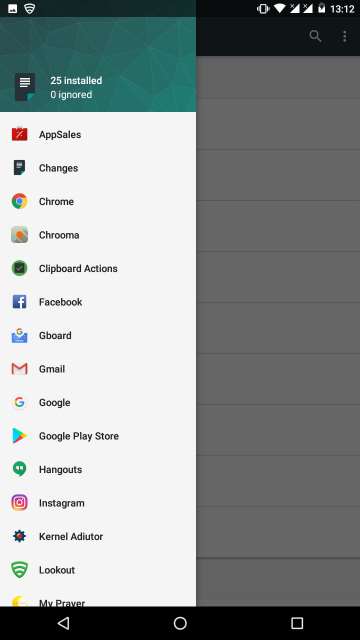
Who doesn’t like changes, just to keep up with time?. Well, as the name implies, this app called Changes provides you with changelog for the updates of all the apps installed on your device. Moreover, you also have the option to change the theme and view either basic, short or full changelog by tapping the three dot button in the top right-hand corner of your screen. Sure, the Google Play Store also does provide changelog for newly updated apps, but only for one app at a time that is when you view any particular app’s description. A point to note though is that this app is an Early Access app, meaning it is in its development phase or beta form. Dont Worry, nothing to get worried about, I am notifying you, just in case.
And there you go friends. Feel free to chime in the comments and let me know your experience and thoughts. Adios Amigos!.
Also Read: Protect Kids from Low Self-Esteem Using an Android Parental Control App



Amazing selection of apps,all of them are Pretty damn useful. Looking forward for the third iteration of this article.