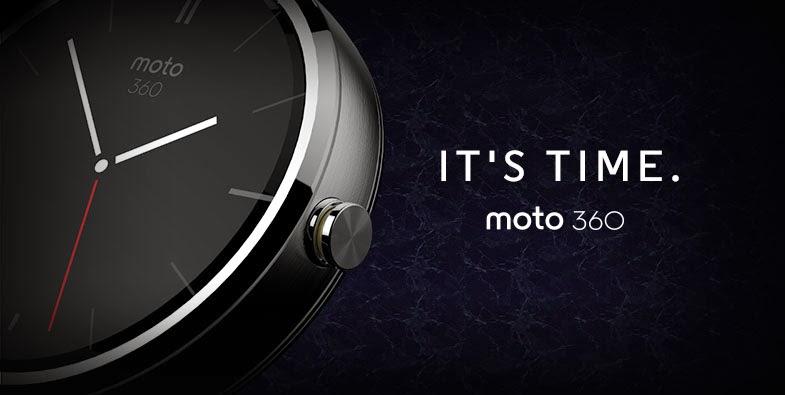
Android wear is still crawling on four legs but looking at the great success of the wearable devices, we believe that it has the potential to take over the smartphone market in the foreseeable future. Currently, only a bunch of Android wear devices are available in the market, most of which are smart watches and bands. A few minutes with the Google search and you’ll understand that the Moto 360 is the clear choice in the smartwatch segment. If you’re a proud owner of Moto 360, here is another great news to be proud of, Android 5.0.2 Lollipop is now rolling to your shiny smartwatch.
With only a few wearable devices to compete, Motorola is making sure that their crown jewel stays updated to the latest Android version. Android 5.0.1 for wearables brought tons of new features like the latest watch face designs, performance improvement and increased battery life. With the new 5.0.2 in the picture, the performance and stability of Moto 360 is supposed to improve to a measurable extent. Apart from the optimizations, the latest OTA updates the Google Play services and fixes a few bugs on your smartwatch.
The OTA update weighs in at 11.9 MB and brings the device to LWX49L firmware. Currently, the OTA update is rolling out in phases and it may take some time for the update to reach your notification bar. If you’re lucky enough, you should have already seen the OTA notification by now but if you haven’t, you can manually update it right now by using the mirrored OTA file. Download the below OTA file and try sideloading it using the ADB commands. Bear in mind that the OTA update is still untested, so there is a possible risk in flashing it. However, if you’re ready to test it on your own risk, here’s the OTA file.
Download the OTA file: Click here
You can make use of our ADB sideloading tutorial from below:
How to Sideload Zip files Using ADB Sideload
We will try to update this post as soon as we find some valid installation procedure. If you’ve managed to install the OTA file on your Moto 360, feel free to share with others.



Join The Discussion: