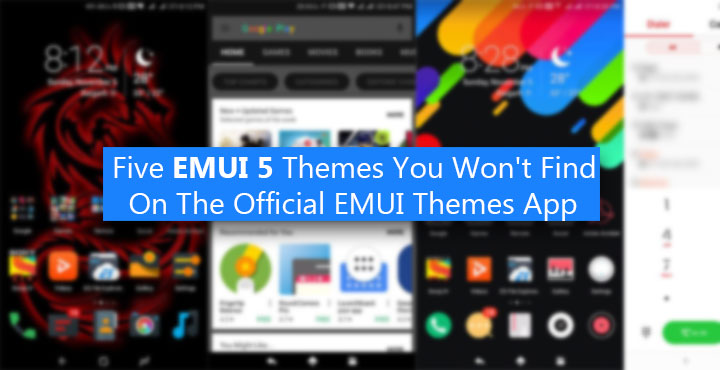
Many of us don’t like when OEMs put their own skins on Android, but at least they manage to include a decent theme engine. Huawei’s smartphones ship with their own version of Android known as EMUI. I haven’t used previous versions but the latest EMUI 5 packs in some pretty decent features and a decent theme engine as well. It’s a shame finding really good themes for it is not as easy. Most of the themes available via the Huawei themes app are not that impressive. All they manage to change are a few icons, the wallpaper, and the lock screen style. So here are five EMUI 5 themes you won’t find on the EMUI 5 Themes app.
But before we begin, you’d probably want to know where to find these themes if not on the official EMUI 5 Themes app right? There are quite a few apps on the Google Play Store that want to be the one-stop shop for third-party EMUI themes. Among those is an app called EMUI Themes Factory. If you’ve been following, you might already be familiar with the app. That’s where you will find the first three themes.
[googleplay url=”https://play.google.com/store/apps/details?id=com.emuithemesfactory.emuithemesfactory”/]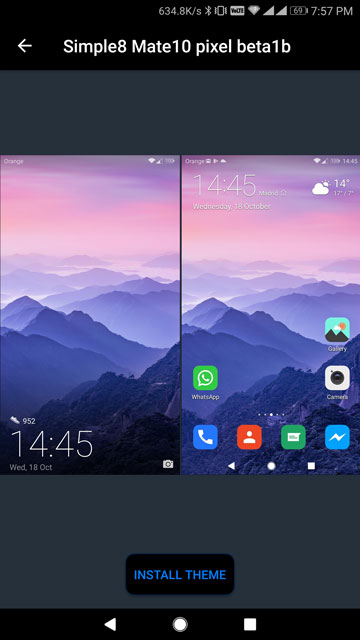
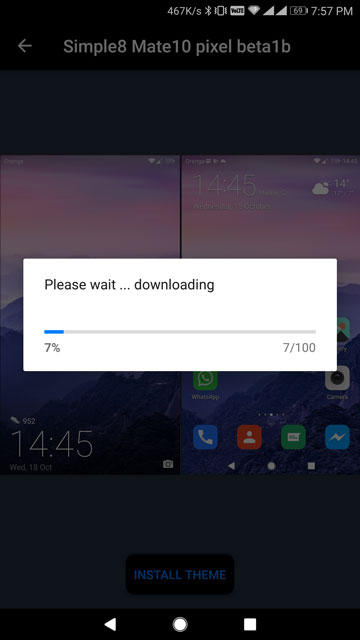
To install a theme, tap on it in the app, and you’ll see a button at the bottom on the next page that says Install Theme. The theme will then be downloaded to your phone’s storage in the HWThemes folder. Go to the Me tab on the official EMUI Themes app and you’ll find your new theme listed among the others. Install it like you would install any other theme.
1. DailySpaceDark

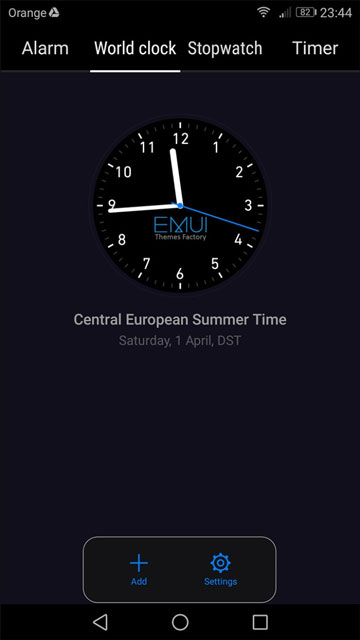
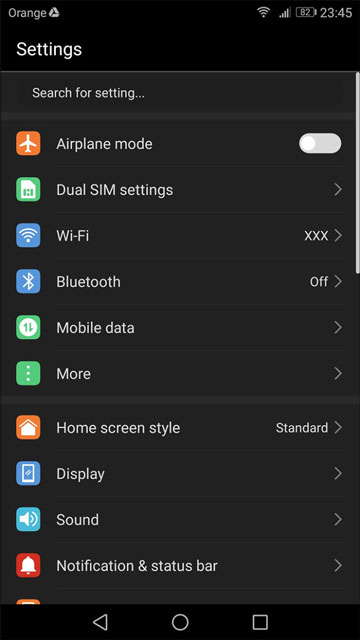
This is easily one of my favorite EMUI themes because it manages to turn the entire UI dark. And yet, you won’t find any inconsistencies such as black text on black background. That is unless you dive very deep into some settings, but nobody usually visits those settings pages anyways. Thanks to the brilliant contrast ratio on Huawei’s displays, all this darkness is quite pleasing to the eyes.
2. SimpleN – Nougat
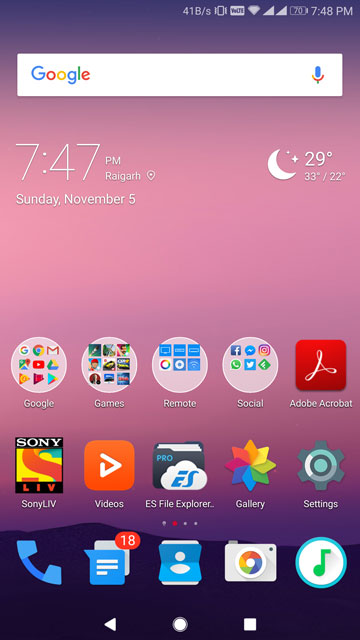
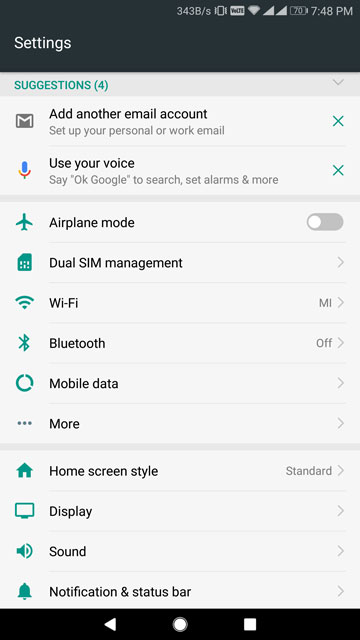
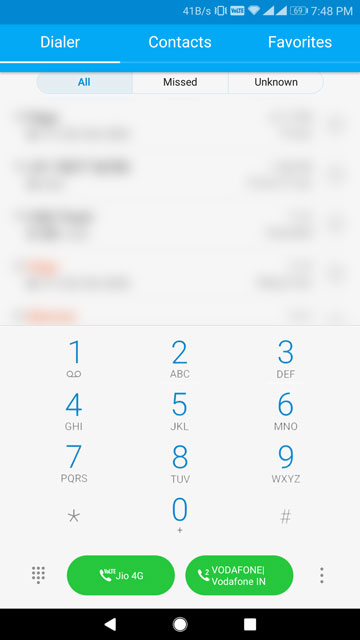
This next theme does its best to imitate the look of Android 7.0 Nougat, and it has the color palette as well as the stock icons down pat. Limitations in EMUI’s theme engine won’t allow it to perfectly copy that Material Design look, but the overall essence is certainly there.
You may also like: How to Enable Huawei’s App Twin Feature on Any EMUI 5 Device
3. RED Theme
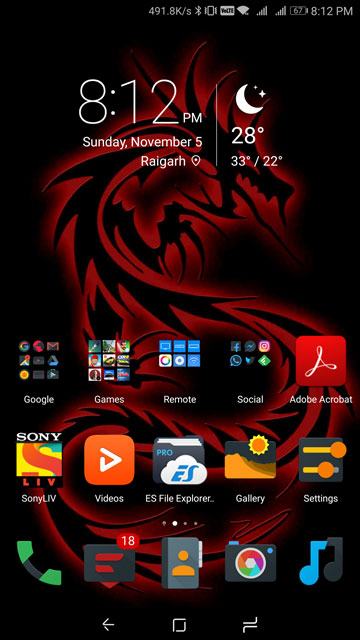

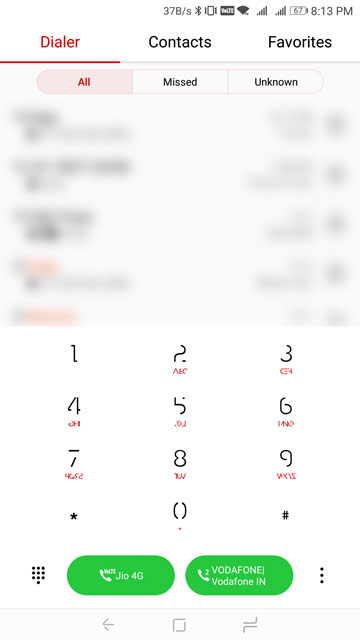
As the name suggests, this theme is all about RED … accents. A first glance at the wallpaper and the choice of icons included in the theme suggest that the theme is dark. It’s not. It is just the same old EMUI white with red accents. Fortunately, the theme ends up looking really slick. If you don’t mind the white but are just bored of the stock blue accents, this theme could just be the one for you. Oh, and the number keys on the dialer have a funky look to them.
4. White-King

[googleplay url=”https://play.google.com/store/apps/details?id=emui.en.com.white1″/]
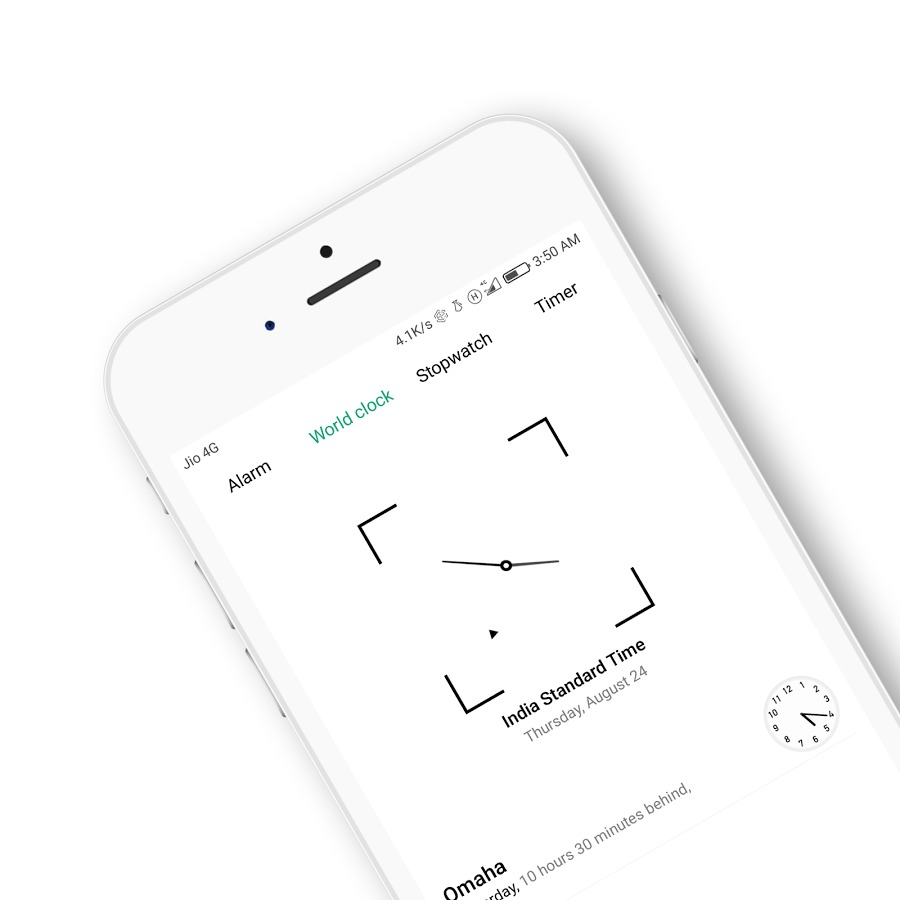
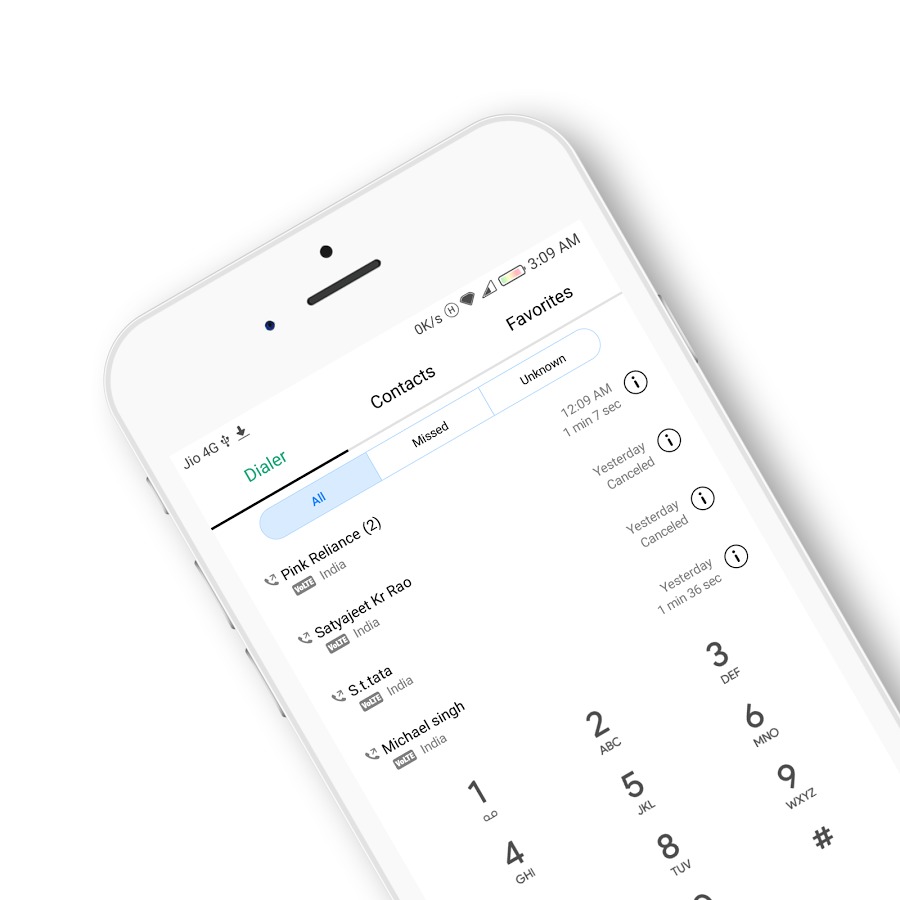
To state it simply, this theme is way too white. But if you’re not someone who minds that, it is really neat. It looks exactly as good as it does in the pictures above. The green accent on white backgrounds looks really cool too. You can easily install this one from the Play Store but it simply installs an app on your phone, not the theme. To install the theme, launch the app and allow it the necessary permission. The app requires storage permission in order to write the theme file in the HWThemes folder on your device. Tap the INSTALL THEME button and the theme will be installed. You can then apply it using the official EMUI Themes app as before.
5. Snow Black
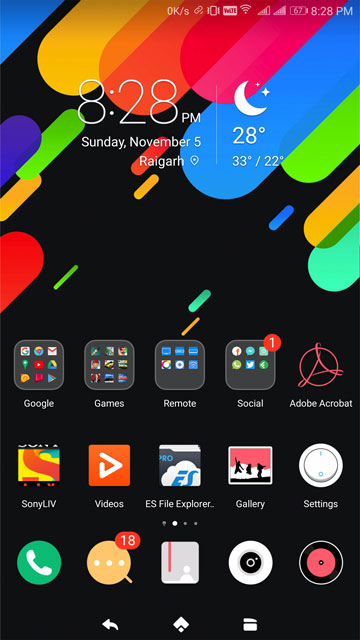
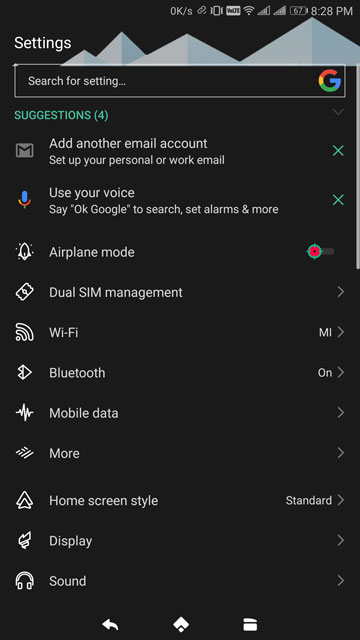
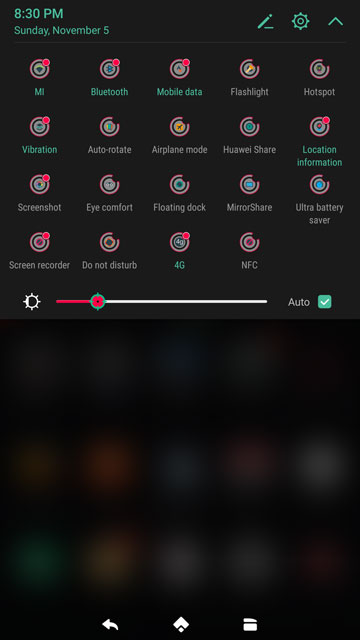
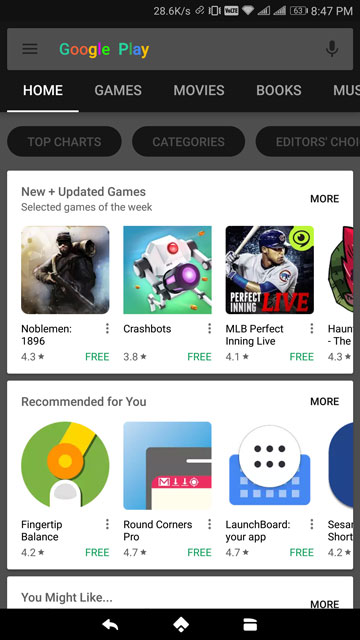
Before I say anything let’s just all admit that the wallpaper looks dope. And so does the theme, more or less. I’m a fan of themes that are neat and dark and this one certainly gets the dark part right. The toggle buttons and those quick settings icons, I’m not that big a fan of but they’re a part of the package. But what made me put Snow Black on the list was the fact that it even themes the Play Store app.
Also see: Install Fonts on Huawei Devices with EMUI 4.X and EMUI 5.0 without Root
[googleplay url=”https://play.google.com/store/apps/details?id=com.blogspot.androidmaxsource.SnowBlack”/]You can get this one on the Play Store as well and then install it just like the previous theme. If you find yourself wishing the theme or the wallpaper were instead white, there’s a more accurately named Snow White theme too.



Join The Discussion: