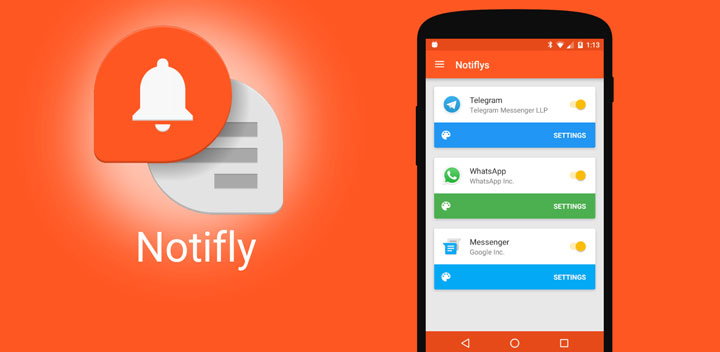
The notification system of Android is getting better and better with each major release by bringing something new to the table. With the introduction of Quick Reply Feature on Android 7.0 Nougat, it has only become a lot easier and convenient to respond or reply to notifications directly from the notification bar itself, rather than jumping to and from an app, eventually saving a lot of time and effort. Now join with me to a look at an app called Notifly by FlyperInc which puts Android’s Quick Reply Feature to shame.
Must Read: How to Download Instagram Photos and Videos on Android Devices
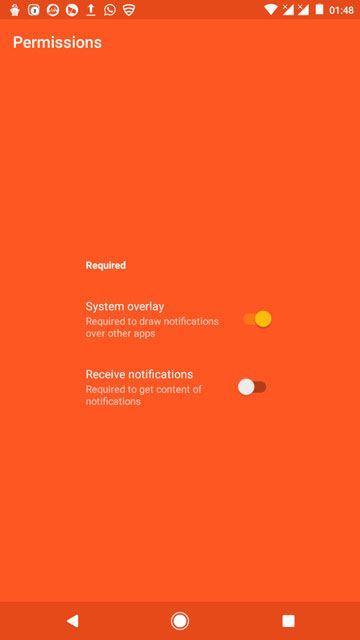
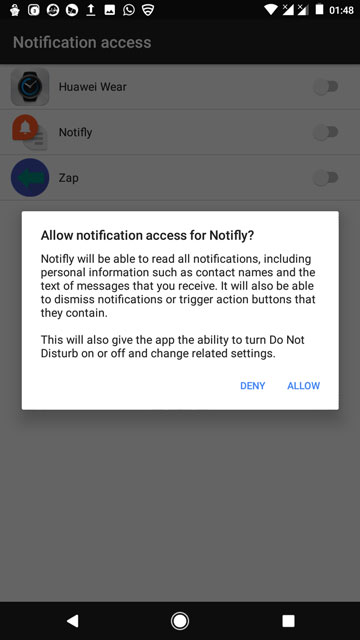
After granting a couple of permissions the first time you launch Notifly, not only does the app allow you to respond to a notification directly, but also its main defining feature that is it allows you to respond to notifications from anywhere on your phone by using the Notifly bubbles that pop up for a respective app at the edge of the screen once you receive a notification, without even leaving the app you are currently using like, for example, while watching videos on YouTube or while playing a game.
Tap the Notifly bubble and it will show you your notification in a small pop-up window, here you can reply to a message or notification without even entering the app or interrupting that favorite show you are currently watching. Here you also have the options to jump straight into the app and respond there if you wish to do so. Tap the three dot menu and you have the option to either block notification or close it altogether. Another method to close a notification is to press and hold and then drag and drop the bubble into the red trash icon that appears at the bottom of your screen.
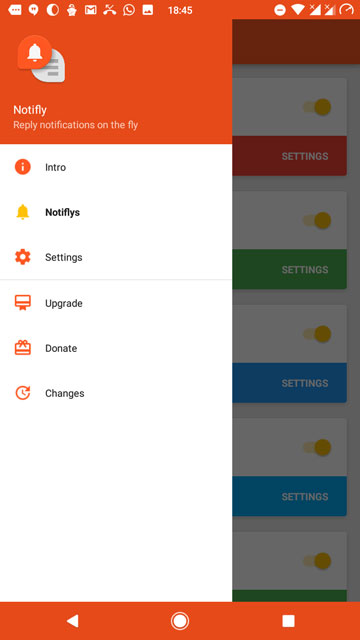
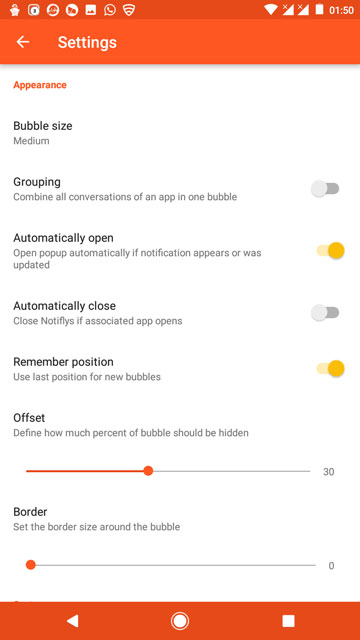
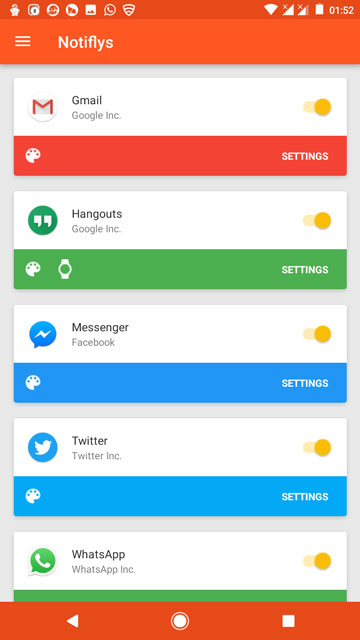
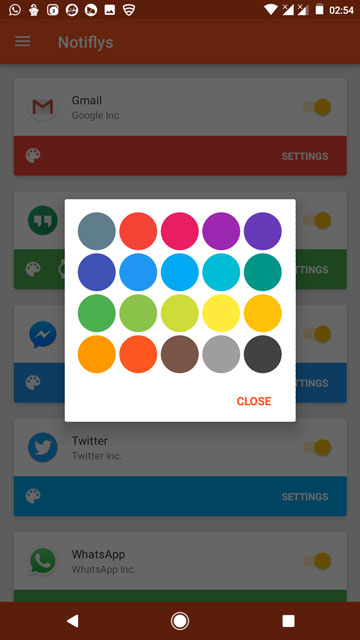
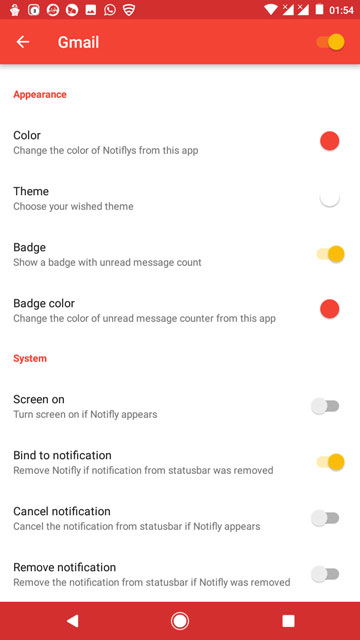

On a side note, I’m using the free version of Notifly with the only paid features being changing the Notifly bubble size, changing themes and colors and the removal of advertisements. However, all of the other features such as to enable or disable the unread notification badges, Bind to notification feature that allows removing the Notifly bubble if a notification was cleared from the notification bar, show Notifly bubble on lock screen or not, ability to blacklist or disable the Notifly bubbles while you are using any app on your phone which you can define in the settings and many many more features that are worth checking out.
I highly recommend everybody out there to try this app. I couldn’t ask for a better app than this to deal with notifications. Kudos to the developer FlyperInc for such an amazing app. Seriously, folks, don’t miss out on this one.
[googleplay url=”https://play.google.com/store/apps/details?id=com.flyperinc.notifly”/]Also Read: 5 Amazing Android Apps You Won’t Find in Google Play Store



Join The Discussion: