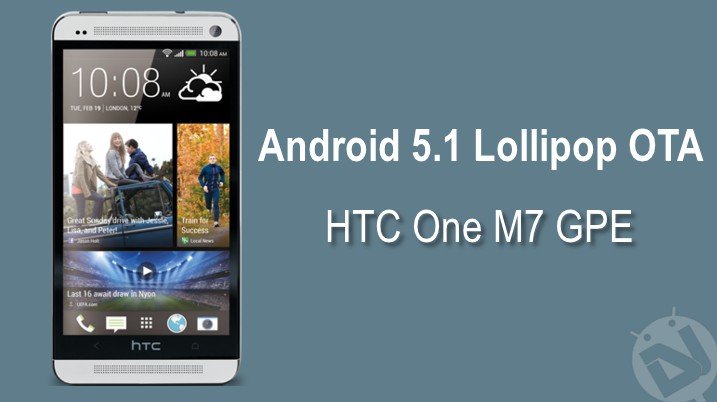
Android 5.1 Lollipop update is finally arriving on the HTC One M7 GPE devices almost after one month after the 5.1 roll out to the M8 GPE devices. The update is an incremental update which updates the 5.0.1 devices to 5.1 and weighs around 281 MB. The update brings the device to the LMY47O build running Android 5.1 Lollipop (not 5.1.1)
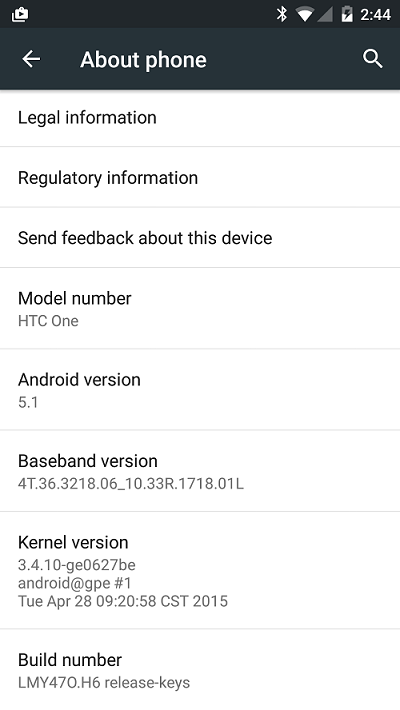
Reportedly, the update doesn’t bring any major new features to the device but few minor issues like the connectivity issues, volume and notification controls were fixed and introduced HD Voice Calling and Device Protection. If you’re lucky enough, you might have already received the update notification in your notification bar.
If you couldn’t wait for the OTA notification to rock your notification panel, you can grab the OTA link from below and manually flash it from the stock recovery. However, remember that you should be on the Android 5.0.1 LRX22C build before flashing this update and also the device should be S-Off’d. If you meet these requirements, you’re good to go.
Warning
This OTA update is meant to be installed only on HTC One M7 GPE device. You should not try this on any other variant. DroidViews or any of its community members shall not be held responsible for any damage to your device.
Prerequisites
- Charge your M7 above 60% battery to avoid shuts during the process.
- Backup SMS, Contacts, Messages, Calenders, Internal and External Storage.
Install Android 5.1 Lollipop OTA on HTC One M7 GPE
- Download the OTA update file: m7_google LMY47O from LRX22C
- Connect your device to the PC and transfer the OTA file to the root of the internal storage.
- Disconnect the device and power off the device completely.
- Press the Volume Down and Power buttons together for a few seconds until you enter the bootloader of the device. This looks similar to the below screenshot.
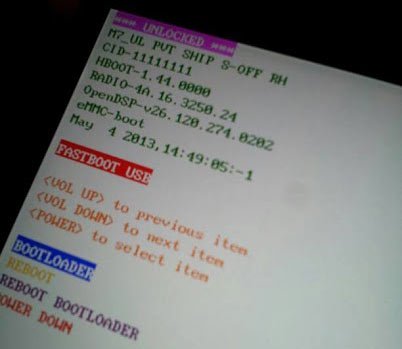
- Use the Volume keys to highlight RECOVERY and select it by pressing the Power button.
- Now, you will enter the recovery mode of the device displaying Android system recovery <3e>.
- Select apply from phone storage and select the OTA zip file you’ve placed on your device’s storage.
- Sit back and relax while the updater does the work. Reboot the system once the flashing is done.
That’s it, you’ll now be on the official Android 5.1 Lollipop on your HTC One M7 GPE.


Join The Discussion: