Many Android device manufacturers are uploading their apps over Android platforms like Google Play Store. Some of them are even making their popular apps from their devices available to the public that can be used on all the devices including their own. HTC too has stepped into such custom, slowly though, by launching their apps on Play Store.
The latest in the collection from HTC Corporation is the HTC Motion Launch. Before this HTC has launched HTC transfer Tool, HTC Sense Input, HTC Dot Design, and HTC Power to Give. Doing this allows Manufacturers to update their app more frequently and most importantly users do not have to rely on Software Updates just to get their apps updated.
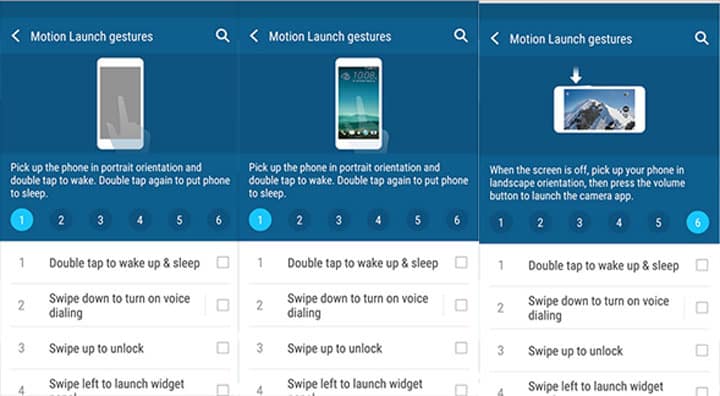
HTC Motion Launch lets you interact with your phone while the display is still off. This app combines the Gesture and Motion sensors into providing unique and useful functions like starting some apps or services, unlocking screen with double tap and lots more. To use these features you need to turn on Gestures from Settings.
HTC Motion Launch will allow you to double tap the screen to wake. You can also swipe down to turn on the voice dialing without having to unlock the screen. With the locked screen, you can launch BlinkFeed by swiping Right. To open the HTC camera app when the screen is off, you need to pick up your phone into Landscape orientation and then press the volume button. there is lot HTC Motion Launch has to offer.
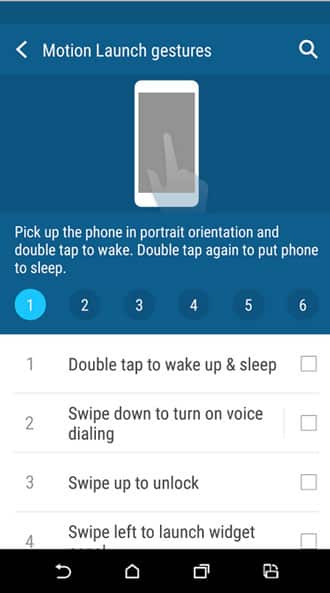
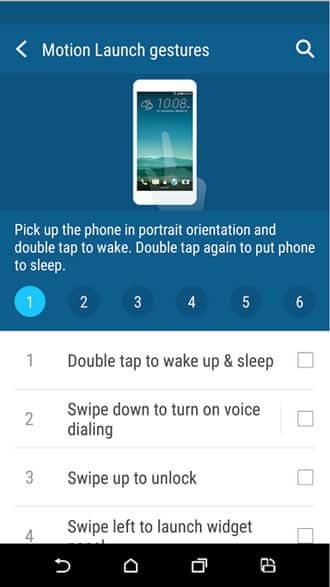

All the features are listed below:
- Double tap to wake up or sleep
- Swipe down to turn on voice dialing
- Swipe up to unlock where you left off
- Swipe left to go to your Home screen
- Swipe right to launch BlinkFeed
- Press the volume button to launch the HTC Camera
This app is compatible with only HTC One M9 and is available for free on Google Play Store. However, if you still want to try it on your device then you can also download it from APK Mirror.
[googleplay url=”https://play.google.com/store/apps/details?id=com.htc.sense.easyaccessservice”]Read Next: How to Enable One-Handed Mode on Any Android Device



Join The Discussion: