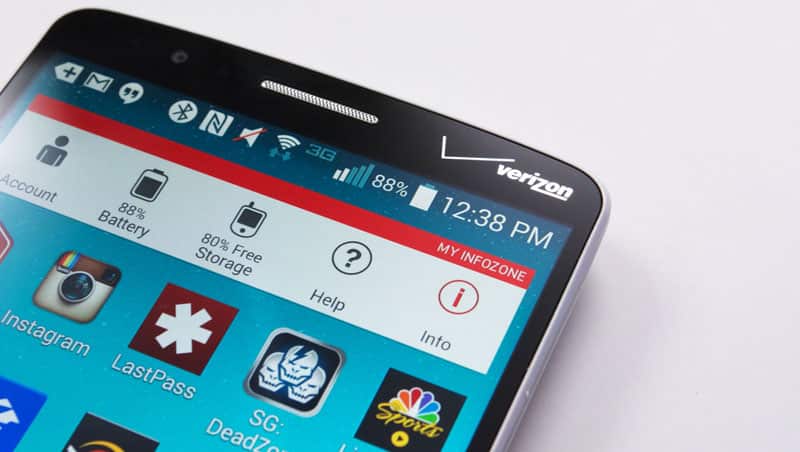
Android Marshmallow is the latest and probably the best iteration of the Android OS to date. It brings a plethora of improvements and new features to the platform. While Marshmallow has been released for the G3, your Verizon LG G3 VS985 may not have received it yet. This tutorial is so that you can flash the update to your phone before your specific device receives the update, while also providing a few extras. There are still a few things you should know about this firmware.
- It is not debloated (it still has all the bloatware), but it is recommended that all OTA (“over-the-air”) and Verizon stock apps be disabled because they report the rooted status of your phone.
- The firmware has been modified with a systemless SuperSU 2.67 beta and Busybox. Some LG Security Checks have also been removed.
- Do not take an OTA update to this firmware installed.
Disclaimer: DroidViews is not responsible for any possible problems that could occur as a result of this procedure.
Downloads:
35B bootstack: xdabbeb_vs98535b_bootstack.zip
VS98546A Firmware: xdabbeb_stock_vs98546a.zip
Instructions to Flash Marshmallow ROM on Verizon LG G3
Step 1: Backup your phone
Perform a full nandroid backup. We suggest Nandroid Manager for use with backups. This is a preventative step in case you lose your data.
Step 2: Flash the bootstack.zip
Download the file from the “Downloads” section above and flash it.
Step 3: Prepare the device
Wipe data and cache in TWRP (recovery image). Do not wipe internal storage unless the install zip file is on the SD card.
Step 4: Install firmware
Flash the firmware found in the “Downloads” section. Note: Do not swipe the prompt in TWRP to install SuperSU. The system will flash and reboot twice; this is part of the normal installation of SuperSU. That’s it! Your phone should be running the Rooted Marshmallow ROM with SuperSU. Enjoy!
Join The Discussion: