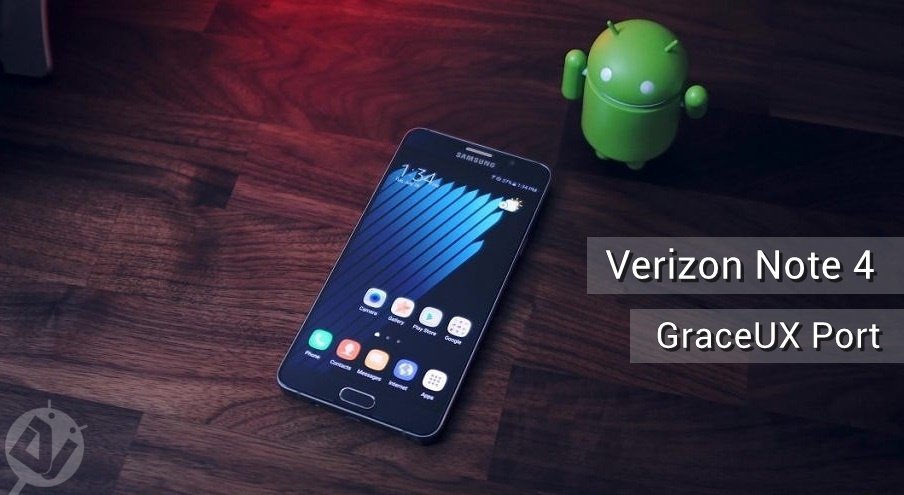
The Samsung Galaxy Note 7 has brought a truckload of new software features in the form of Grace UX. Samsung has dumped the crude and complicated graphics in favor of smooth designs. The Note 7 user interface is much cleaner and closer to stock Android with its flair of useful apps.
The latest Note 7 features are what every Galaxy smartphone user is craving for right now. We’ve covered many Note 7 ports and ROMs which brings the Note 7 features to your old Galaxy device. Today, it’s time for the Verizon Note 4 to taste the modern GraceUX.
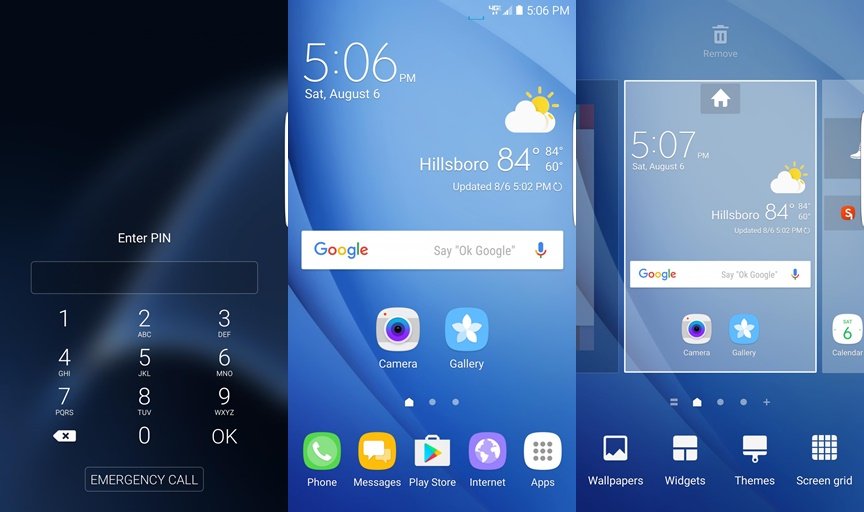
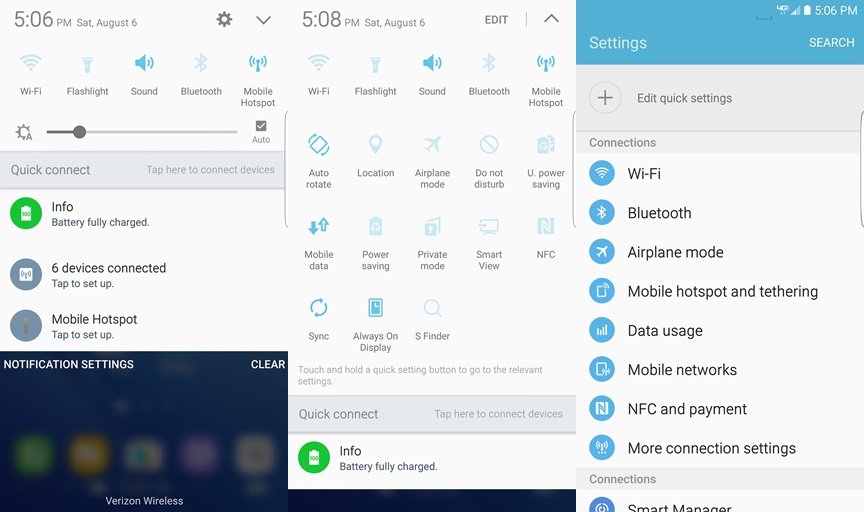
The “Note 7 Grace Port For N910V” brings the Note 7 features to your Verizon Note 4. This custom ROM is based on N910VVRU2CPF3 running Android 6.0.1 Marshmallow. The ROM comes pre-rooted and with all the Note 7 features preloaded. Xposed Framework is also tested on the device, so you don’t need to sacrifice your favorite Xposed modules. Check out the ROM screenshots below to get a brief insight of the GraceUX on Note 4.
Note 4 GraceUX Screenshots

The ROM is still a beta build, so you may expect some bugs along the way but it’s worth giving a try. If you’re not on the N910VVRU2CPF3 build on your Verizon Note 4, first follow the below link to upgrade your device to Android 6.0.1 Marshmallow (N910VVRU2CPF3) and then continue with the below tutorial.
Downloads
Note 4 GraceUX ROM Build2 — Download
Flashing Instructions
Make sure you’re on the N910VVRU2CPF3 build before you proceed further unless you want to brick your device. Also, install the TWRP recovery on your device after upgrading to Marshmallow.
- Download the custom ROM and transfer it to the internal storage of your device.
- Boot into recovery mode on your Verizon Note 4.
- Power off your device and wait until it’s completely turned off.
- Press and hold Power + Home + Volume Up buttons together and release them as soon as you see the Galaxy logo on the screen.
- As you’re in the TWRP recovery, make a complete nandroid backup of your device. You can follow our definitive guide for nandroid backup from here.
- Now, make a complete wipe of the device as we want a fresh installation. To make a clean wipe, just do a complete factory reset and also wipe the Dalvik cache.
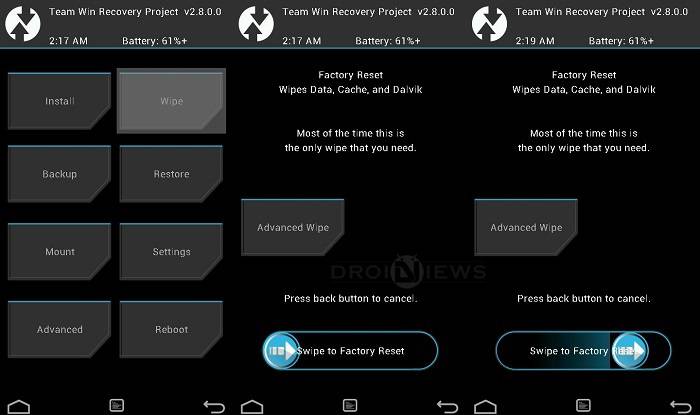
- Flash the custom ROM now. Choose the Install or Install from SD card option from the recovery menu and choose the ROM zip from the file manager. Similarly, flash the Build2 fix zip.
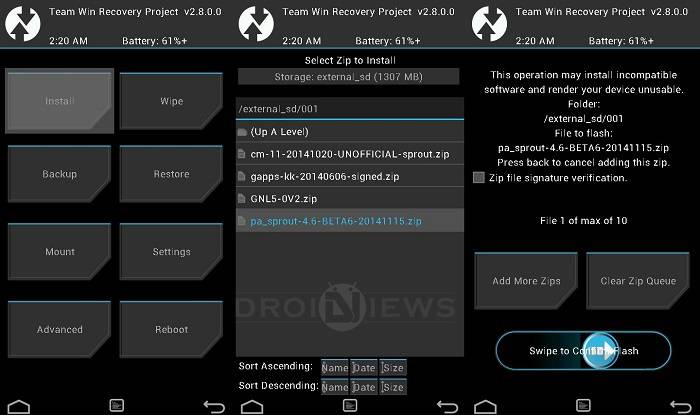
- After flashing both the Zips, do a factory reset. You can do this from the Wipe menu.
- Reboot the device once the factory reset is complete.
Wait for the device to boot and you’ll be greeted with the GraceUX on your Verizon Note 4.


Nice post really like it.Thanks for such a beautiful post.
Someone have problems with the wifi, in my n910v doesn’t remember wifi passwords.
Did you flash the ‘Fixes Build2.zip” file after installing the ROM?
Yes, I did.
Then you should wait until the ROM is updated and the bug is fixed.
Ok no problem, thanks for helping me.
You’re welcome. I’ll let you know when an update is available.