
The Samsung Galaxy A9 Pro was launched back in March 2016 with Android 6.0.1 Marshmallow firmware out of the box. It’s true that the device has received several incremental updates and security patches since its release but the owners of the phone had to wait for a major software upgrade until Samsung started rolling out the Nougat update for it. If you own this phone, and not have received the latest update, you can now install the Android 7.0 Nougat firmware on Galaxy A9 Pro SM-A910F (2016) manually.
The users of the Galaxy A9 Pro SM-A910F (2016) in India have reported receiving the Nougat update and now it’s possible to install it manually because the stock firmware with build version A910FXXU1BQHB is now available for download and you can start enjoying it on your phone right away by installing the firmware using Odin.
Android 7.0 is indeed a major upgrade and you must install it on your Galaxy A9 Pro 2016 because it’ll infuse a new life into your old phone. Here are just a few of the plethora of features the Nougat update brings with it:
- Faster performance.
- Improved battery life with the all new power saving modes.
- A higher degree of homescreen customization.
- Revamped UI and Quick Settings and notification panel.
- New Doze mode for better management of running in the background.
- Many others…
Screenshots
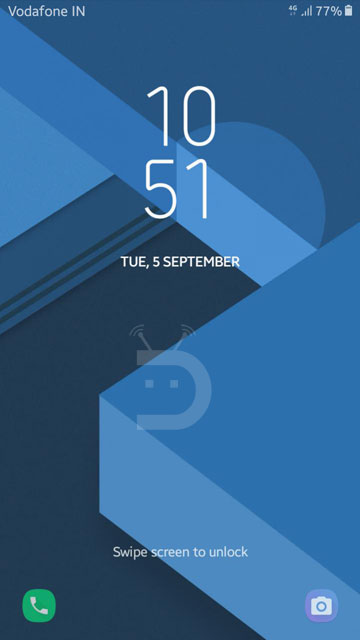
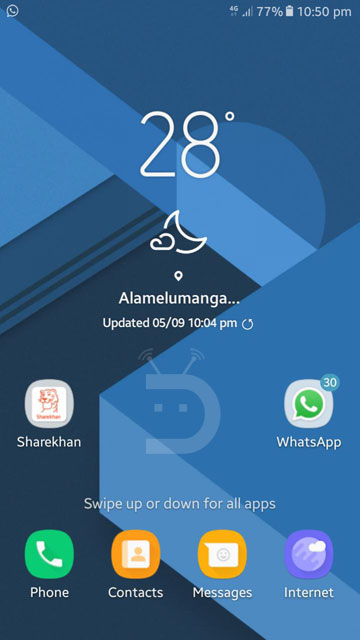
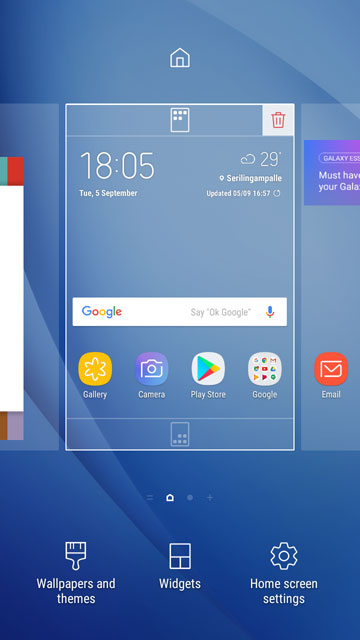

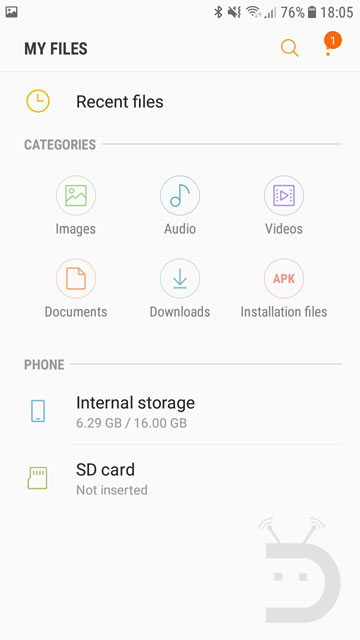
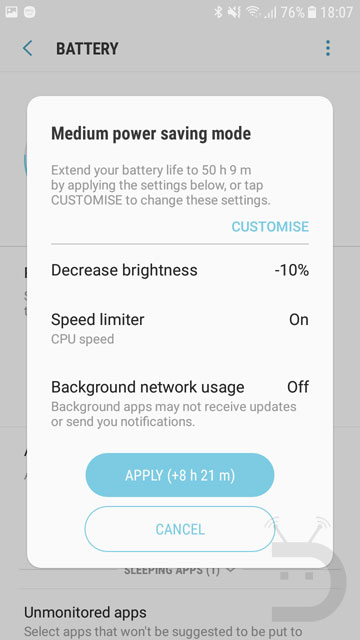
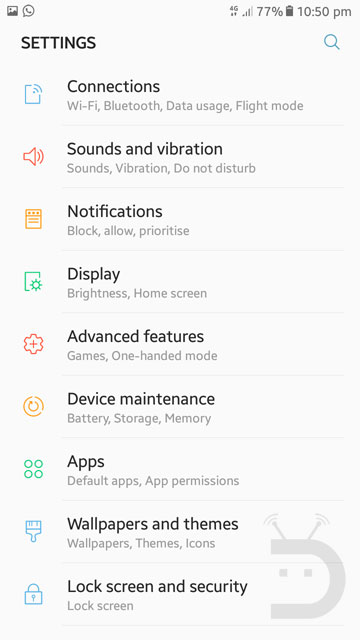
Download Nougat Firmware for Galaxy A9 Pro SM-A910F (2016)
Firmware details
- Device: Samsung Galaxy A9 Pro (2016)
- Model: SM-A910F
- Software version: Android 7.0 Nougat
- Security Patch Level: 2017-08-28
- PDA: A910FXXU1BQHB
- CSC: A910FODD1BQH9
- Country: India
SM-A910F:
India: A910FXXU1BQHB | Mirror
(We’ll add the firmware for more countries when they are available)
Install Android 7.0 Nougat Firmware on Galaxy A9 Pro SM-A910F (2016)
Now here are the Android Nougat firmware installation instructions.
- Download Odin3_v3.12.5.zip.
- Unzip the downloaded Zip file on the desktop of your Windows PC.
- Make sure you have Samsung USB Drivers installed on your computer.
- Go to Settings> Developer options and enable USB debugging.
- Installing the firmware may wipe the call-log, messages, installed apps, pictures, videos or any data stored on your phone’s internal storage, so don’t forget to backup them as a precaution.
- Unzip the firmware zip file you downloaded from above. You will get a file with .tar.md5 extension inside the extracted folder.
- Boot your Galaxy A9 Pro into the Download mode. To do so, turn off your phone and press and hold the Volume Down + Home + Power keys at the same time for 2-3 seconds to boot your phone into the Download mode. Release the keys as soon as you see a blue screen with exclamation sign and press the Volume Up key.
- When your phone gets into the Download mode, open the Odin folder double-click the .exe file to launch it.
- Connect your phone to your computer using the USB cable that came with your phone.
- When your device is detected by Odin, the ID:COM port will be highlighted (see below).
- Then click the AP button and add the firmware file to it. Since the firmware file is huge in size, it might take some time for it to be added in Odin.
- Having added all files, make sure your Odin’s screen looks like as shown below.
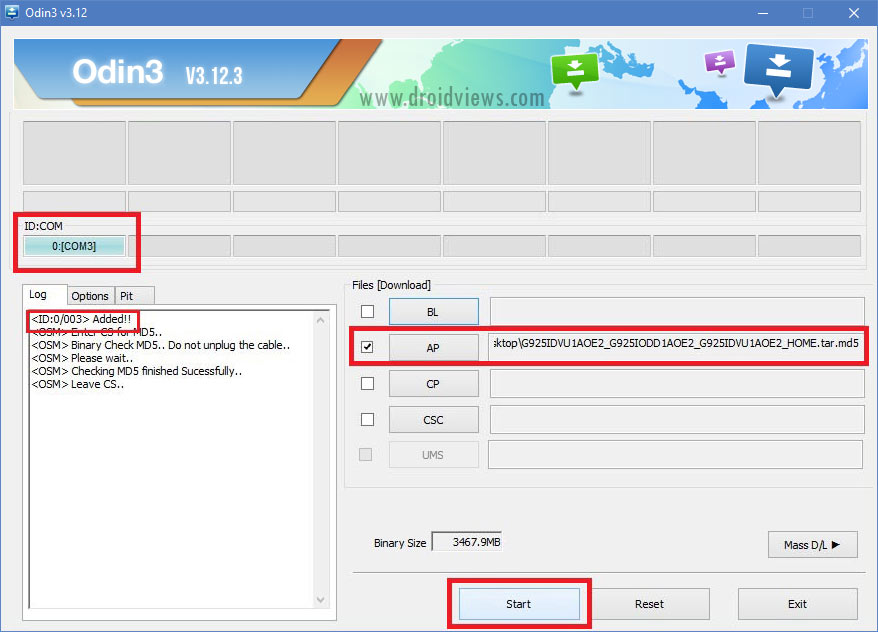
- Finally, click the Start button to initiate the installation and wait until the installation completes.
- When the firmware is installed, you will get PASS! message in Odin and your phone will reboot automatically.
- You can now disconnect the USB cable. Since the first boot takes about 5-8 minutes, you need to wait patiently.
It might take up to 5-7 minutes for your Galaxy A9 Pro to boot up after the firmware installation, so you need to be patient. You will then be welcomed by the initial setup screen. Enjoy the newly installed Android 7.0 Nougat on your Samsung Galaxy A9 Pro SM-A910F (2016).



please updatwe firmware from malaysia
i have root my device..so i cant download the software
plz, how to root samsung a910f android 7.0 nougat
We’re getting the tutorial written. I’ll be live in a few hours.
Here’s the link to the rooting guide: https://www.droidviews.com/install-twrp-root-samsung-galaxy-a9-pro-2016-android-nougat/