
Google I/O 2017 is finally over and all the hype around it gradually decreasing. Now we can sit back, take a deep breath and take a look at what had happened at this year’s Google I/O. While there were over one hundred announcements (a hundred and one, to be specific) which covered a wide range of Google products – in this article we will concentrate on the major changes that are coming with the latest version of our beloved operating system. There are a lot of changes that are coming with Android O – here are the four major changes we are excited about.
Picture-in-picture mode:
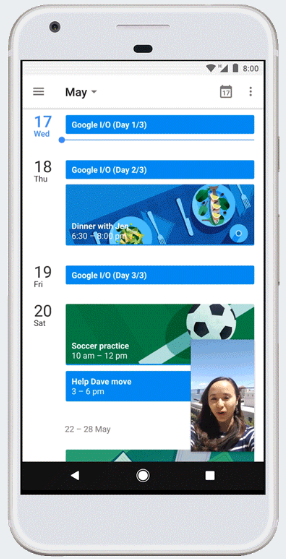
Picture-in-picture mode (PiP) is a feature which allows the device to display one program in an inset window while another program is running. How is it different from multi-window mode exactly? Well, in multi-window mode, both the apps that are running in the foreground will have their own screen real estate. In Picture-in-picture mode, one app is displayed in an inset window over the other app. The below screenshots should give you a clear picture.
You can do things like checking your calendar while planning a party on a Duo video call!
Smart Text Selection:
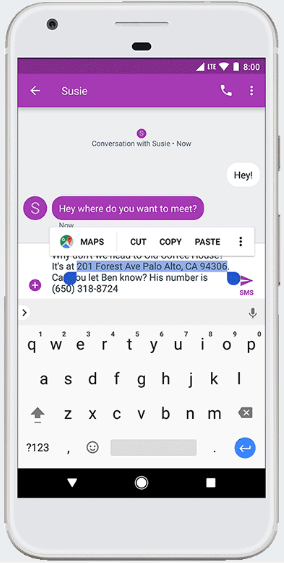
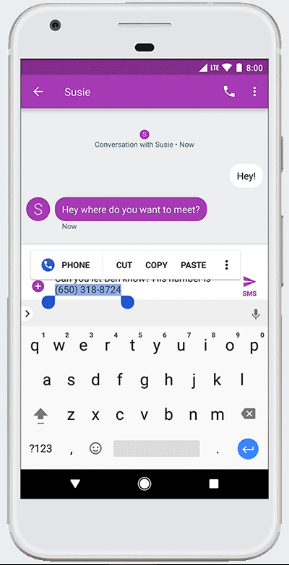
Google is really putting a lot of effort in the text selection area. They have constantly improved the cut-copy-paste experience on Android with every new iteration and this year is no exception. This time, Google has gone a step ahead and made the text selection intelligent and contextual. When someone sends you a phone number or address, you can simply double-tap anywhere on the address/phone number and the complete address/phone number will be selected for you. It doesn’t stop there – it also brings up a related app according to what you have selected. Maps, in case of an address or the phone app, in case of a phone number. Take a look at the below screenshots:
Android O makes use of machine learning to achieve this!
Google Play Protect:
In an era where everything is going digital, cybersecurity is becoming more and more important with every passing day. According to Google’s official statement, Play Protect is built into every device with Google Play, is always updating, and automatically takes action to keep your data and device safe, so you don’t have to lift a finger. Google scans over 50 billion apps every single day and Google’s machine learning systems make use of this scan data to look out for potential security risks. So, it’s there 24/7 – protecting your device!
DON’T MISS: List of 70 OK Google Commands for Google Assistant
Find My Device:
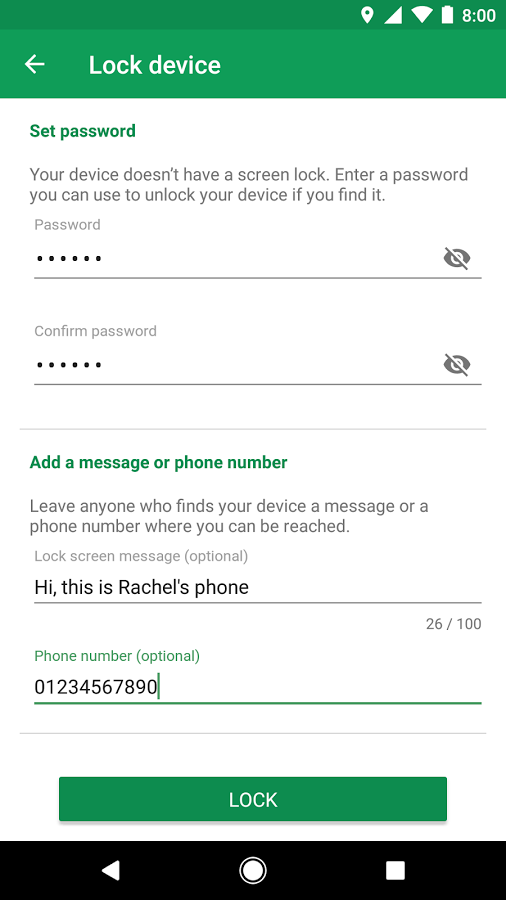
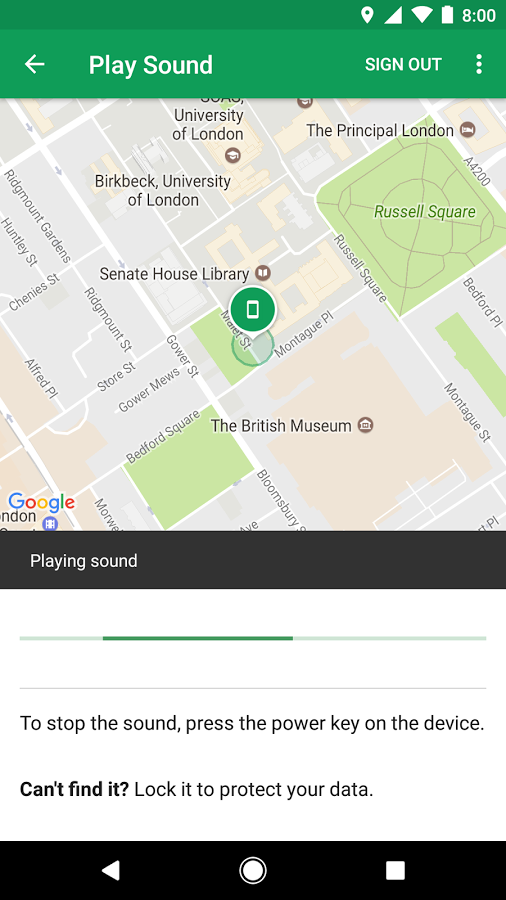
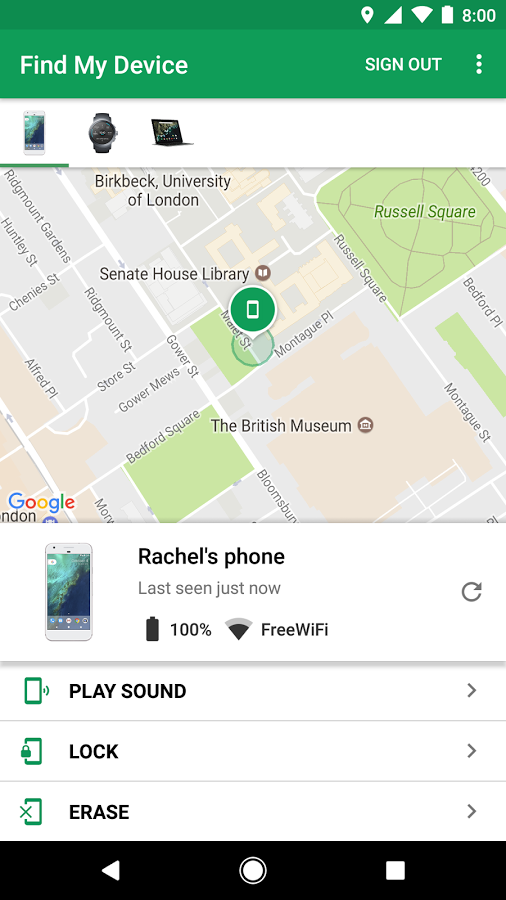
There is no bigger security threat to your device than actually losing it. Find My Device (previously known as Android Device Manager) is not exactly as ‘new’ feature. I was always available under a different but only a few people actually knew about it. I am really happy that Google is finally throwing some spotlight on it so that more people will now come to know about it and make use of it.
With Find My Device you can locate, ring, lock and erase your Android devices—phones, tablets, and even watches. This feature is built in and is enabled by default on all Android devices. You can either check out the app below or make use of the website here: android.com/find
Must read: Erase Android Phone Data Remotely Without Internet
[googleplay url=”https://play.google.com/store/apps/details?id=com.google.android.apps.adm”/]We are hoping to see more new exciting features to come to Android O with the upcoming beta versions of Android O. Stay tuned to DroidViews through our social media channels to get all the latest updates!


Join The Discussion: