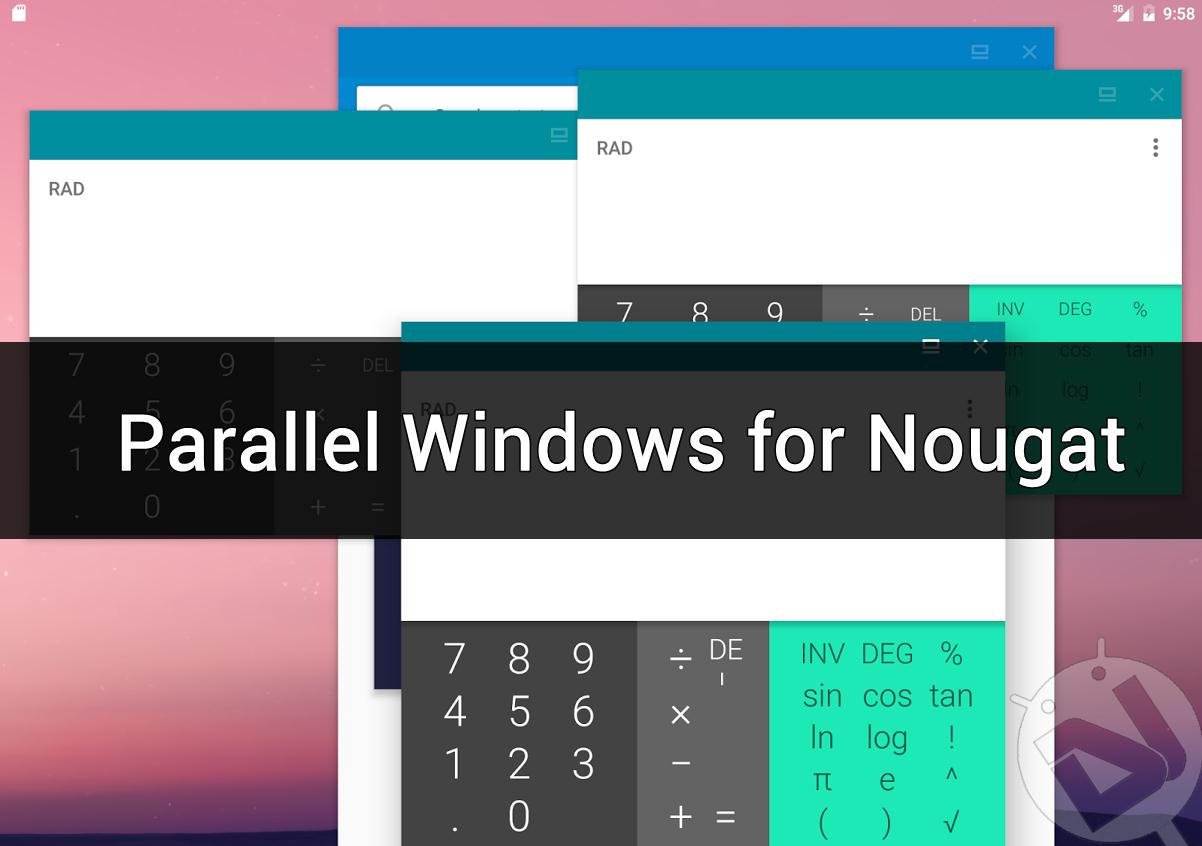
Google has made multitasking a breeze in Android Nougat with the Split Screen feature. It lets you open multiple apps on your screen at once giving the true experience of multitasking on your smartphone. Developers are already making attempts to make multitasking much more productive on your Android device. Parallel Windows for Nougat is an awesome app that lets you run multiple instances of the same app in Split Screen. For those who don’t know, native Android only lets you open one copy of an app at once. So, finally, you can watch a video in one browser window and browse Internet in the other.
Parallel Windows for Nougat – Make Multitasking much Better!!!
Parallel Windows for Nougat is still in the experimental phase but still works perfectly. Here are some of the app features that might interest you:
- Provide an onscreen shortcut to toggle split-screen
- Quickly launch any new App in split-screen mode through a floating mini App drawer.
- Mirror an App.
A floating panel can be opened with a swipe from the right edge of the screen. The panel can be used to control the features of Parallel Windows. To mirror an app, just open the panel and tap on the app you want to mirror to the other half of the screen. Currently, you can open only two instances of the same app at once on a smartphone but you can open many windows of an app on a tablet (Freedom Mode should be enabled). Well, that’s not a big deal as opening more than two windows on a smartphone looks smudged anyways.
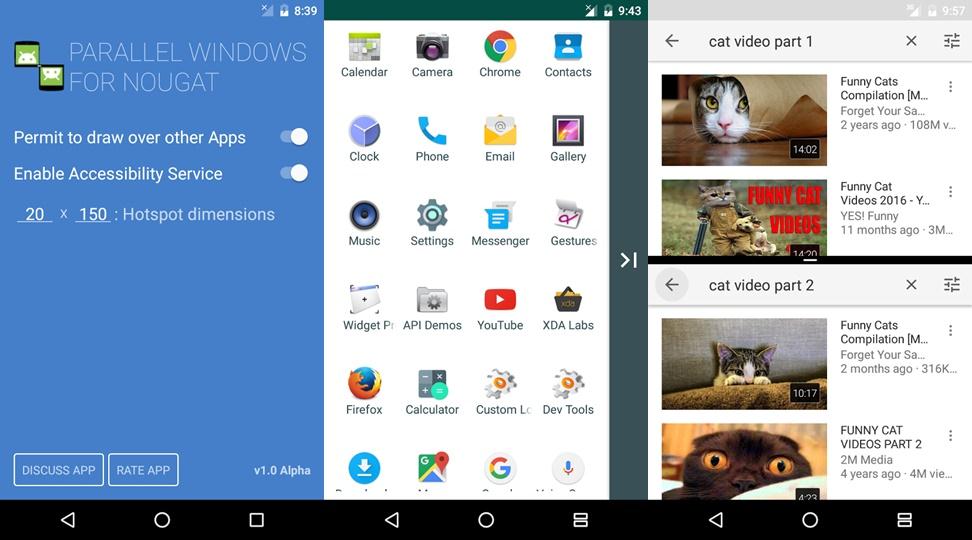
Let me warn you beforehand that not all apps work smoothly with the Parallel Windows. Apps that don’t support multi-window mode will most probably not work with this method as well. Even if they worked, they might show the same information in the two instance which is not we want. So, don’t be frustrated if you face such issues as it’s expected.
Download the Parallel Windows for Nougat from the below widget link and try your luck with different apps in Split Screen mode.
[googleplay url=”https://play.google.com/store/apps/details?id=you.in.spark.parallel”/]Do let us know if you liked the app in the comments section below.


Join The Discussion: