Android custom development and tweaking have become quite common from the past couple of years, thanks to the selfless developers and enthusiasts. Rooting, installing custom recoveries, ROMs and kernels has become a daily chore for most of the Android users. Adventure & exploration mixed with passion towards Android is leading users to explore the depths of this awesome mobile OS. However, OEMs tend to remind us of our so-called crimes every now and then in the form of warning messages.
Almost all OEMs chose to launch their devices with locked bootloaders to prevent unauthorized flashing on the system partitions of the device. But with a large developers community, it is almost next to impossible to stop Android users from unlocking the bootloaders. However, not all manufacturers are against unlocking the bootloader, they give users the choice to unlock and re-lock the bootloader but it will trigger a flag in the register which will mark your device with voided warranty status.
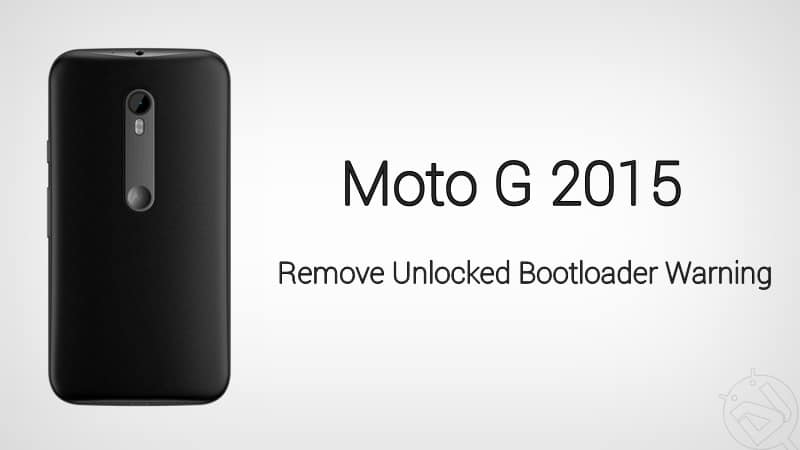
As a reminder of our little adventure, we will see an ugly unlocked bootloader screen every time we boot our device. The warning screen will replace the logo.bin file in your Android system but that’s not a major concern except that it looks ugly on every boot. Today we will see how to remove unlocked bootloader warning on Moto G 2015. Spoiler alert! It’s damn easy. The credit for the modified logo.bin goes to Alberto97 of XDA who is generous enough to make a flashable zip of the mod.
To flash this mod, you need to install a custom recovery on your Moto G 2015. If you haven’t installed any custom recovery on your device, follow the below link to root your device and install TWRP.
Once you have TWRP on your device, download the below flashable zip and flash it from TWRP recovery. It’s as simple as that. But before you flash the mod, make sure to take a nandroid backup of the device.
- Download Unlocked Bootloader Removal Mod: unlocked_logo.zip
If you’re not sure on how to install flashable zip from TWRP recovery, follow our tutorial for the same from here.
Let us know if you have successfully able to get rid of the annoying warning message from the boot splash screen. Don’t forget to thank the developer from the source link below if you like the mod.
Via XDA



Doesn’t worked for me on XT1543 (1GB OSPREY) with official 6.0 Android firmware
Worked fine for me on an XT1541 (1GB RETEU) with official 6.0.1 Android firmware.