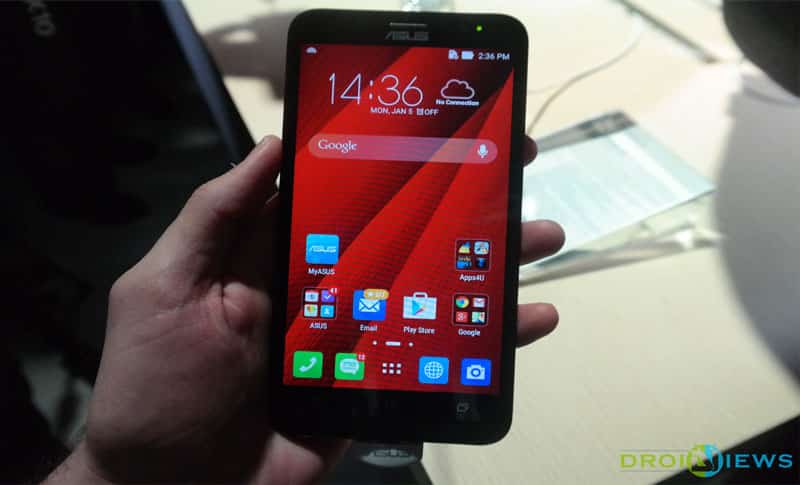
There is this tremendous good news sitting idle for Asus Zenfone 2 users, to be celebrated all out in the open. Thanks to the senior XDA member, known by the username ravian29 (and other contributors, shakalaca and fuzzybuffalo) who has publicly shared a tutorial for unlocking the bootloader on this Asus phone.
Being an unofficial bootloader unlock tool, Asus will not be able to help you with any issues on your device once you go through this process, as it voids the warranty from the manufacturer as per the terms of use.
It is also wiser to get informed that, Droidviews will not be liable for the damage to your device or whatsoever. As a user, you are advised to exercise some discretion and carefully follow the tutorial and triple check before committing every step.
Please note the product ID of your Asus Zenfone 2. The bootloader unlock has been found for ZE551ML and ZE550ML. Follow the steps below.
Prerequisites
- Make sure your device is rooted and on the latest firmware (v2.19.40)
- Setup ADB on your computer
- Download Black splash screen: splashscreen_ze551ml .img
Steps
- Connect your ASUS Zenfone 2 to your PC via USB cable.
- Launch ADB on your PC and type the following commands and hit enter at each command.
adbshell

su

getprop ro.isn > /factory/asuskey

reboot bootloader
3. Now your device will reboot in recovery mode and will update itself. You will notice a white splash screen which indicates that the factory lock has been removed.
4. Navigate to adb folder and open command prompt and type
adb reboot bootloader

fastboot devices
5. The device should show up at this moment. If it doesn’t show up then configure your USB drivers
6. Now enter
fastboot flash splashscreen splashscreen.img
7. Restart your phone and now black splash screen is back. Your bootloader is now unlocked.
That’s all, you have successfully unlocked the bootloader. If you have any issues then post them in the comments below.
Read Also: What’s IMEI Number? What Does It Tell About Your Phone?



Join The Discussion: