Android has been ruling the smartphone market for years now. It’s an open source platform that can easily be modified and customized. Most of such modifications and customization can be achieved only on rooted devices. Since rooting an Android device voids the warranty, many people prefer to avoid it. As a veteran Android user, I have always felt the lack of a native theme engine on the devices from mainstream OEMs like Sony, Samsung, LG, HTC, and Motorola. Though Sony and LG allow partial theming, it is not just enough!
To a large extent, the success of Xiaomi phones and CyanogenMod ROM is due to their theming capability. Looks like manufacturers like Samsung and HTC have realized this secret and that’s why new phones like the Galaxy S6/S6 Edge and the HTC One M9 come preloaded with an inbuilt theme engine that allows theming of almost every aspect of the phone’s UI. The new theme engine will hopefully make their way to some older devices through software updates. Since we cannot just keep changing our phones, we can at least try to add novelty to our experience by using different themes and widgets.
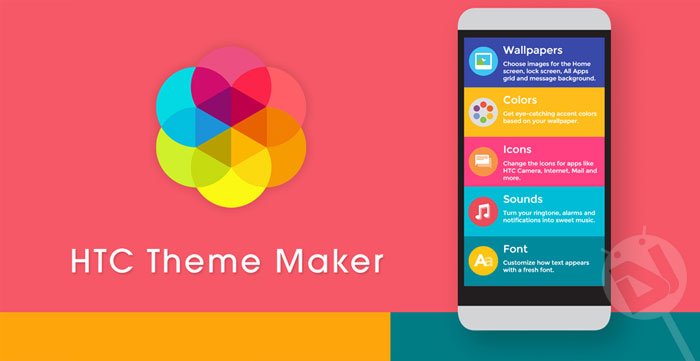
Yesterday, HTC launched an official themes portal that features a lot of tools to help you create your own theme with a personal touch, or download the themes created by other members of the community. Using HTC’s Theme Maker and Maker Pro tools, you can add your favorite color palette, wallpaper, font, icon pack and customized sounds to your theme. Customizing the look and feel of the Sense ROM was never so easy and cool!
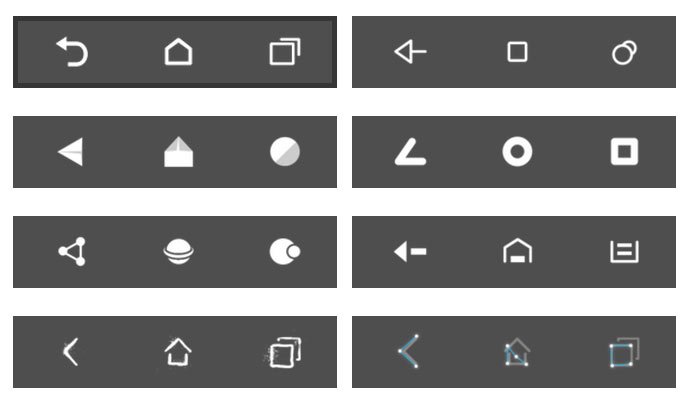
Now take a look at some of the themes created with the HTC Theme Maker:
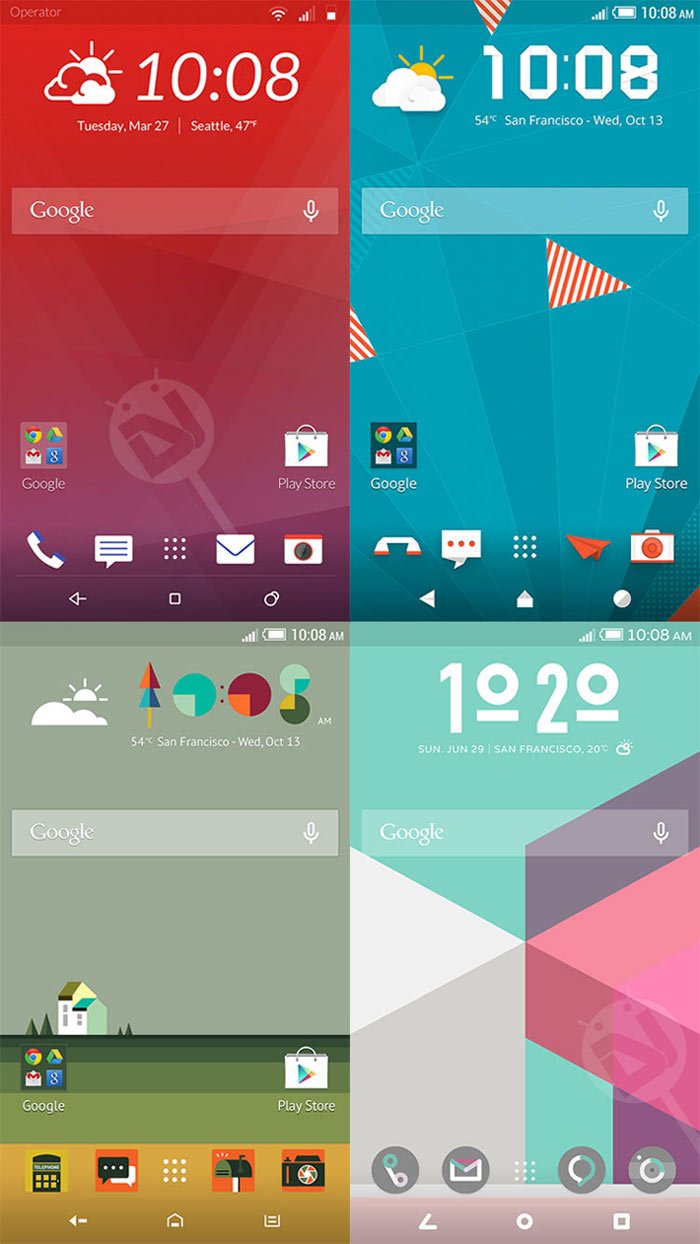
Creating Sense Themes with HTC Theme Maker
Just like Sense, the HTC Theme Maker tool has a very clean and simple design. It’s easy to use and takes just a fw minutes.
- Go to HTC’s themes portal and sign up for an account: Link
- Click the Theme Maker (for making themes quickly) or Maker Pro (for more comprehensive customization) option.
- You would then start getting options for modifying different elements one by one.
- Keep customizing and clicking the Next button until you see the Finish button.
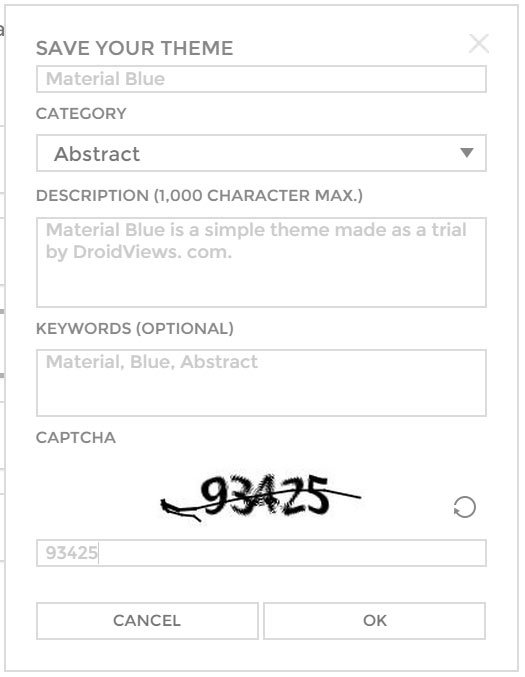
- At the end, you would be asked to assign a name and tags and category to your newly created theme.
Done! Here are a few screenshots to give you an idea:

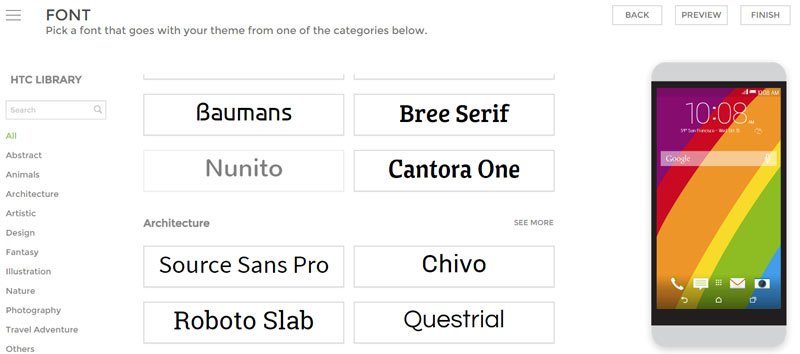

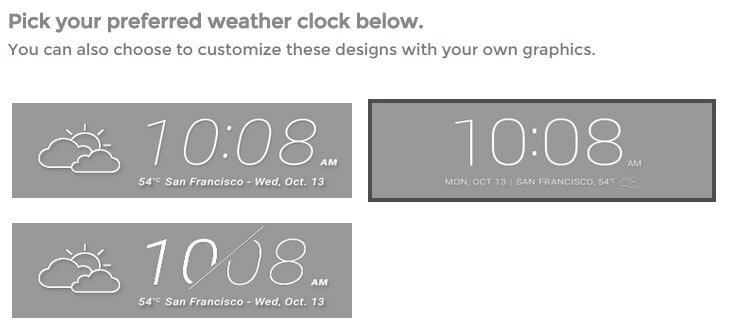
The HTC Theme Maker is really an innovative tool for creating smartphone themes without any pro qualification. Check out all options available there and give you imagination a flare to create your ultimate theme.!
hi….i am using htc one m8….how do i publish my creation..?
hi i am using motorola moto g 2014 i an unable to login in htc theme maker in my phone. how i download and apply it. please tell me sir.
Login on a computer and then open the site on the phone.
and then?? I want to know how i download and apply it TOO,please:)
it’s dont work, still can’t log in on phone, I use LG G3