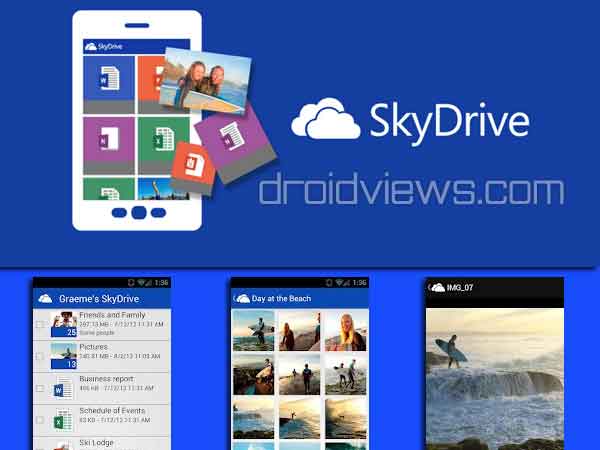
Late yesterday, we all had some cute surprise from Microsoft. The Microsoft SkyDrive AKA OneDrive app has now hit the Google Play Store.
SkyDrive is yet another but very powerful cloud service that allows you to upload and sync anything on the go, no matter on what device you are. You are not at all limited by the file size, so do not worry about uploading huge files. But, a user gets only 7GB of free initial upload space, which can be expanded on purchasing.
Microsoft SkyDrive offers a smooth and easy to use UI with several file formats being supported.
The app was pushed to the play store on 28 August 2012 and supports any android with android 2.3+.
Features of Microsoft SkyDrive
• Access all of your SkyDrive content including files shared with you.
• View recently used documents.
• Choose multiple photos or videos to upload from your phone.
• Share your files and photos – send a link in email or in another app.
• Open your SkyDrive files in other Android apps.
• Manage your files – delete, or create new folders.
Download the Microsoft SkyDrive app, it’s completely free of cost and is available now at Google Play store to be used by Android devices.
[googleplay url=”https://play.google.com/store/apps/details?id=com.microsoft.skydrive”]You may also sign in to the desktop using your Microsoft SkyDrive account username and password.
Read Next: Which is the Best Android Launcher App?


Join The Discussion: