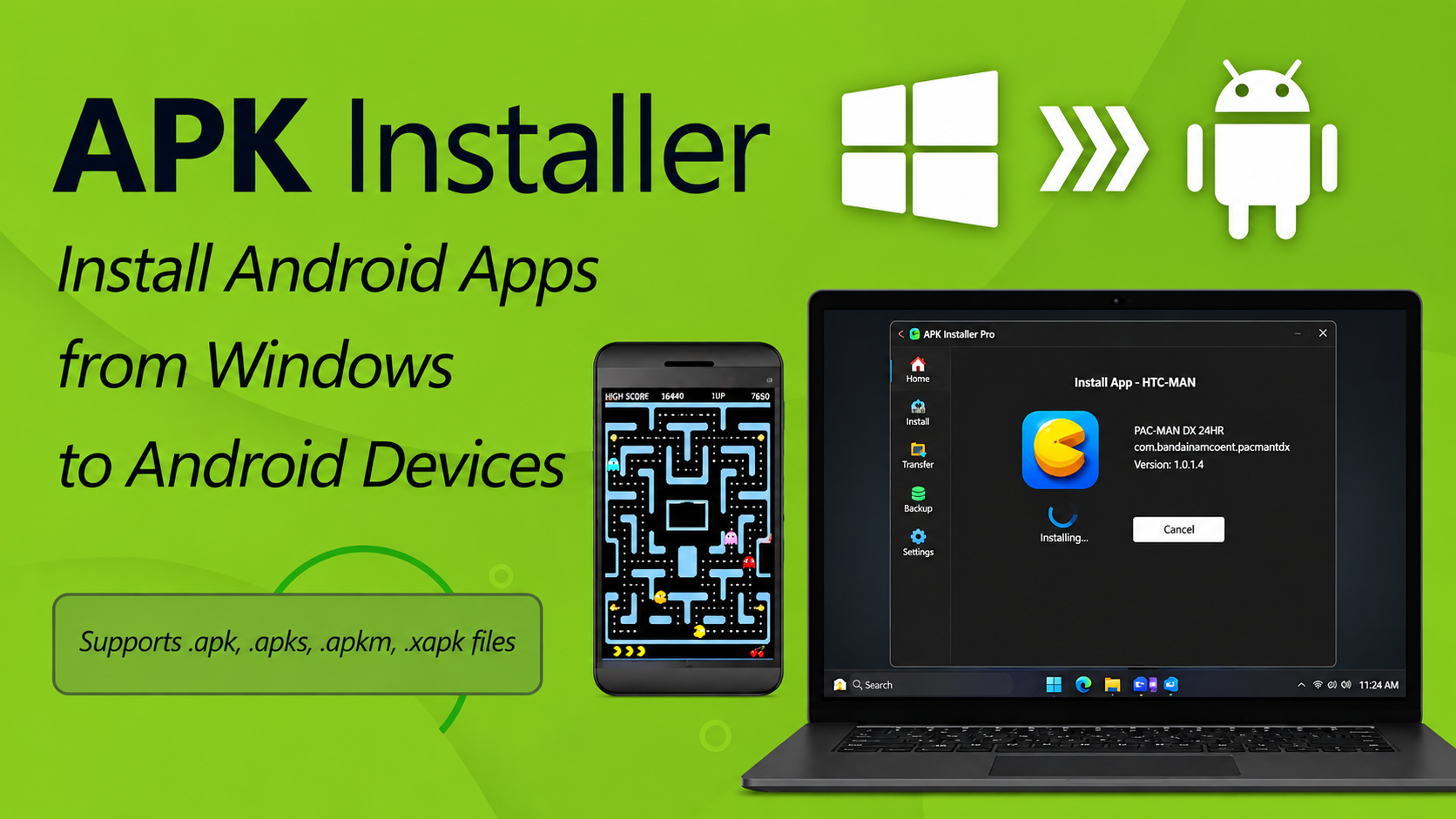
Installing Android apps on a Windows PC has become a genuinely practical option for a wide range of users, whether the goal is running mobile games on a larger screen, testing applications outside of a phone environment, or simply accessing content that is not available through any native Windows application. The process is more straightforward than many users expect, and understanding the difference between APK and XAPK file formats before starting prevents the most common installation errors that cause frustration for first-time users of Android emulation on Windows.
Understanding APK and XAPK File Formats
An APK file is the standard Android application package format, a single compressed file that contains everything needed to install a specific application on an Android device or an Android emulator. When you download an app outside of the Google Play Store, you typically receive an APK file that can be installed directly. The format has been in use since Android’s earliest days and is universally supported across all Android emulators and devices.
An XAPK file is a newer format that packages the APK installer alongside additional OBB data files that some applications require for full functionality. Games with large asset libraries frequently use the XAPK format because the additional data files contain the textures, audio, and content resources that would otherwise need to be downloaded separately after installation. The XAPK format bundles everything into a single download, which simplifies distribution but requires an installer that specifically supports this combined format rather than the standard APK handler.
Setting Up LDPlayer as Your Android Emulator
LDPlayer is an Android emulator designed specifically for gaming performance, and its approach to APK and XAPK installation is more streamlined than general-purpose emulators. An Android emulator for Windows that handles both installation formats through drag-and-drop makes the process accessible for users who are not comfortable with technical installation procedures, and LDPlayer’s interface has been developed around exactly this accessibility goal.
The installation process begins by downloading LDPlayer from its official website and completing the standard Windows installation. LDPlayer creates a virtualized Android environment on the Windows system, allocating a defined portion of the PC’s RAM and CPU resources to run the emulated Android operating system. Once the emulator is running, it connects to Google Play for standard app installation and also provides dedicated pathways for APK and XAPK sideloading for apps not distributed through the Play Store.
Installing APK Files on LDPlayer
APK installation on LDPlayer follows two primary pathways that serve different user preferences and technical comfort levels. The drag-and-drop method is the most accessible: with LDPlayer open and running, dragging an APK file from Windows Explorer directly onto the LDPlayer window triggers the installation process automatically. LDPlayer detects the file format, extracts the necessary installation data, and completes the Android package installation without requiring any additional user input beyond the initial drag action.
The alternative pathway uses LDPlayer’s built-in file manager, accessible from the toolbar within the emulator interface. The file manager allows navigation to the location where the APK file is stored on the Windows PC, and selecting the file from within the Android file manager triggers installation through Android’s standard package installer. This method is useful for users who prefer working within the emulator’s own interface rather than dragging between Windows and the emulator window, and it produces identical installation results through a slightly different interaction model.
Installing XAPK Files: The Additional Steps
XAPK installation requires either an XAPK-compatible installer or a manual extraction process that separates the APK and OBB components for individual installation. LDPlayer supports XAPK installation natively through the same drag-and-drop interface used for APK files, detecting the XAPK format automatically and handling the OBB data file placement in the correct Android directory structure without user intervention. This native support is the most important practical advantage of using a dedicated gaming emulator over general-purpose Android emulation solutions that may not handle XAPK natively.
For users who encounter XAPK files that need to be installed on emulators without native XAPK support, manual installation involves renaming the XAPK file with a .zip extension, extracting the contents, installing the contained APK file normally, and then moving the OBB folder to the Android/obb directory within the emulator’s storage. This manual process requires understanding the Android directory structure, which is why native XAPK support in an emulator like LDPlayer meaningfully reduces the technical barrier for users who regularly work with larger application packages.
Optimizing LDPlayer Performance for Installed Apps
After installation, configuring LDPlayer’s performance settings for the specific application type produces significantly better results than leaving the default configuration unchanged. LDPlayer’s performance settings allow adjustment of the CPU core count allocated to the emulator, the RAM allocation, the rendering mode, and the display resolution. Applications that are primarily 2D benefit from different rendering configurations than 3D games with complex lighting and geometry, and LDPlayer’s preset options cover common application categories with optimized configurations that serve as reliable starting points.
According to LDPlayer’s official feature guide, the emulator supports both OpenGL and Vulkan rendering backends, with Vulkan providing better performance on compatible hardware for graphically demanding applications. Users whose hardware supports Vulkan rendering will find that switching from the default OpenGL configuration produces noticeable performance improvements in games with high graphical demands, while users on older hardware may find OpenGL provides more stable performance within their system’s capability range.
Managing Multiple Apps and Storage
LDPlayer supports multiple simultaneous instances, which means different applications can run in separate emulator windows with independent storage and configuration rather than sharing a single Android environment. This multi-instance capability is particularly useful for users who want to install and run applications that would conflict within a shared environment, or who manage multiple accounts for the same game across separate instances. Each instance maintains its own installed apps, account information, and configuration settings independently.
Join The Discussion: