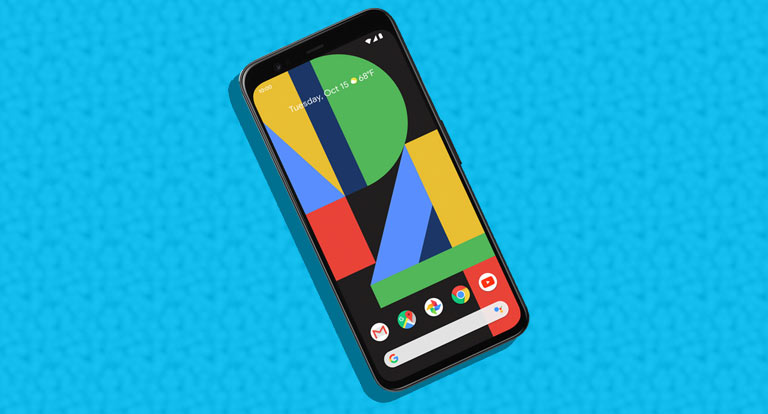
Recently, Google launched the fourth-generation Pixel smartphones. Before the advent of Pixel 4, many Android smartphones had face unlock. That said, they also came with either an in-display or a physical fingerprint sensor. Well this time around, Google has completely ditched the fingerprint sensor in favor of face unlock. Consequently, specific applications and services have to change their biometric authentication method to face unlock for Pixel 4 and Pixel 4 XL. The first app that confirmed face unlock support for Pixel 4 was Lastpass. In addition to Lastpass, Google Pay has also added face unlock support for the Pixel 4.
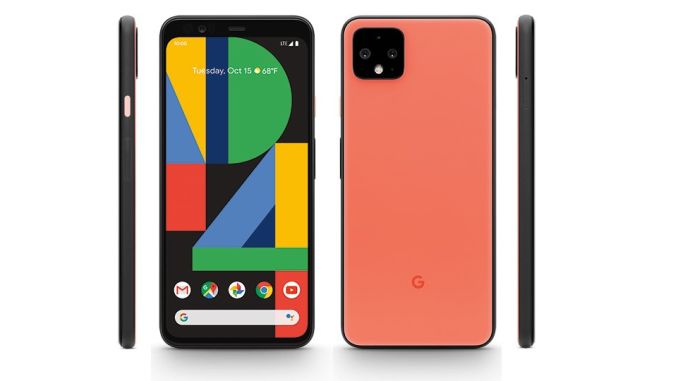
Well, if you own a Pixel 4 or a Pixel 4 XL, you can now complete your payments by just looking at your device.
Use Face Unlock In Google Pay For Sending Money
Google Pay is a mainstream online payment application, and millions of people use it. Well, this online payment app from Google was updated on October 24 to support facial recognition. To use face unlock in Google Pay, you have to update your application to the latest version, i.e. 2.100.275591585.
You can enable the biometric authentication option from the Sending Money Settings in Google Pay. The latest version of Google Pay allows users to toggle both PIN and Face Unlock. Once you toggle Face Unlock you should see a confirmation request pop up.
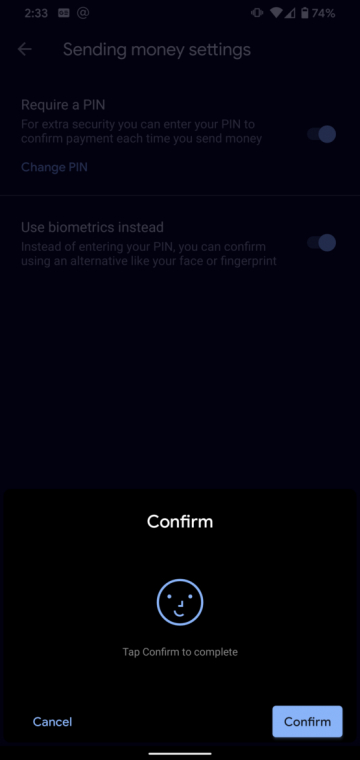
Similar to Lastpass and Google Pay, we can expect other mainstream apps and services to include Face Unlock as a reliable authentication method soon.
Android’s BiometricPrompt API is a new back-end language that makes it possible to use Face Unlock as one of the biometric methods of authentication. Presently, there are only half a dozen apps that use this API, and most of them are still in beta. Google has stated that all developers should implement support of the new BiometricPrompt API in the app updates that will release after November 1, 2019.
So these were the simple steps to use face unlock in Google Pay. In the upcoming years, we can expect many major smartphone manufacturers to eliminate fingerprint sensors.
Read Next: This may be the Reason for Pixel 4 Not Releasing in India



Join The Discussion: