The number of substratum themes on the Google Play Store is increasing quite rapidly. And while a lot of them are free, many if not most of them are not. Having used both CM themes and substratum themes, it seems to be that if you want the good stuff, you are more likely to find yourself spending some money. And that’s not necessarily a bad thing. Getting paid encourages the developers to maintain quality in their apps. Money, of course, is no guarantee of that.
Yesterday, we listed five free substratum themes so it was only natural that we list 5 of the paid themes that you may like. But before we get to that, you should know that Substratum themes can be a bit risky to use. Not all of them but once in a while, you are bound to encounter a theme that will crash your SystemUI. A crashing System UI means your device is effectively useless. There’s no need to panic if that ever happens to you. Just download this zip and flash it in TWRP or any other custom recovery. The flashable zip removes all installed overlays from the system. When you reboot your device after flashing the zip, you should be able to uninstall the theme and get rid of it.
All of the themes listed here have been tried by me just like the free ones so you can make an educated purchase. That is if any of these are able to pique your interest. So here they are, in no particular order.
Don’t miss:
1. Swift Dark

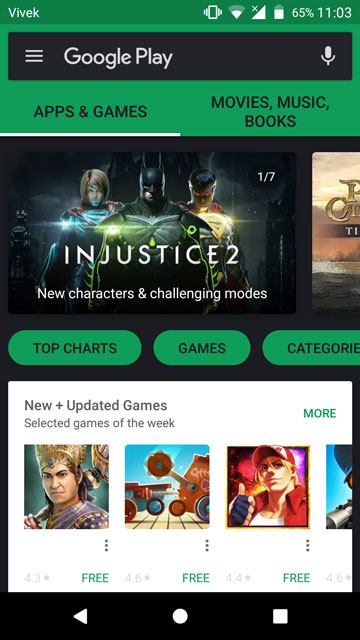
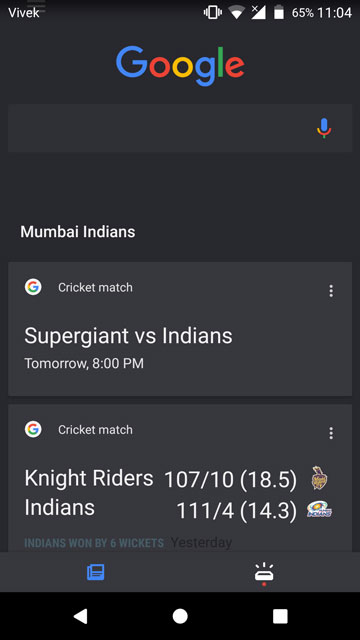
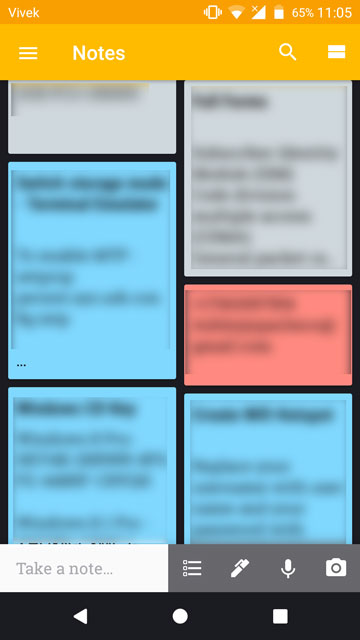

If you love Google’s Material Design but wish it was a bit dark,you’re not alone. The Swift Dark Substratum theme is based on that very idea of a dark material look. Unlike the free offering based on the same philosophy that we mentioned in a previous post, this one is a real eye candy. Not to say the free one was bad, but free only gets you so much.
For $1.99 you get the choice to turn all your favorite Google apps, as well as stock Android apps into the perfect shade of material darkness.
[googleplay url=”https://play.google.com/store/apps/details?id=com.brit.swiftdark.substratum”/]2. Neon Colors
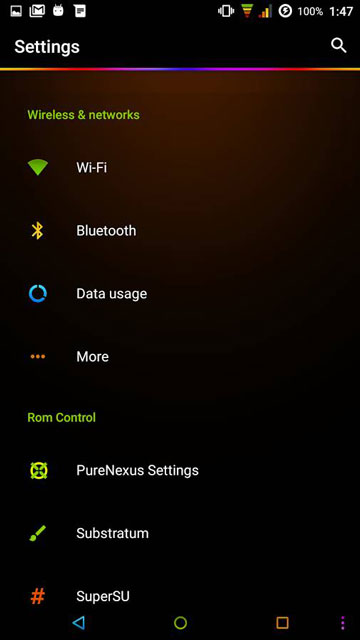
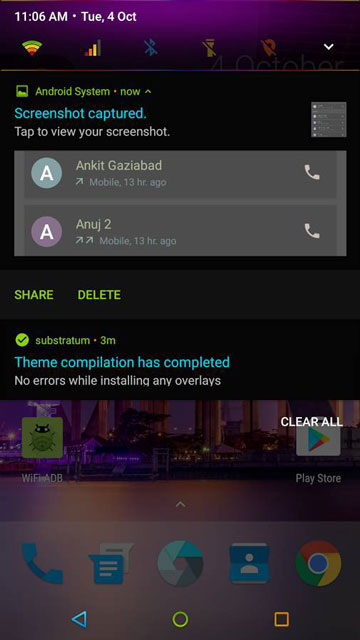
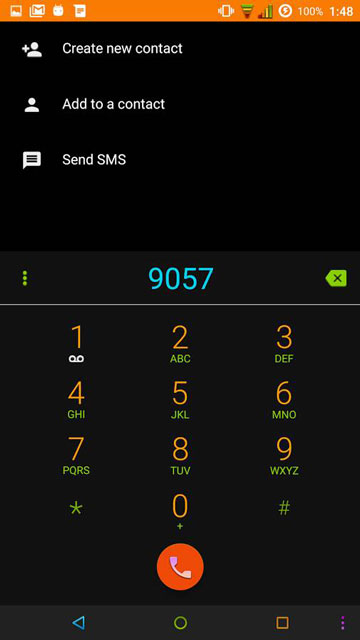
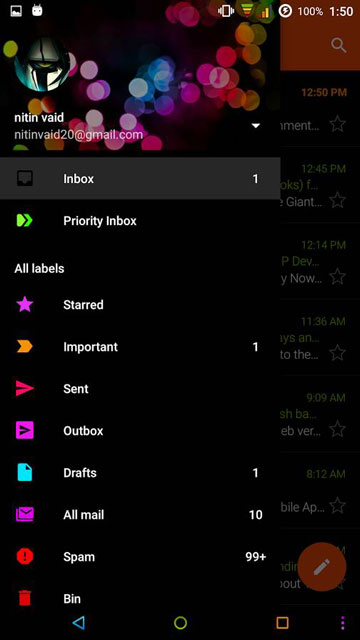
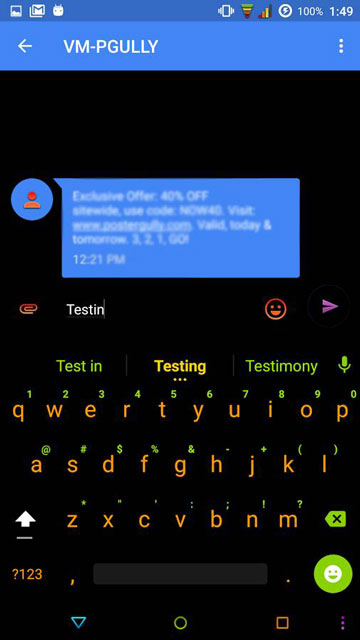
The Google Play Store seems full of substratum themes based on dark backgrounds, so a Neon theme was almost inevitable. Personally, I am not a fan of so many colors being thrown at me in no particular order and that’s exactly what this theme is. But looking at it closely, you realize it can look quite pretty to the right eyes.
Once again, all this eye candy and popping colors will cost you $1.99.
[googleplay url=”https://play.google.com/store/apps/details?id=com.nitinvaid.NeonColors”/]Must read: How to Block System-wide Ads on Android without Root
3. Victory
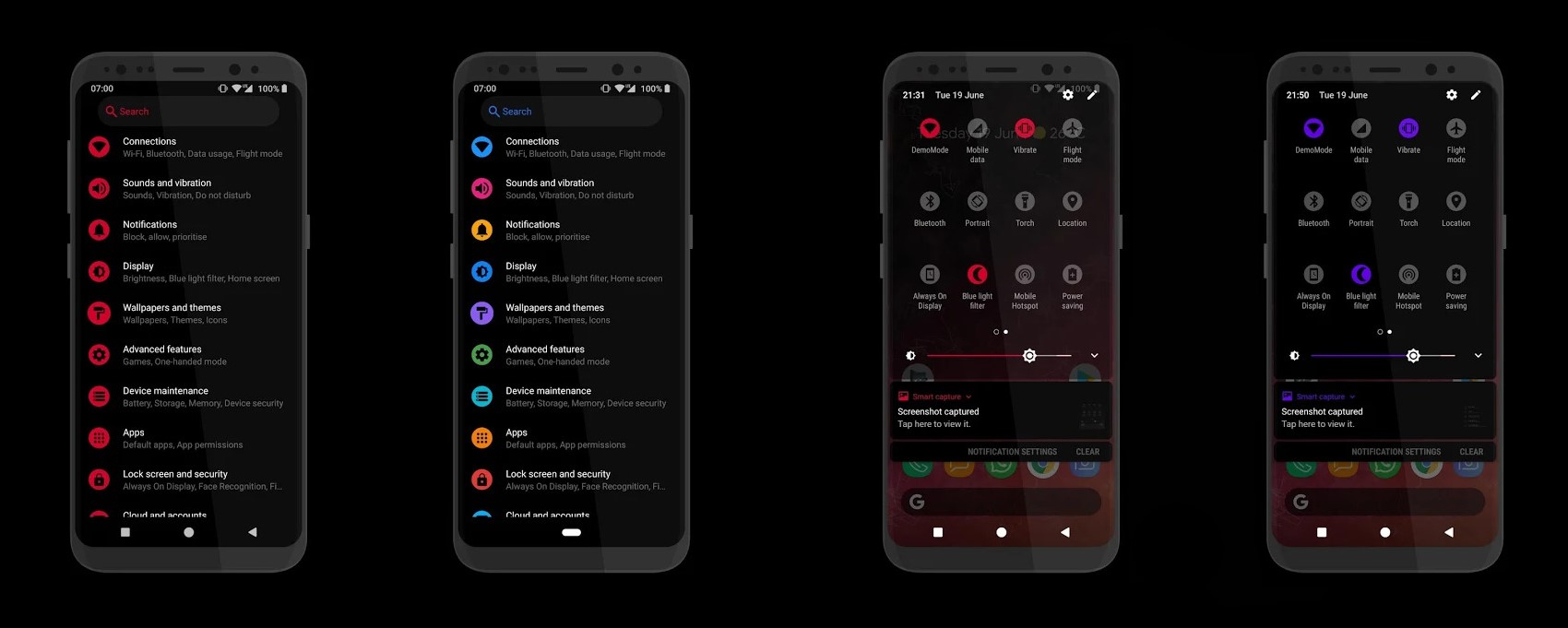
Victory is a great dark theme with different color accents that look cool on AMOLED screens. If you love the simplicity with beauty, you’ll love the elegant look the theme offers. It offers both light and dark themes and there are some other settings to tinker around with as well. These include quick settings icons size and the icon sizes in Settings. All of this will cost you $1.91.
[googleplay url=”https://play.google.com/store/apps/details?id=it.folgore95.viktoria”/]4. Transparent
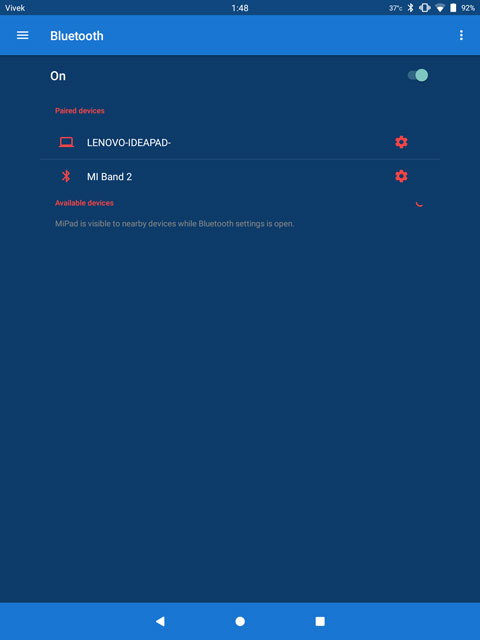
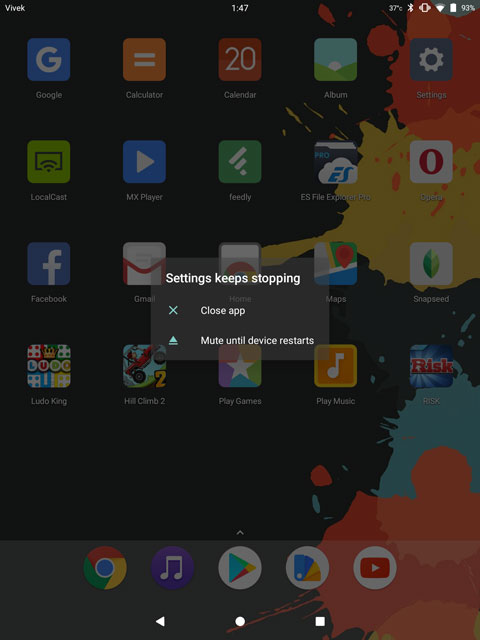
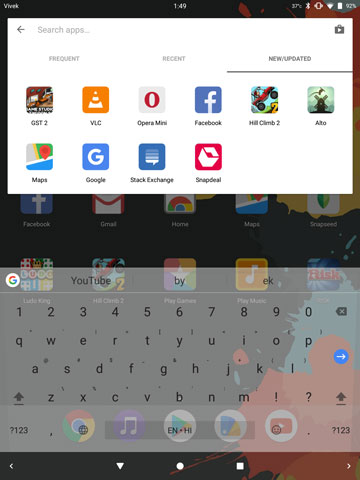
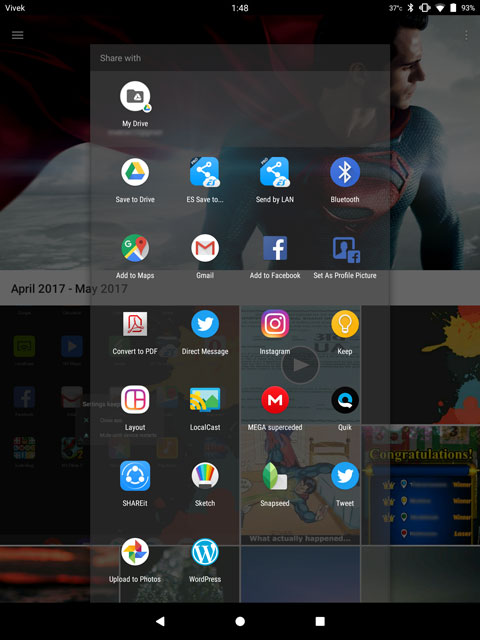
Ever since Windows 7 proved transparent themes can be a thing, it has been in demand quite a lot on every other platform, including Windows. Transparent themes can be tricky to implement but when done right is nothing short of gorgeous to look at. The story continues here with the Transparent substratum theme.
This Transparent theme allows users to select a theme color, an accent color and also whether or not they want borders around menu items, and also border styles. There is quite a lot you can get for $1.09.
Although, as I said, transparency can be tricky. In the screenshots above you can clearly see that. There’s a good chance you may face issues with the theme. It’s a good thing Google makes it easy to get your money back.
[googleplay url=”https://play.google.com/store/apps/details?id=com.spada.transparent”/]5. Pitch Black
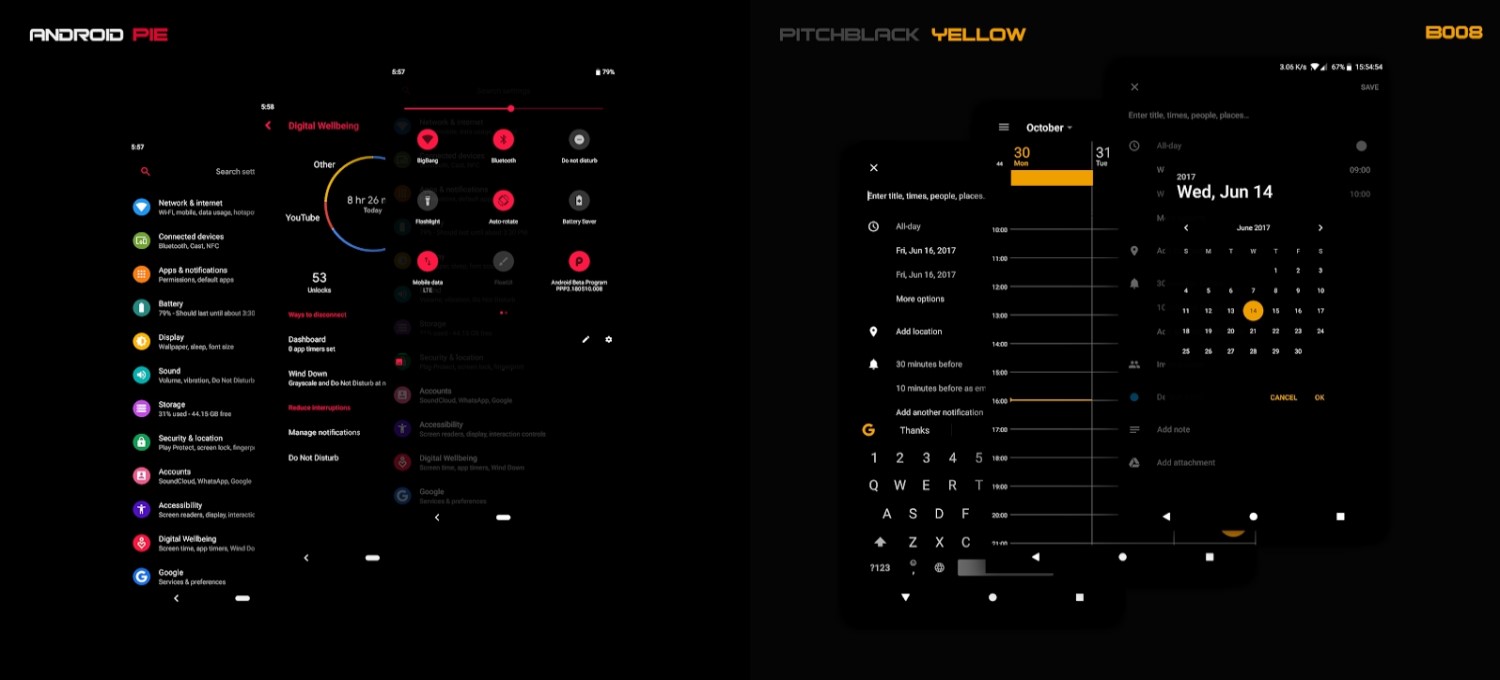
Pitch Black is one of the best-selling paid Substratum themes for Android, thanks to the minimal style and the variety of options. First of all, the available accent colors can create up to 130 unique combinations. In addition to that, black backgrounds can also be exceptionally battery friendly. With this in mind, thanks to the number of apps which the theme supports, you’ll find your battery life improving by a significant margin.
[googleplay url=”https://play.google.com/store/apps/details?id=pitchblack.origins.westcrip”]


Join The Discussion: