
Welcome to the latest round-up of DroidViews Weekly. There are tons of apps and games in the Google Play Store and hundreds are added every day. Although we, at DroidViews, try our best to cover all the amazing Android apps and games on a daily basis, we cannot review each and every one of them.
That’s why we have started this section where we will share with you 5 new/old/recently updated awesome Android apps and games which we find useful and fun but were not able to share with you earlier.
This week’s edition features a clean & minimal gallery app, one of the best offline music players, an app to unsubscribe from unwanted emails, and two more amazing Android apps for you to try.
5 Amazing Android Apps
1. Memoria Photo Gallery
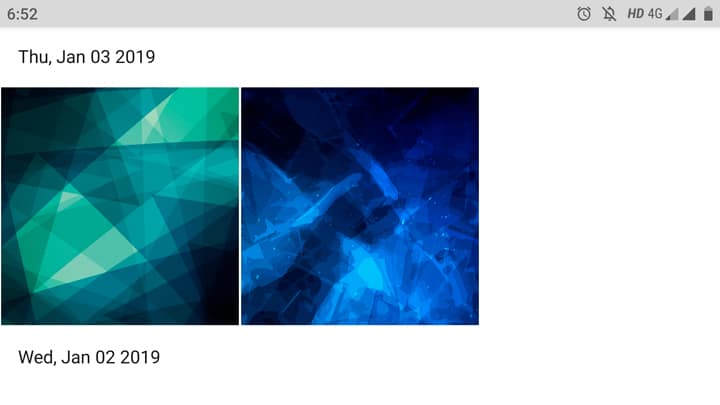
As more and more people move to cloud services, focus on apps for dealing with local files is somewhat declining.
There are a ton of gallery apps on the Play Store that helps you manage your locally stored photos, but all the ones that I’ve come across over the years just haven’t been perfect. That is until I received an email from one of my favorite icon designers, Vertumus, that he has launched a gallery app. Being a fan of his work, I had to check it out. And, within fifteen minutes I bought the premium version of this awesome app.
Memoria looks stunning. With an all-white theme & amazingly implemented material design, this is the most visually pleasing Gallery app I’ve ever used. It is fast, smooth, secure, and offers lots of customization and organization options.
The free version of Memoria has limited features and serves ads, and the pro version costs only a dollar.
[googleplay url=”https://play.google.com/store/apps/details?id=com.memoria.photos.gallery”]2. Musicolet Music Player
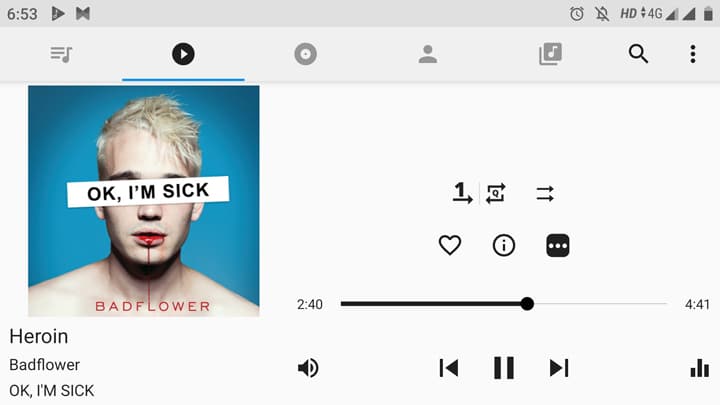
Although we briefly mentioned Musicolet back in 2017, the app has changed a lot ever since. With the recent version four update, I’d say it is the best music player for Android at the moment. So, what’s so special about it? Well, first of all, it is totally free to use and shows no ads. With the number of features it offers, that’s something totally unexpected.
Musicolet has a minimal design and offers easy navigation through tracks, albums, artists, and playlists. It includes all the basic features like tag editor, embedded lyrics support, Equalizer, folder browsing, sleep timer, etc.
The USP of Musicolet are queues. You can create multiple queues and manage them while listening to songs from another queue. You can create a maximum of 20 queues.
[googleplay url=”https://play.google.com/store/apps/details?id=in.krosbits.musicolet”]3. Cleanfox – Clean Your Inbox
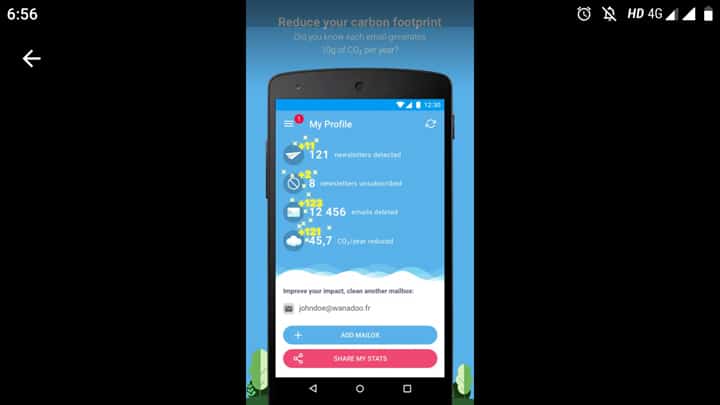
Email spam is one of the most annoying things in this digital day & age. Everyone receives hundreds of ads in the form of unwanted emails. Worry not though, there’s an easy way to deal with all the spam and be a part of team inbox zero.
Cleanfox is one of the easiest ways to unsubscribe from spammy newsletters. Once you install the app, you have to give it access to your email account & it will show all the sources to you are subscribed to via email. Next, just swipe left or right to delete that email or to unsubscribe from the source respectively.
[googleplay url=”https://play.google.com/store/apps/details?id=io.cleanfox.android”]4. UnApp
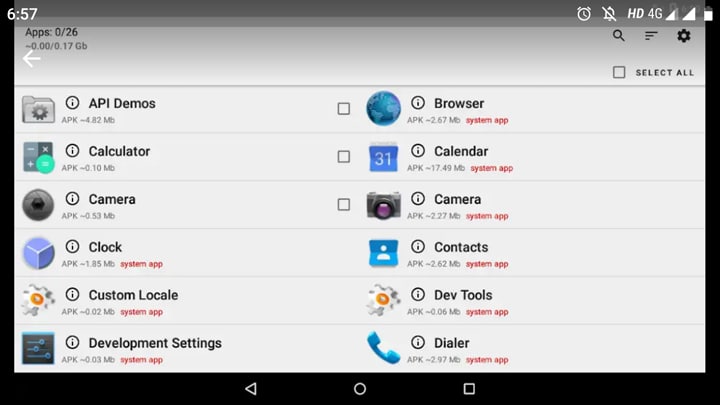
Ever been in a situation where you had to uninstall multiple apps? Honestly, this is something that I rarely encounter. The last time I had to do this was in early 2018 when I was uninstalling substratum themes. If you don’t know, some themes install individual packages for theming each app, which, depending on how many apps you have, could lead to more than fifty packages. And, uninstalling fifty apps individually is a drag. UnApp solves this exact problem. With this app, you can select multiple apps and uninstall all them in just a few taps.
[googleplay url=”https://play.google.com/store/apps/details?id=vladyslavpohrebniakov.uninstaller”]5. Instant Email Address
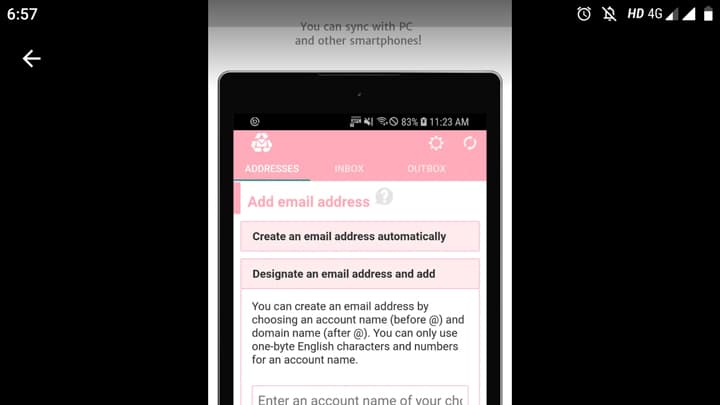
Carelessly submitting your email address everywhere results in receiving spam messages. Sure, you can use apps like Cleanfox to deal with them. But, as you know, prevention is always better than cure.
Instant Email Address helps you create disposable email addresses that you can use for different purposes without worrying about filling your personal email with junk.
When you launch the app, it generates a fake email. You can also create multiple disposable emails and manage them using the app.
[googleplay url=”https://play.google.com/store/apps/details?id=air.kukulive.mailnow”]


Join The Discussion: