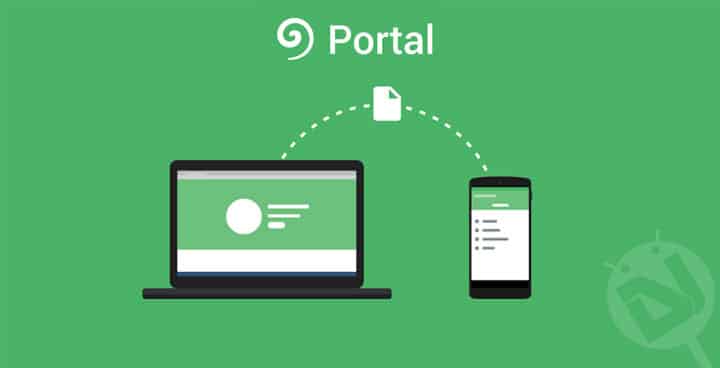
Moving files from your PC to your phone can be quite an annoying experience, especially if you’re into flashing ROMs (as you may end up doing this quite frequently). Fortunately, a new app from Pushbullet allows you to share files even quicker, and it’s called “Portal”.
The thing that surprised me was how easy it was to do all this! As long as you’re on the same Wi-Fi network as your PC, all you have to do is install the app (link at the end of the article), and just go to portal.pushbullet.com from your web browser. You can drag and drop the files and they instantaneously appear on your phone screen. But don’t just take my word for it, take a look at the video from Pushbullet’s YouTube channel below:
The best thing about this, is that it works with files over 1GB in size. This makes this a perfect tool for moving ROMs or even any movies or TV shows before a long journey. I’m really impressed with how quick this works and how refined it is compared to the older file sharing method using the Pushbullet app. Since this happens over Wi-Fi it is also very quick, and won’t eat up any of your Mobile data.
Overall, this app is absolutely fantastic and I thoroughly recommend it to anyone moving files from their PC to their phone- although it is slightly buggy for some users now, these bugs should be fixed soon. You can get Portal for free in the Play Store for devices with KitKat 4.4 and higher.
[googleplay url=”https://play.google.com/store/apps/details?id=com.pushbullet.android.portal”]


Join The Discussion: