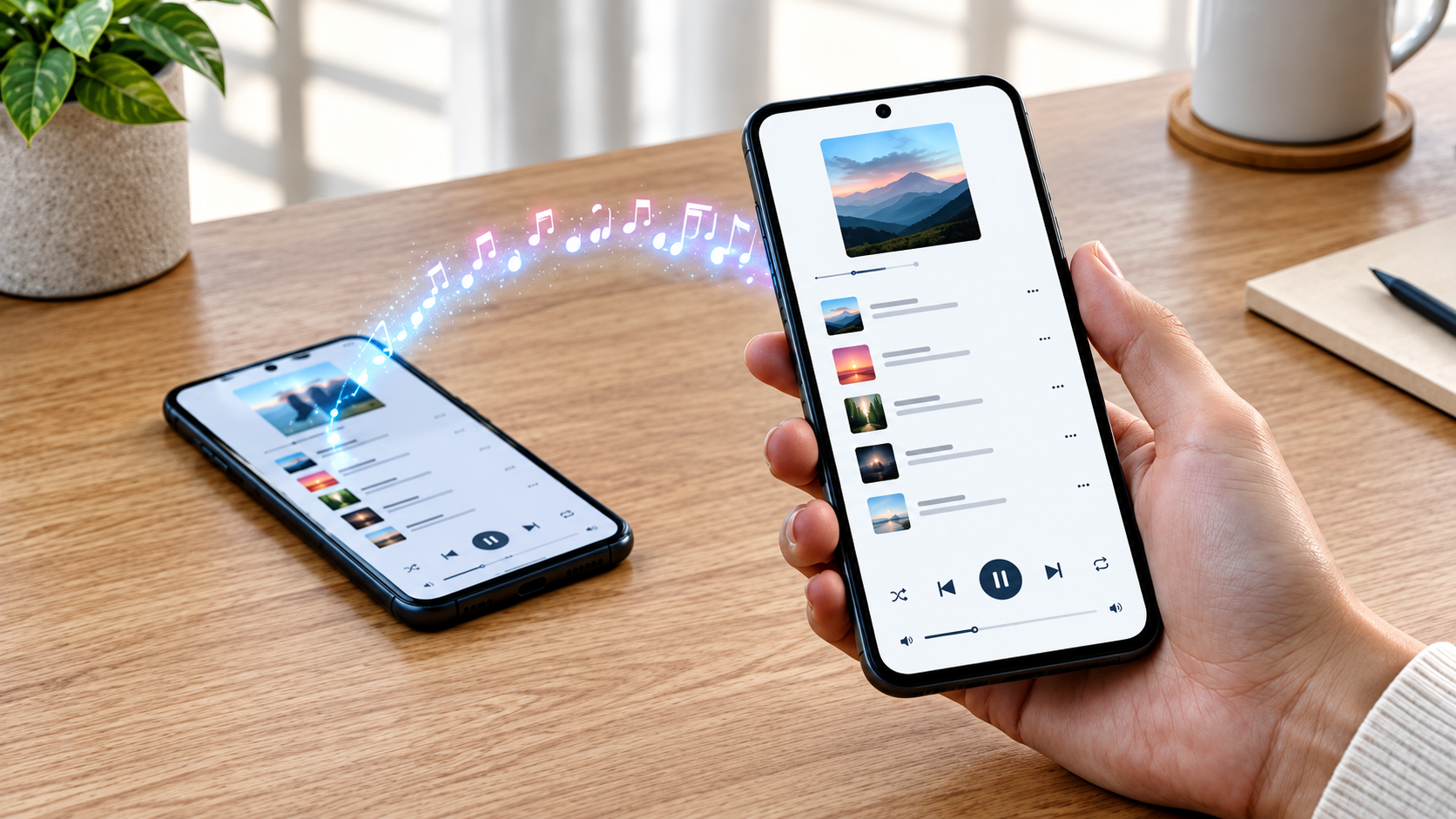
Transferring a music collection from one application to another does not necessarily mean starting again from scratch. Users wanting to shift a Spotify playlist to YouTube Music on Android can either create a new one through the YouTube Music app or rely on an online service capable of matching the tracks from both accounts in order to save the time required for the manual process.
Keep in mind that the transfer service merely duplicates Spotify playlists into YouTube Music and does not remove playlists or songs from Spotify in this regard. Given that track libraries may differ from each other, the newly transferred playlist should definitely be double-checked for missing songs, duplicates, or wrong versions.
What Is Transferred, and Why Would You Need to Use It?
The playlist transfer is able to copy track selections (and possibly their names and order, depending on the transfer method). Note that the manner of transfer should also affect the output of the process. Some users prefer YouTube Music because it integrates with their common YouTube experience or because they would rather have their music library and video music exploration in a single app.
Why Is YouTube Music Attractive for Spotify Users?
YouTube Music is a combination of a streaming library and music videos, as well as legal and unofficial versions from YouTube. This feature is appealing to users in search of live performances, covers, and recordings that are hard to find among regular streaming catalogs.
Using the app, people can access their playlists organized in their Library, where they can keep and listen to saved music. Existing YouTube users may continue listening in a single environment without mastering new interfaces or accounts.
What Can Be Transferred in Playlists and Liked Songs?
A transfer service, such as the spotify to youtube playlist service by Paradify, enables the transfer of Spotify playlists to YouTube Music, including the playlist title and order, provided the transfer tool has access. Some services also enable the migration of liked songs and saved albums and artists. The selection of items available for transfer may differ between transfer services, so it is advisable to check which options are available on the selection screen.
The items being transferred will appear in the library of the new service, but the originals on Spotify will remain intact. No automatic synchronization between the two libraries will take place, which means that changes made to one playlist will not be transferred automatically to the other. In case a playlist undergoes constant changes, an independent mechanism for updates may have to be established.
Reasons for Missing and Inaccurately Matched Tracks
A transfer application searches the destination service’s catalogue to find a match according to the song title and artist’s name. Yet, some matches may fail due to licensing, catalogue entries, or differences in metadata.
For instance, a live performance might be confused with the studio version, a clean version might be mistaken for the explicit one, or remastered recordings might have a different name. Using the match report can also show which tracks were not transferred or were mismatched.
How to Re-create a Playlist in YouTube Music on Android
The manual approach can be applied either to a short playlist or to a playlist that requires meticulous checking. The user must create a new playlist in the YouTube Music application and search for tracks on Android, adding matching tracks to the new playlist based on their titles and artists’ names.
Searching for Tracks and Adding Them to a Playlist
On YouTube Music, the user can find a track, open the menu, and select the option to add the track to a playlist. It is possible either to create a new playlist from the menu or to add the song to an existing playlist. The newly created Spotify playlist will be available in the library once it is created.
To find the appropriate track, it is recommended to search using the song title and the artist’s name at the same time. The existence of many search results can be dealt with by searching for additional information, such as the album and version of the track, as well as the warning that the song may contain explicit content. The process is lengthy since the tracks have to be added one by one, but it makes it possible to ensure accuracy.
Using a Web-Based Application for Transferring Playlists
A web-based application for transferring playlists is capable of moving music from different music accounts by transferring the music catalogue. Similar to the regular application, the web-based service makes use of two steps: granting permission to access the two accounts and selecting the transfer option.
Link Your Spotify Account With Your YouTube Music Account
The user opens the migration service on a mobile browser or on a computer and selects Spotify as the source and YouTube Music as the destination. Each account must be verified through the relevant authorization process before being able to access information about the tracks selected for migration.
The application permissions must be checked before acceptance. The migration service may ask for permission to access the playlists in the destination library. After the migration has been completed, the user can check the permissions of connected applications in the settings and, if needed, revoke them.
Select the Playlists and Follow the Migration Report
As soon as both accounts have been connected, the user will need to select the playlist or playlists to be transferred.
The report shows the number of transferred, skipped, and matched tracks. The user will need to pay attention to the skipped tracks and the songs with a different title or version. It can help in analysing the work done, though verification by reviewing the playlist in the Android app will still be necessary.
How to Review and Correct Your Playlist on Android
The transferred playlist will need to be quickly analysed in YouTube Music to see whether there are any discrepancies in terms of quantities and matches. Doing this through the mobile device will help verify that the playlists are available in the account and play normally.
Make Sure the Track Count and Order Match
Open the playlist from the Library and compare the number of tracks with the original in Spotify. A lower number of tracks might indicate that some were unavailable; a larger number points to duplicates.
Search for the Missing Tracks and Correct Titles
For a skipped title, look for its name in YouTube Music and check the album where you can find it. If the track itself is not available, you can use an alternative version for your purposes. It is also possible not to include the track in the playlist if none of the options suit your needs.
A Quick Review Will Help You Keep Your Playlist
The migration service makes life easier, but rebuilding the playlist manually brings greater accuracy.
Frequently Asked Questions
Is It Possible to Switch Spotify Playlists to YouTube Music Without Paying Any Fee?
Certain online applications have a free option for the transition process. However, in such cases the features or limitations of the items that can be transmitted differ for each service. There is a way of rebuilding everything manually in the app and not using the service, but in this case the user will have to add the songs to the playlist one by one.
Can I Expect to See All My Liked Songs Moved to YouTube Music With Spotify Playlists?
Liked songs can be transferred only if the selected option has an enabling feature. A typical transfer process does not mean that liked songs will be included as well. It is important to check this point during the transferring.
Why Do I Have Missing Titles After the Transferring Process?
A song title can be missing because it is not listed in YouTube Music database or it is impossible to find all the details about it in the YouTube Music database.
Join The Discussion: