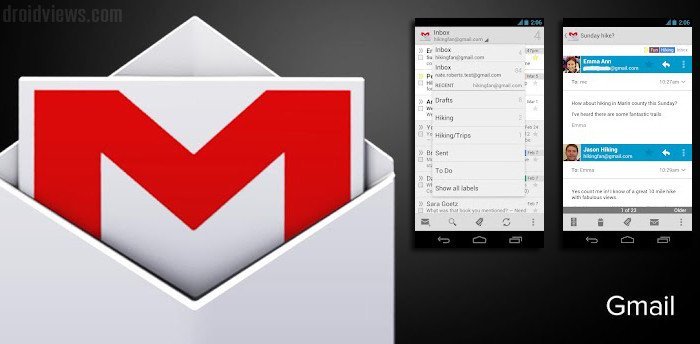
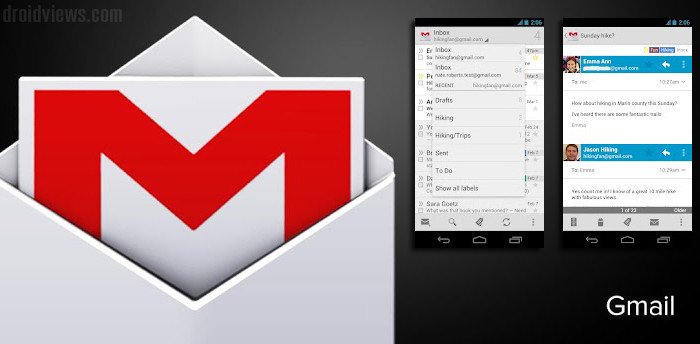
Have you been using the leaked Gmail app to enjoy features like pinch-to-zoom etc? Well, the leaked app is not a necessity now since Google makes the official release for the same to the public via the Play Store.
You would not need to update your device to Jelly Bean for using the app, Google has already dragged down the API level so that people using Ice Cream Sandwich 4.0.x can also avail these amazing features, hats off to Google for that! While on the same hand, there are performance improvisations for Froyo and Gingerbread. Lets hit to what comes new with this upgrade of Gmail.
For Android 4.0 (Ice Cream Sandwich) and up:
- Auto-fit messages to screen and message zooming (pinch-to-zoom): Enable “Auto-fit messages” in the General settings menu to enable the pinch-to-zoom feature.
- Swipe messages to archive or delete
- Attach photos and videos from within Gmail
- Larger photo previews and gallery view for photo attachments
- Other Bug fixes and performance improvements
Android 2.2 and up:
- New Labels API for 3rd-party app developers
- Performance improvements
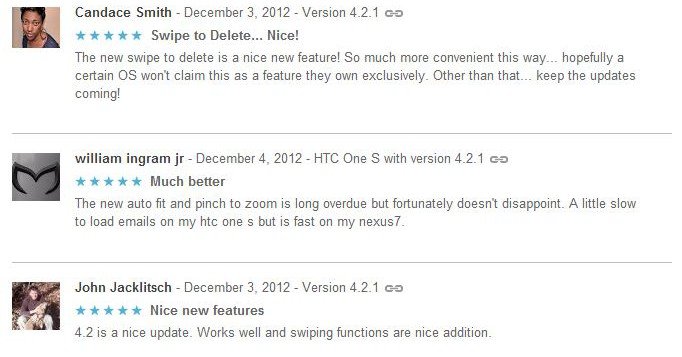
Isn’t it amazing too that these features are now available for all the device running 4.0+
How to Install?
- If you already have it installed on your device then, you must get a Play Store update notification or if not then you can simply visit the Gmail Play Store page to download it on your Android smartphone.
- Or you can simply download com.google.android.gm.apk by clicking here and Install it on your device as a normal Android application.
Isn’t it nice to feel the update on hands? Give us your feedback and views about this update. It’s valuable to us.
Read Also: 7 Best Android Auto Alternatives to Use in Your Car



Join The Discussion: